The best knowledge base for SaaS teams in 2026 depends on whether your audience is external customers, internal teams, or both at once. The eight platforms that come up in real evaluations are HappySupport, Help Scout, Document360, Intercom (Fin), Gleap, Helpjuice, Notion, Stonly, plus ProProfs Knowledge Base on the broader shortlist. Each combines AI powered enterprise search, knowledge base articles, search functionality, and seamless integration with existing tools (Slack, Salesforce, Google Docs, GitHub). The wrong tool for the wrong audience is the most common buying mistake in this category. Customer support teams need a comprehensive knowledge base that doubles as a customer self service portal; technical teams need internal knowledge management software with version control and code snippets; project management workflows need a knowledge platform that supports project tasks alongside support articles.
SaaS businesses shipping software weekly face a unique constraint: most knowledge management platforms assume a human keeps articles up to date. For lean SaaS teams without dedicated documentation owners, that assumption breaks within a quarter. This guide ranks knowledge management tools for the SaaS context specifically. We cover the eight platforms by category fit, score them on disclosed dimensions, and explain when each one wins.
The data behind this guide: 91% of users prefer self-service options like knowledge bases (Coleman Parkes Research). Implementing a knowledge base can accelerate employee onboarding by 82% (Brandon Hall Group research on strong onboarding). Knowledge bases can reduce service volume by 20-40% on Average Handle Time across mature deployments. Employees spend an average of 3.2 hours daily searching for information across multiple systems (industry research; McKinsey's primary 1.8-2.5 hours/day figure is often the underlying source). Knowledge management software can reduce search time by up to 35% (McKinsey, The Social Economy report). The economics make the category necessary; the choice of platform is what decides whether the ROI materializes.
| Rank | Tool | Composite | Standout |
|---|---|---|---|
| Best overall for SaaS | HappySupport | 8.5/10 | Customer-facing KB kept current via DOM/CSS recording plus Git Handoff update proposals, with ticket inbox and AI chat (customer AI answers from Professional). Flat from 129 EUR/month, EU hosted. |
| Best SMB support team | Help Scout | 7.6/10 | Shared inbox plus Docs. Standard $20/user (verified). AI Answers $0.75/resolution with 73% deflection. |
| Best structured external KB | Document360 | 7.3/10 | Multi-language support, Ask Eddy AI, approval workflows. Document360 features a powerful markdown editor for documentation. |
Editor picks
How we ranked these knowledge base tools for SaaS
The evaluation runs on a five-step process. Feature verification, live screenshot capture, review aggregation, customer conversations, structured scoring. Five dimensions weighted by what drives long-term value for SaaS specifically.
- SaaS maintenance fit (35%). Does the platform stay synchronized with weekly product releases?
- Integration with existing knowledge base and existing tools (20%). Slack, helpdesk, GitHub, Salesforce, Google Docs.
- Pricing transparency (15%). Are tiers visible without a sales call?
- AI capabilities and search functionality (15%). AI-powered enterprise search, intelligent content suggestions, instant answers.
- Customer self service polish (15%). External-customer experience, custom branding, SEO-friendly knowledge base, multi-language support.
Quick verdict at a glance
| Tool | Pricing | Best fit | Founded | Last pricing change |
|---|---|---|---|---|
| HappySupport | 14-day free trial, then flat from 129 EUR/mo (Pro 399, Scale 899) | Weekly-shipping SaaS, customer-facing | 2025 Stuttgart | Stable since launch |
| Help Scout | Free, Standard $20-25, Plus $45, Pro $75 | SMB support team plus Docs | 2011 Boston | AI Answers add-on $0.75/resolution |
| Document360 | Quote-only (Startup 50% off) | Structured external KB at scale | 2017 Chennai | Quote-only pricing since Nov 2024 |
| Intercom Fin | Help Desk plans + $0.99/resolution Fin | PLG SaaS already on Intercom messenger | 2011 Dublin | Fin pricing model 2023, refined 2025 |
| Gleap | Starter $49/mo, Team $149/mo, Pro $299/mo (annual), Enterprise from $999/mo | Feedback + KB + Kai AI in one | 2020 Austria/Vienna area | Kai AI launched 2024, expanded 2025 |
| Helpjuice | Knowledge Base $249/mo, AI-Knowledge Base $449/mo, Unlimited $799/mo | Standalone KB with analytics | 2011 Miami | Paid plans start $249/30 users (verified) |
| Notion | Free, Plus $9.50, Business $20, Enterprise custom | Notion-native SaaS teams | 2013 San Francisco | AI standalone retired May 2025 |
| Stonly | Free Basic after trial, Small Business and Enterprise on request | Interactive guides + self-service KB | 2019 Paris | AI workflows expanded 2025-2026 |
What is a SaaS knowledge base?
A SaaS knowledge base is a knowledge management platform that serves both customer support and internal knowledge management for software-as-a-service companies. It combines an external knowledge base (customer-facing articles, troubleshooting guides, technical documentation) with internal documentation (user manuals, project tasks, support team runbooks). Modern platforms include AI-powered enterprise search, suggest relevant articles based on context, and offer intelligent content suggestions to authors. The category covers external knowledge bases (Help Scout Docs, Document360, Helpjuice, HappySupport) and internal knowledge bases (Notion, Slite, Guru, Confluence). External KBs often include SEO optimization and analytics features; internal KBs focus on team collaboration and version control.
External vs internal knowledge bases for SaaS
External knowledge bases serve unlimited users (customers, prospects) and need SEO friendly knowledge base structure, custom branding, multi-language support. Internal knowledge bases serve customer support teams and technical teams; the audience is finite, the breadth requirement is higher (cross-tool search across Slack, Google Docs, GitHub), and team collaboration features matter more than polish. Most SaaS businesses end up running two platforms: one for the external help center, one for the internal wiki, with knowledge base articles flowing between them.
The maintenance question that decides everything
SaaS teams ship weekly. Knowledge base articles age within 12 weeks. AI-powered search on top of stale content produces confidently wrong answers. The maintenance question is the load-bearing failure mode in this category. Tools that detect drift automatically (HappySupport via DOM/CSS recording + Git Handoff; Guru via verification workflow; Document360 via Knowledge Pulse module) preserve long-term value. Tools that assume a human keeps articles current (Notion, Helpjuice, Bloomfire) require a dedicated documentation owner. Pick based on whether you have that owner.
The eight knowledge base tools for SaaS ranked
1. HappySupport
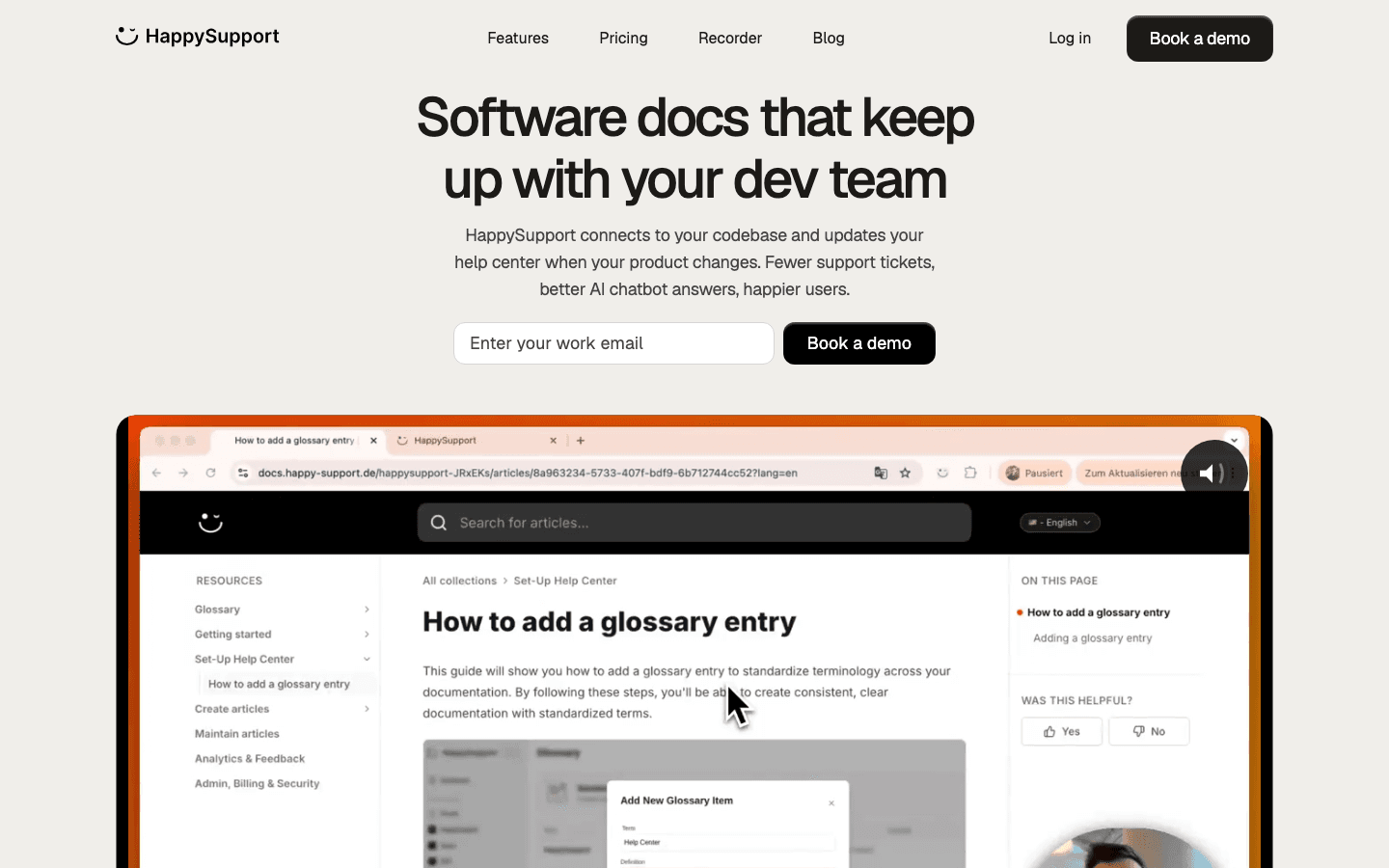
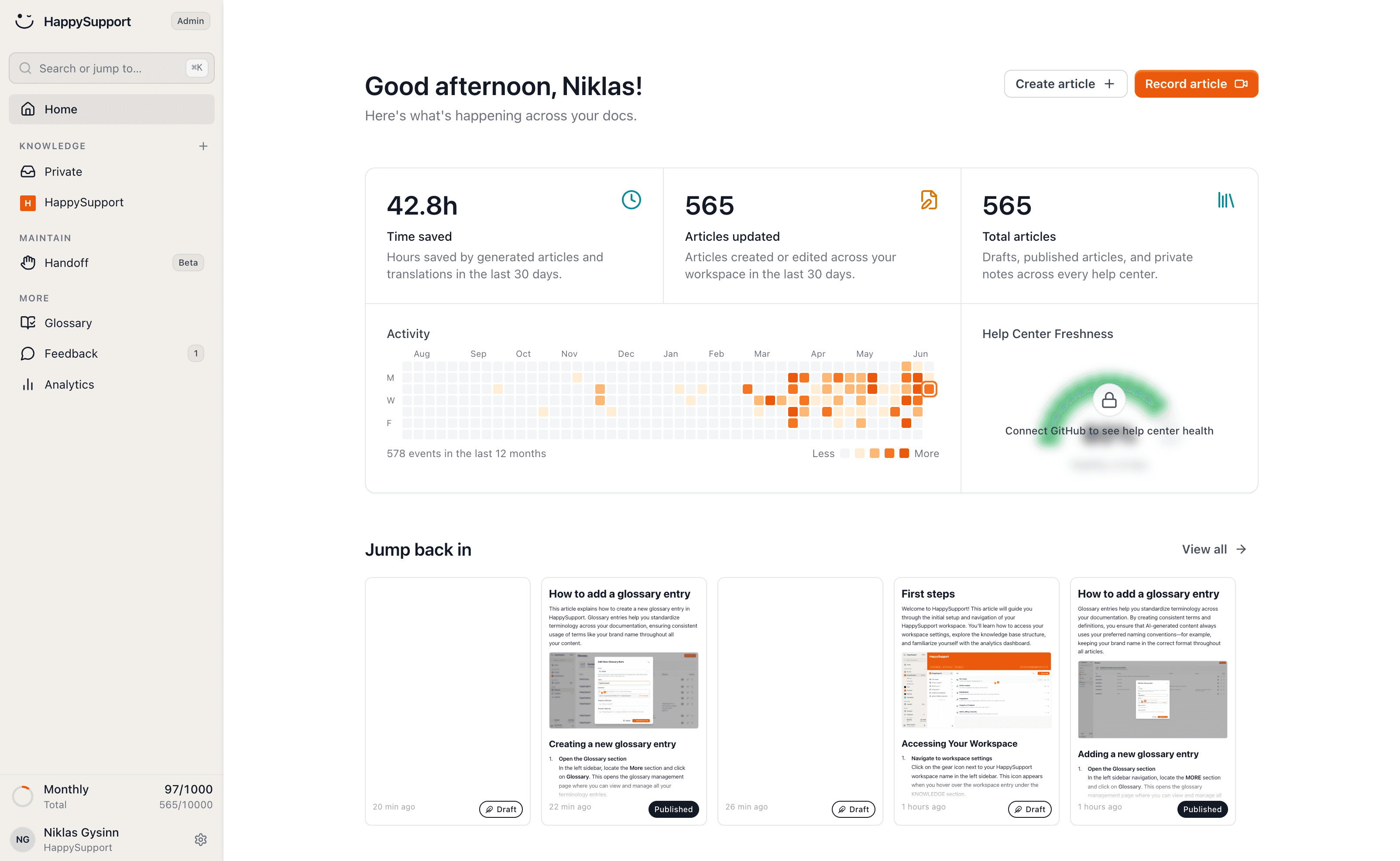
Founded 2025 Stuttgart by Niklas Gysinn. Pre-Seed. The customer-facing AI knowledge base built around maintenance, with AI chat, ticket inbox and in-app widget fed by the same articles. The HappyRecorder captures UI as DOM and CSS selectors; Git Handoff reads code changes in the connected repository and turns them into proposed updates for the affected articles, which the team reviews before publishing. Composite 8.5/10.
HappySupport closes the maintenance gap structurally. DOM and CSS recording + Git Handoff + a help widget with article search inside the product. Hosted on EU infrastructure (AWS Frankfurt, Netcup Germany), with a DPA and no AI training on customer content; AI features are processed by OpenAI (USA) under the EU-US Data Privacy Framework. Translations update automatically (1, 5 or 10 additional languages by plan); custom domain and branding, customer AI answers, Git Handoff and health audits start on Professional. Slite's pricing starts at $8 per user per month; Notion's Team plan starts at $8 per member per month; Confluence pricing starts at $5.50 per user per month; Helpjuice's paid plans start at $249 per month for 30 users. HappySupport sits between those tiers with flat plans from 129 EUR/month (Professional 399 EUR/month) and no per-seat pricing.
Pricing tiers
| Tier | Price | What is included |
|---|---|---|
| Starter | 129 EUR/month flat (after a 14-day free trial) | 50 active articles, 1 Help Center, 1 user, 1 additional language, help widget with article browsing and search, HappyRecorder, AI writer and editor, Felix AI agent, URL redirects, MCP server. No customer AI answers. |
| Professional | 399 EUR/month flat | 300 articles, 3 Help Centers, 5 users, 5 additional languages, 250 AI answers per month, password protection, glossary, Git Handoff and code search, health audits with AI fixes, custom domain and branding |
| Scale | 899 EUR/month flat | 750 articles, 5 Help Centers, 10 users, 10 additional languages, 1,000 AI answers per month, app authentication and SSO, in-app banners, audience targeting. Guided in-app tours marked "Soon". |
Best for: SaaS businesses shipping weekly without a documentation team.
Skip if: Not web-based, no code in a GitHub, GitLab or Bitbucket repository, or you need 100+ connector enterprise search like Glean.
2. Help Scout
Founded 2011 Boston by Nick Francis, Jared McDaniel, Denny Swindle. Bootstrapped. 12,000+ customers. Help Scout's Standard plan starts at $20-25 per user/month (annual versus monthly), with Plus at $45 and Pro at $75. Zendesk Guide is best for customer support teams needing integration with the broader Zendesk Suite; Help Scout is the lighter alternative. Composite 7.6/10.
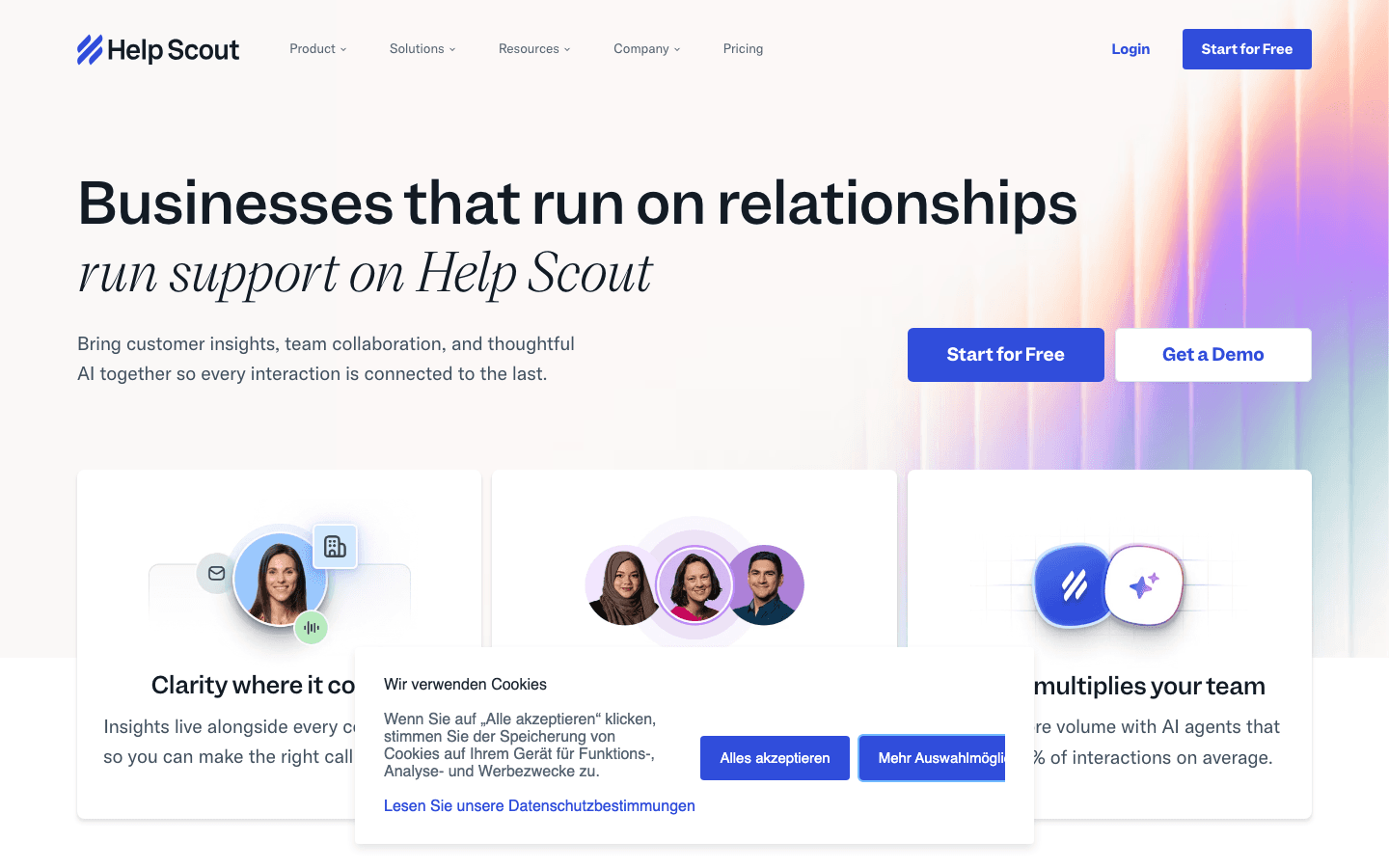
Help Scout's strength is the customer-centric UI plus AI Answers as the customer-facing chatbot. Brain.fm reports under 1 hour average response time with 95% customer happiness; Litmus saw 26% retention boost; OnePageCRM saw 50% support workload reduction through automated workflows; Switcher onboarded in 24 hours versus 6 months with prior competitor. AI Answers resolves up to 73% of common questions on average. Weakness: Docs module is intentionally simple; teams needing advanced approval workflows move to Document360. Help Scout's paid plans start at $20/user/month (annual).
Help Scout: Pricing tiers (June 2026)
| Tier | Price | What is included |
|---|---|---|
| Free | $0 | 5 users, 1 Inbox, 1 Docs (knowledge base) site. Entry-level offering. |
| Standard | $25/user/month (monthly); ~16% discount on annual | Up to 25 users, 2 Inboxes ($10/mo each additional), multiple knowledge bases (Docs sites), 1 basic SLA, basic workflows (150 limit), unlimited tags and saved replies, AI Inbox assi |
| Plus (most popular) | $45/user/month (monthly); annual discount available | Up to 50 users, 5 Inboxes, 2 advanced SLA policies, advanced workflows (500 limit), unlimited AI Drafts, round-robin routing, Salesforce/Jira/HubSpot integrations, WhatsApp, intern |
| Pro | $75/user/month (monthly); annual discount available; 10-user minimum | Unlimited users (min 10), 10 Inboxes, unlimited workflows and SLAs, multiple routing types, SSO/SAML, HIPAA compliance add-on, up to 50 light users, dedicated onboarding specialist |
| AI Answers add-on | $0.75 per resolution; 3 months free trial with unlimited resolutions | Customer-facing chatbot in Beacon widget. Resolves up to 70% of common questions (vendor cites 73.19% average resolution rate). Supports 50+ languages, brand tone control. Learns f |
Best for: SMB support teams that want a clean shared inbox plus customer self service Docs without enterprise complexity. Zendesk Guide is best for customer support teams needing deep Zendesk integration; Help Scout is the alternative for teams not on Zendesk.
Skip if: You need approval workflows, deep version control, or enterprise governance beyond Pro.
3. Document360
Founded by Saravana Kumar (Kovai.co). Document360 launched 2017; HQ London with engineering in Chennai. Document360 features a powerful markdown editor for documentation plus Ask Eddy AI. Pricing went quote-only in November 2024. Composite 7.3/10.
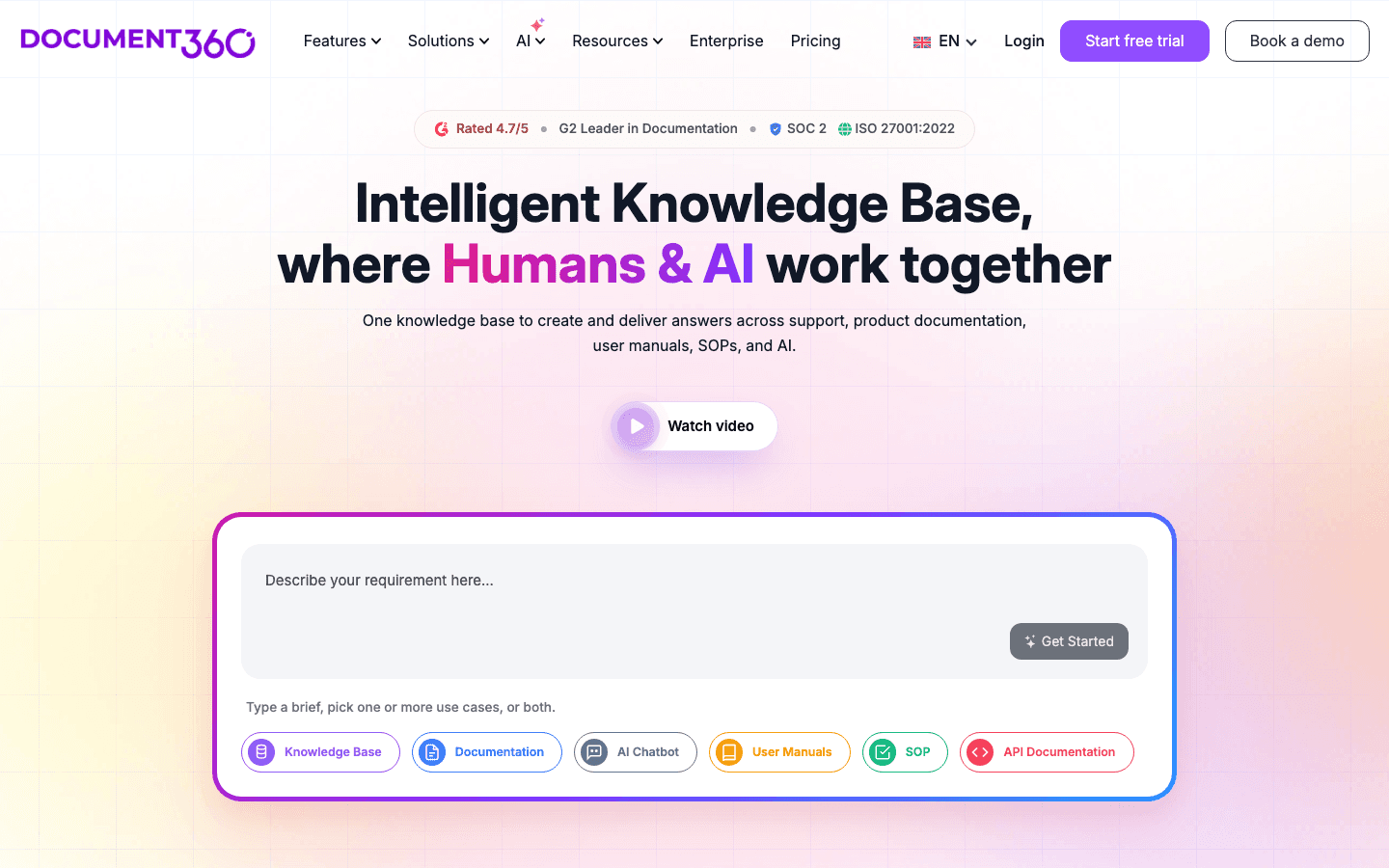
Document360 is best for SaaS teams whose primary need is a structured customer-facing knowledge base with version history, approval workflows, multi-language support, custom branding, and SEO friendly knowledge base URLs. The 50% Startup Program for Business/Enterprise (companies under 50 employees, less than $5M raised, accelerator or VC affiliation) makes the platform accessible to early-stage SaaS. Knowledge Pulse module (Nov 2025) adds partial drift detection. Customer references include Gong, Workspot, Insider, ClickFunnels, Natterbox.
Best for: SaaS teams with a dedicated technical writer needing approval workflows and multi-language support.
Skip if: Weekly product releases without a doc team or you cannot tolerate quote-only evaluation.
4. Intercom (with Fin)
Founded 2011 Dublin by Eoghan McCabe, Des Traynor, Ciaran Lee, David Barrett. Fin AI launched 2023. Intercom Help Center + Fin AI sits inside the Intercom messenger platform: existing Intercom customers can layer Fin on top of their existing knowledge base without re-platforming. Fin is priced at $0.99 per autonomous resolution on top of seat licenses. Composite 7.2/10.
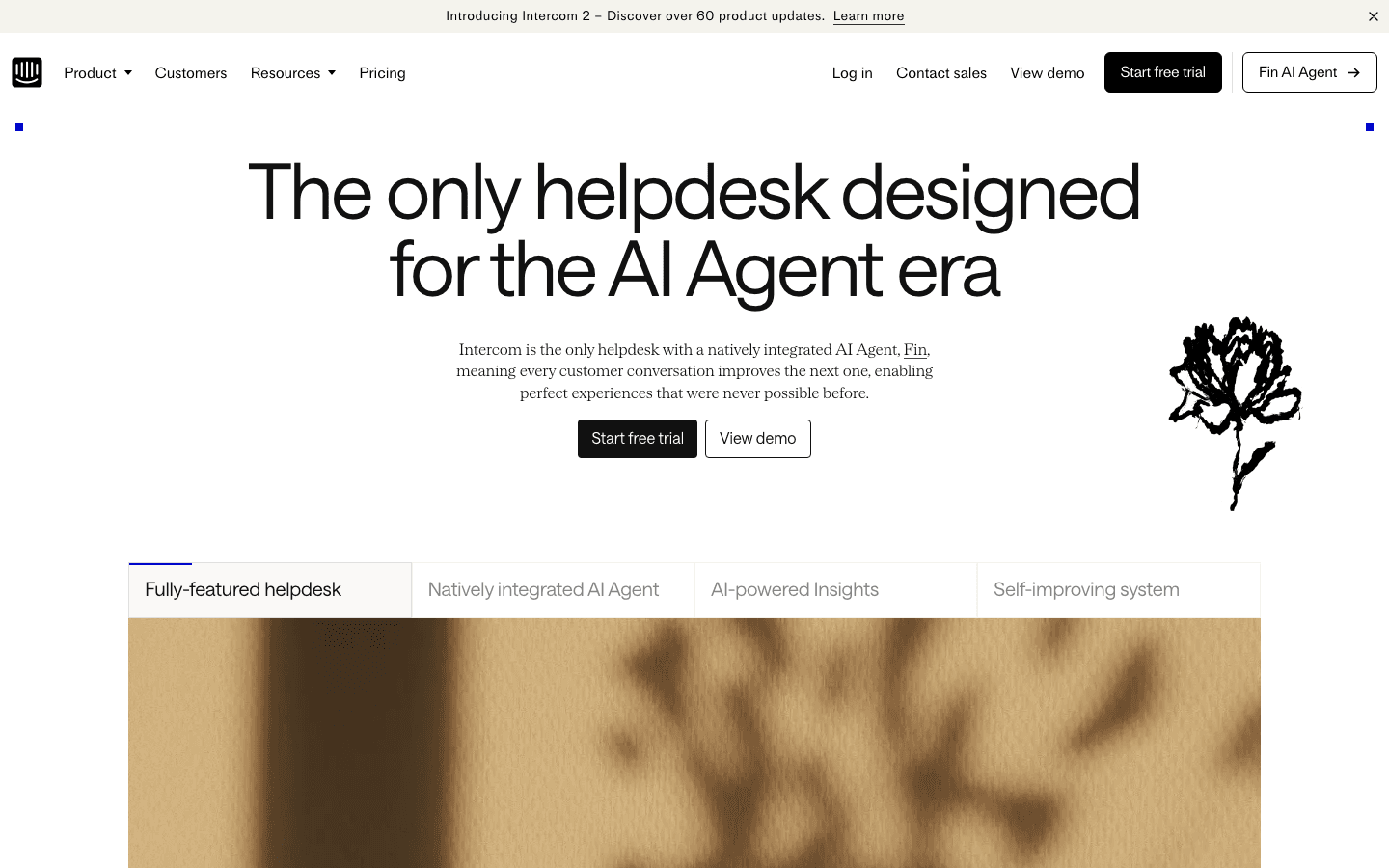
Intercom Fin's strength is autonomous resolution from your existing knowledge base. The per-resolution pricing model aligns incentives with deflection. Weakness: the underlying articles still need a human to keep current; Fin's quality is bounded by the help center quality. Intercom community threads in November 2025-January 2026 documented Fin "suddenly hallucinating" despite unchanged source articles, with consultants reaching the same conclusion: the grounding layer below the model is what fails when articles drift.
Intercom (with Fin): Pricing tiers (June 2026)
| Tier | Price | What is included |
|---|---|---|
| Essential | $29/seat/month | Messenger, shared inbox, ticketing, basic help center, Fin AI Agent available (billed per outcome) |
| Advanced | $85/seat/month | Advanced automation, multiple inboxes, workflow builder, 20 free Lite seats, Fin AI Agent available |
| Expert | $132/seat/month | SSO, HIPAA, SLAs, multibrand, 50 free Lite seats, Fin AI Agent available |
| Fin AI Agent (standalone, with existing helpdesk like Zendesk/Salesforce) | $0.99 per resolution, 50-resolution monthly minimum | AI agent across chat, email, SMS, WhatsApp, social, and voice; knowledge ingestion from help center, public sites, PDFs, Confluence, Notion, Guru; charged only when Fin resolves end-to-end |
| Fin AI Agent (with Intercom platform) | $0.99 per resolution + $29/seat/month | Same Fin capabilities plus Intercom Messenger and inbox |
Best for: SaaS teams already on Intercom that want Fin AI's autonomous deflection on top of an existing knowledge base.
Skip if: Not on Intercom, you ship product weekly without a doc team (Fin's accuracy degrades), or you need self-hosted compliance.
5. Gleap
Founded ~2020 in Austria/Vienna. Gleap combines bug reporting, user feedback, knowledge base, and Kai AI (the autonomous AI agent) in one platform. The all-in-one approach makes Gleap a contender for early-stage SaaS that wants to consolidate feedback + KB + chatbot under one roof. Composite 6.8/10.
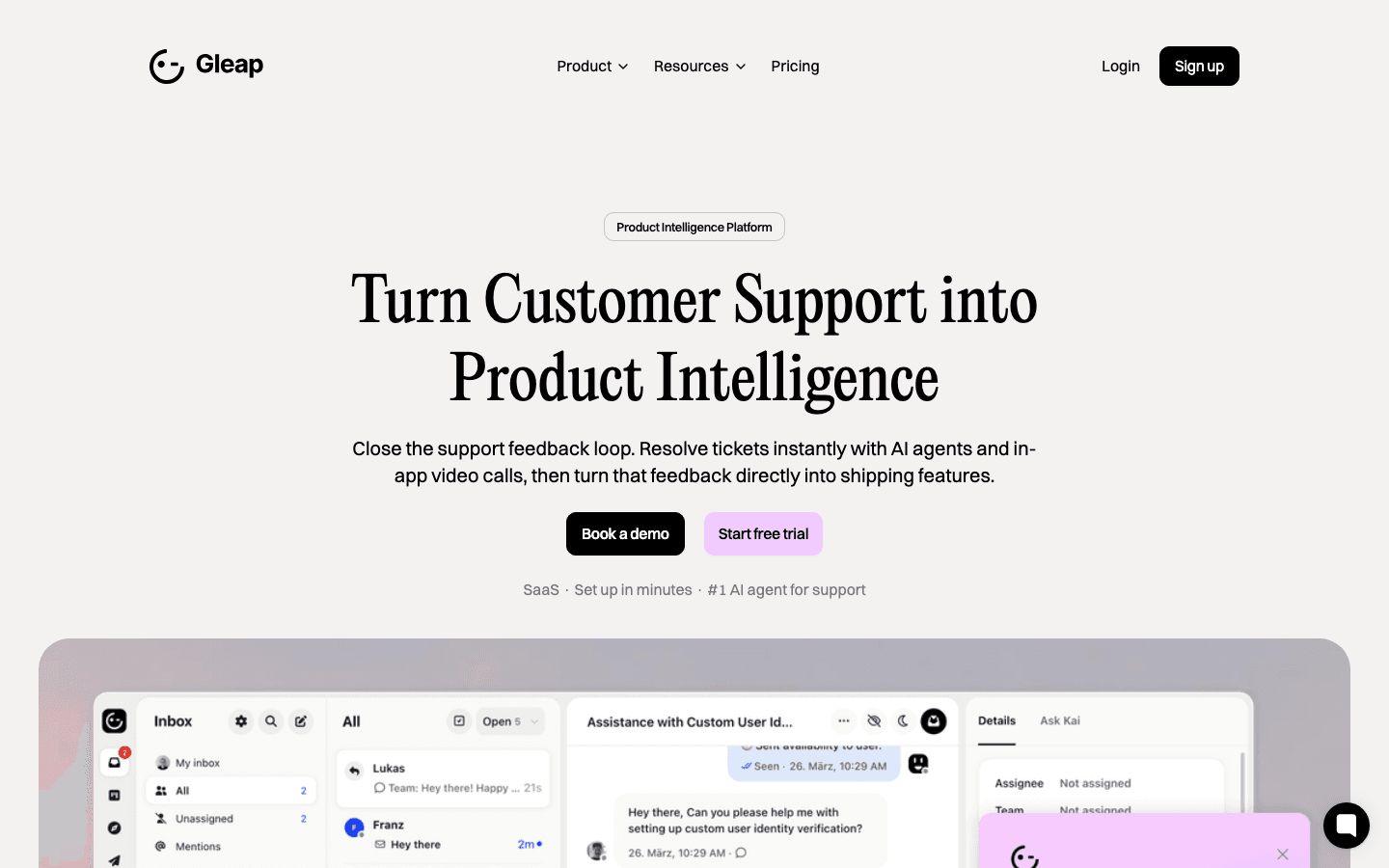
Gleap's strength is consolidation. Pricing starts at $49/month Starter (annual) with Team at $149/month, Pro at $299/month and Enterprise from $999/month. The Kai AI agent provides AI-powered enterprise search across the embedded knowledge base. Weakness: Gleap's KB module is less polished than Help Scout Docs or Document360 for pure documentation use cases. The platform is best when you also need bug-reporting and user-feedback collection in the same tool.
Gleap: Pricing tiers (June 2026)
| Tier | Price | What is included |
|---|---|---|
| Starter | $59/mo monthly, $49/mo on annual (20% off) | 1 team member, 1 project, shared inbox, in-app bug reporting, operating hours, public roadmap, knowledge base, reports. No AI features, no integrations, no API. |
| Team (Most Popular) | $179/mo monthly, $149/mo on annual (20% off) | Unlimited team members and projects, custom domain, third-party integrations, removed Gleap branding, all Starter features, AI features incl. Kai chatbot with multiple content source |
| Pro | $359/mo monthly, $299/mo on annual (20% off) | Team plan with higher limits; check the vendor page for the current feature split. |
| Enterprise | from $1,199/mo monthly, from $999/mo on annual (20% off) | Everything in Team plus API access, high-priority support, dedicated CSM, SLAs, SOC 2 Type 2 report, pay-by-invoice. Custom plans for apps over 100,000 MAU. |
| Startup Program | 50% off for 1 year (application-based) | Discount for qualifying early-stage startups. |
Best for: Early-stage SaaS teams that need bug reporting + feedback + KB + AI chatbot under one platform.
Skip if: Your primary need is a polished customer knowledge base portal or deep multi-language support.
6. Helpjuice
Founded 2011 Miami. Bootstrapped. Helpjuice's paid plans start at $249 per month for 30 users (verified on official pricing page). 30+ named customers including Amazon, Hertz, Roblox, World Health Organization, Stanford University. Composite 6.7/10.
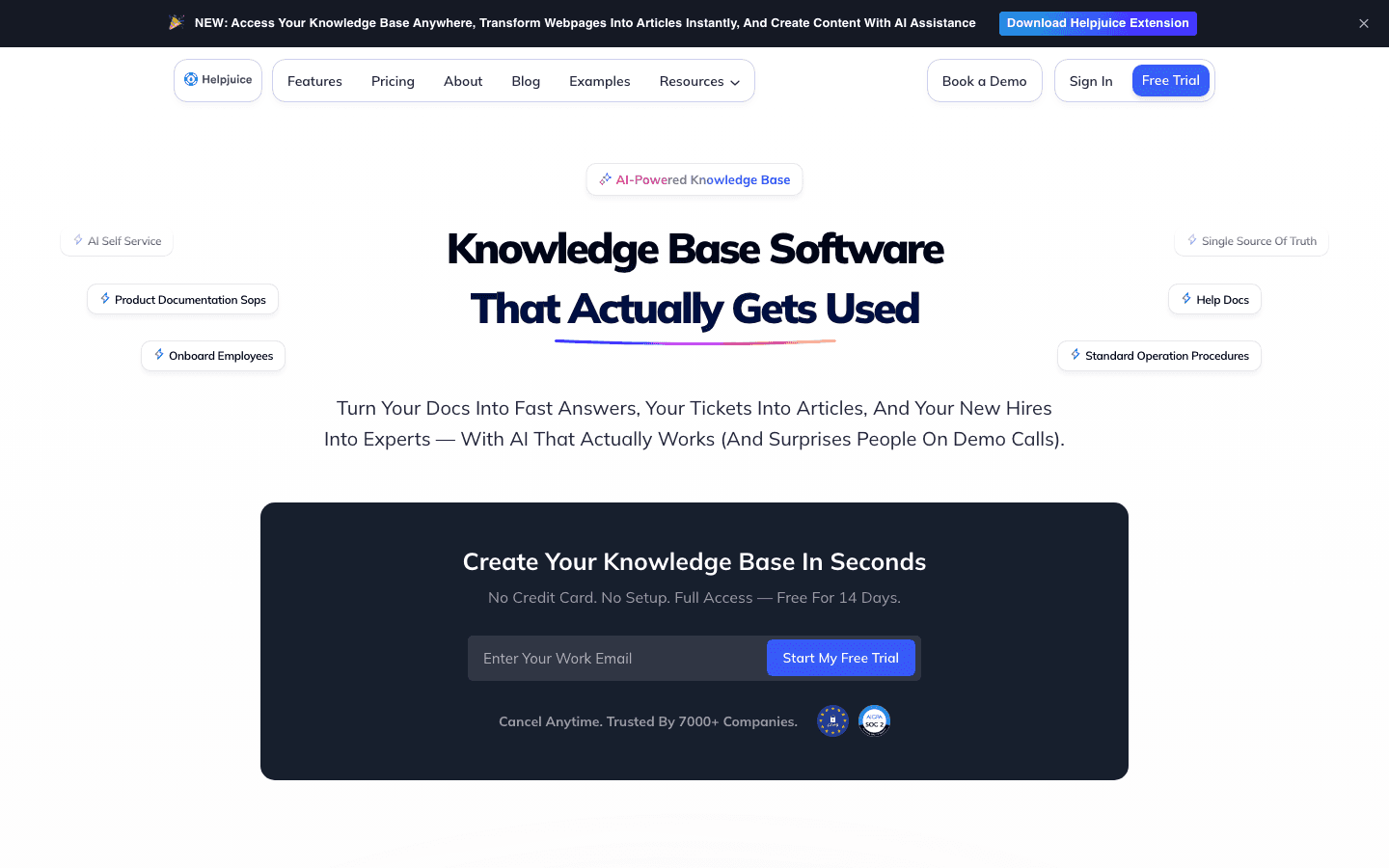
Helpjuice's strength is robust analytics that reveal which articles are read and which search terms yield zero results, plus strong custom branding and SEO friendly knowledge base URLs. Weakness: $249/month floor too high for small SaaS teams. The AI suite starts on the $449/month AI-Knowledge Base plan. No automated drift detection.
Best for: Mid-market SaaS that needs a standalone external knowledge base with strong analytics and flat platform pricing.
Skip if: Your team is under 10 people or you need a free plan to evaluate.
7. Notion
Founded 2013 San Francisco by Ivan Zhao and team. Notion's Team plan (technically called Plus in current pricing) starts at $8 per member per month historically, currently $9.50/member/month annual. Notion is the workspace incumbent for early-stage SaaS, with Custom Agents and AI search added in 2024-2025. Composite 7.0/10.
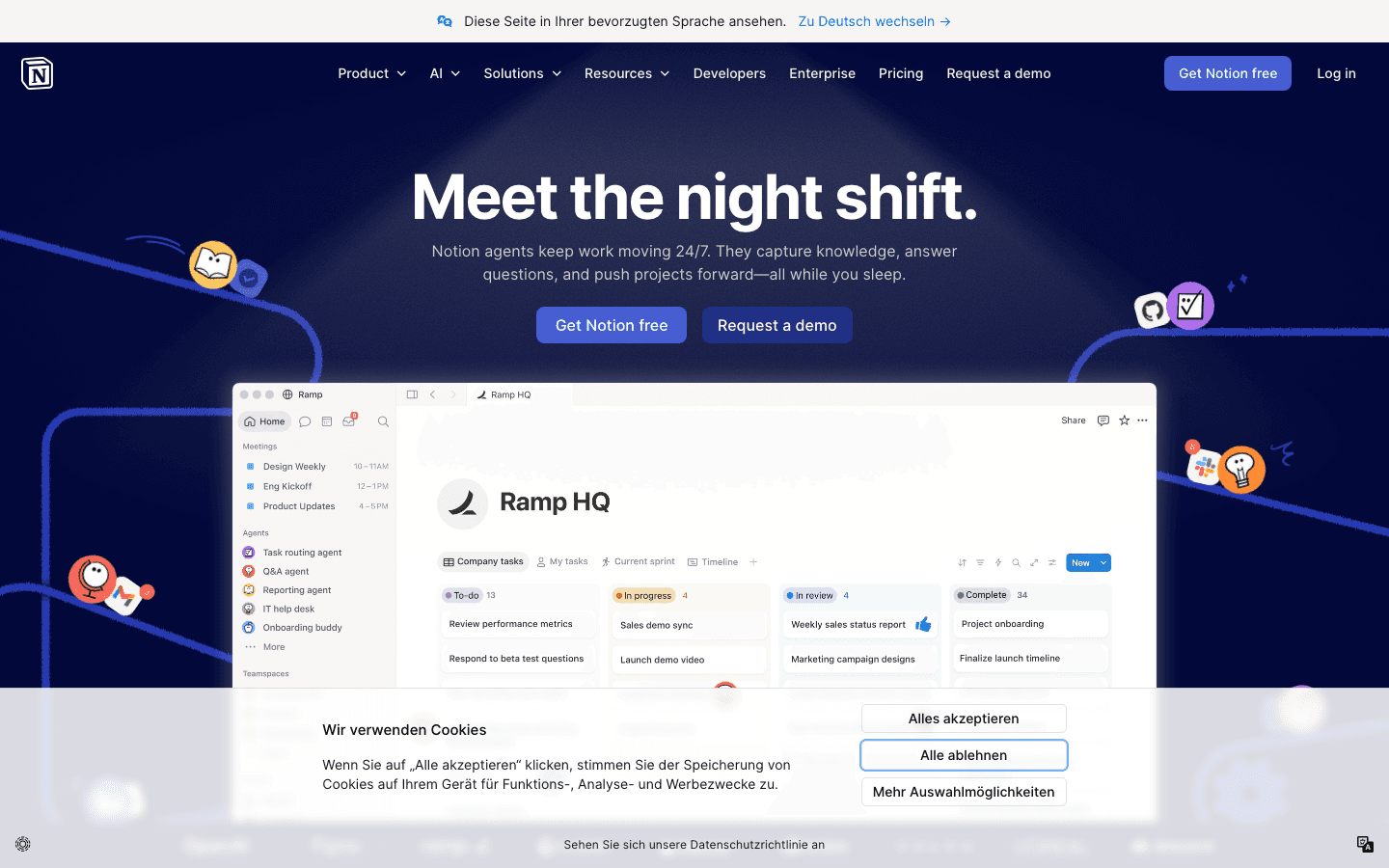
Notion's strength is workspace fit. Real-time collaboration allows multiple users to edit simultaneously. Custom Agents and Notion Agent enable automated workflows on top of company knowledge. Customer wall: OpenAI, Figma, Ramp, Nvidia, Toyota, Vercel, Cursor. Ramp cut productivity-tool costs by 70%; Vercel ships 35% faster; OpenAI data-science team saves over an hour per week. Weakness: no drift detection, no source-of-truth verification.
Notion: Pricing tiers (June 2026)
| Tier | Price | What is included |
|---|---|---|
| Free | $0/user/month | Basic workspace, limited AI |
| Plus (the Team plan) | $9.50/member/month annual | Full AI suite, 30-day version history |
| Business | $20/member/month annual | Advanced AI, SAML SSO, private teamspaces |
| Enterprise | Custom | Advanced security, audit logs |
Best for: Notion-native SaaS teams that want AI on top of an existing workspace.
Skip if: You need a customer-facing knowledge base or built-in verification.
8. Stonly
Founded 2019 in Paris by Alexis Fogel. Stonly's specialty is interactive step-by-step guides plus self-service knowledge base. Pricing: Small Business and Enterprise prices are shared on request; a free Basic plan remains after the trial. Composite 6.6/10.
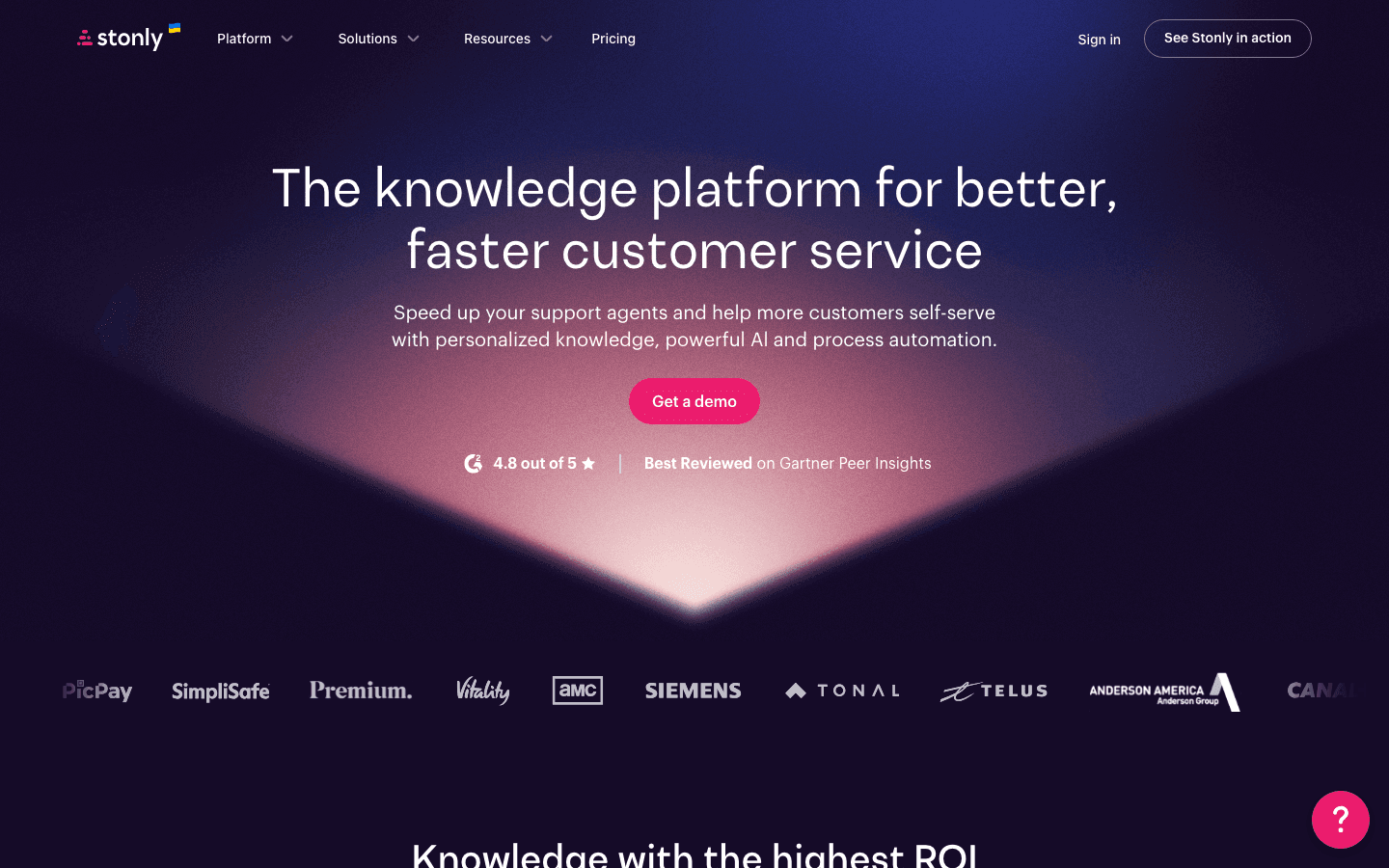
Stonly's strength is interactive guides (decision-tree-style walkthroughs) that adapt to user input. AI-powered enterprise search, intelligent content suggestions, and seamless integration with existing helpdesks. Weakness: pricing climbs fast above Free tier. Best paired with Intercom or Zendesk for ticket deflection rather than as a standalone KB.
Stonly: Pricing tiers (June 2026)
| Tier | Price | What is included |
|---|---|---|
| Free Trial | Free for 14 days | 14-day trial of the Small Business plan upon signup. |
| Basic (post-trial fallback) | Free (auto-applied if trial expires unpaid) | 400 monthly guide views, 5 published guides, 1 team member, single language support. |
| Small Business | Not listed on stonly.com/pricing as of June 2026 (G2 aggregator lists Starter at $124/mo and Business at $249/mo, but these are aggregator figures not currently published on the vendor pricing page) | Unlimited guides and tours, multiple languages, 1 knowledge base, 4,000 guide views/month, 5 team members, unlimited triggers, versioning, custom branding, full-path analytics, SEO |
| Enterprise | Custom (contact sales) | Everything in Small Business plus help desk integrations (Salesforce, Zendesk, Freshdesk, Front), AI Agents and automations (including the new Knowledge Agents), SSO, private knowl |
Best for: SaaS teams with complex multi-branch user flows needing interactive guides.
Skip if: You need a traditional article-based knowledge base or your team is under 5 people.
Adjacent tools worth knowing
Three adjacent tools come up in every SaaS knowledge base evaluation: ProProfs Knowledge Base, Slite, and Guru. Each serves a specific niche.
- ProProfs Knowledge Base. Standalone external KB with WYSIWYG editor and analytics. Paid plans start around $79/month for the Business tier and climb to Enterprise custom. Best paired with an existing helpdesk; weak as a primary platform compared to Document360 or Helpjuice.
- Slite. Slite is best for documentation and knowledge management at lean SaaS teams. Slite's pricing starts at $8 per user per month on the Standard plan (verified). Best for internal team docs + Q&A, not customer-facing.
- Guru. Guru is designed for real-time information sharing across remote teams, with a built-in verification system that flags stale cards. Self-Serve plan at $25/user/month annual (10-seat minimum). Best for internal customer support teams of 10+ people.
Scoring matrix
| Tool | SaaS maintenance (35%) | Integrations (20%) | Pricing (15%) | AI (15%) | Self-service polish (15%) | Composite |
|---|---|---|---|---|---|---|
| HappySupport | 9 | 7 | 9 | 8 | 9 | 8.5 |
| Help Scout | 5 | 8 | 8 | 8 | 8 | 7.4 |
| Document360 | 6 | 8 | 4 | 8 | 9 | 7.0 |
| Intercom Fin | 5 | 9 | 5 | 9 | 7 | 7.0 |
| Gleap | 6 | 7 | 8 | 7 | 6 | 6.8 |
| Helpjuice | 5 | 6 | 7 | 6 | 8 | 6.4 |
| Notion | 3 | 7 | 8 | 9 | 5 | 6.0 |
| Stonly | 5 | 7 | 6 | 8 | 7 | 6.6 |
What real teams say on Reddit and in support forums
On r/SaaS the debate centers on Notion versus dedicated KB tools. The recurring conclusion: Notion is fine for internal documentation but breaks when you need a customer-facing portal with SEO friendly URLs and custom branding. The most-upvoted r/Notion thread (132 upvotes) reads: "I wouldn't mind it if it were free, but it's definitely not something worth paying for."
On r/CustomerService and r/CustomerSuccess, Help Scout takes praise for the simple Docs module; Document360 takes criticism for the August 2024 price doubling; Intercom Fin takes ongoing scrutiny in the Intercom community forum for hallucination patterns when the underlying knowledge base goes stale. The throughline: AI-powered enterprise search amplifies content quality. Good content + AI = magic. Stale content + AI = disaster at scale.
On r/startups and product-led-growth circles, the case for HappySupport: a release-driven update workflow is what most SaaS teams discover they need around month 6 when their KB has aged past the point of trust. By then, switching costs are high; planning for maintenance from day one is cheaper than rebuilding the KB twice.
What support and documentation leads tell us in customer conversations
“We do not measure documentation maintenance in hours. Sometimes more, sometimes less. That is the problem. It just disappears between releases.
”
“Where can I change X or Z? That is just not how it works anymore. Our chatbot keeps telling customers something we removed three releases ago.
”
“Since we implemented Ask, the amount of questions our support manager fielded internally has been divided by 10.
”
Key features for SaaS knowledge bases
AI-powered enterprise search and conversational answers
AI-powered search can reduce information retrieval time by 35% (derivative of McKinsey research). Users ask in natural language, the system suggests relevant articles or returns instant answers with citations. The system uses AI tools that can analyze user interactions to suggest knowledge updates.
Article generation and intelligent content suggestions
AI-assisted content creation reduces article drafting time to minutes per case studies from Ivanti, Zendesk, HelpDocs. Intelligent content suggestions surface complex concepts that need clearer documentation. Custom branding ensures the knowledge base matches company identity.
Search functionality and advanced analytics
Search functionality must support synonyms, relevance ranking, and detailed insights into what users searched for and where they gave up. Advanced analytics is where Helpjuice and Document360 lead; Notion lags. Knowledge management software can reduce search time by up to 35% (McKinsey verified). A well-structured knowledge base can reduce search time by up to 35%.
Real-time collaboration and version control
Real-time collaboration allows multiple users to edit simultaneously. Version control tracks changes and allows rollbacks across previous versions. Confluence and Notion lead on this; Document360 has approval workflows that are stricter than free-for-all editing.
Role-based access and restrict access
SaaS knowledge bases need role-based permissions to restrict access to sensitive content. Internal customer self service articles for support agents, external articles for customers, configuration docs for admins. Document360, Confluence Enterprise, Guru, and HappySupport Scale all ship this; Notion's Business tier adds private teamspaces.
Seamless integration with existing platforms
Existing tools (Slack, Salesforce, Jira, Google Docs, GitHub) need direct connectors. The proprofs knowledge base, Document360, Help Scout, and Intercom all ship deep helpdesk integrations. HappySupport connects directly to the product code repository.
Multi-language and unlimited users
External customer-facing KBs need multi-language support; Document360 leads (40+ languages), Help Scout AI Answers handles 50+. Internal KBs need unlimited users on higher tiers; Help Scout Pro supports unlimited users (10-user minimum); HappySupport has no per-seat fees and includes 1, 5 or 10 team members by plan.
Six SaaS constraints to make explicit before you buy
Generic knowledge base rankings compare editors and search. For a SaaS company, the purchase is decided by six constraints that rarely show up on a feature grid. Write your answer to each one down before the first demo.
Release frequency. Pick a real release from last month. List the customer-visible changes and the articles they touched. Ask each candidate how that work becomes visible: a verification reminder (Guru), a stale-content signal (Document360 Knowledge Pulse), a proposed edit from the code change (HappySupport Git Handoff), or nothing, meaning someone has to remember.
Support staffing. When founders, product managers or engineers answer tickets between other work, nobody becomes a documentation administrator. Start with the ten most-asked questions and one named owner. A tool can cut drafting time, but a person still decides whether an answer is correct, so check how short the review step really is.
Setup. Hosted platforms go live in an afternoon; the content does not. Measure the time to publish three articles: a quick start, a multi-step workflow and a common error. Recording a flow instead of writing it (HappySupport's HappyRecorder) and importing an existing help center with redirects shorten this more than any template library.
Maintenance. Change one documented setting, then time how long it takes to find the affected page, fix text and screenshot, review it and republish. That single number predicts month six better than any demo.
Languages and plans. Check whether an article applies to every customer tier and permission level, and whether the translated version shows the same version of the workflow after an update. Count the languages you need against the plan: HappySupport, for instance, includes 1, 5 or 10 additional languages depending on plan, with translations updating automatically.
The existing inbox. Decide whether the knowledge base sits next to your current helpdesk or replaces it. Keep the reader's route to a human obvious either way. HappySupport ships its own ticket inbox (chat escalation to a human, widget contact form, email replies, internal notes, status and assignee), so a small team can run help center and tickets in one place, or keep Zendesk, Intercom or Help Scout and use the help center and widget alongside. Customer AI answers start on Professional; Starter covers authoring, publishing and article search in the widget.
For a concrete first launch with a small team, see the startup setup guide. If you are still deciding between a standalone help center, a helpdesk suite and developer docs, the help center software comparison separates those three categories.
Practical buyer notes
A few additional considerations that come up in every SaaS knowledge base evaluation. Platforms that help teams organize articles by user-centric collections (not internal team structures) tend to outperform. Customer satisfaction with the platform correlates with three signals: how fast customers find answers, knowledge base usage trends, and whether the platform feeds into existing workflows like ticket queues and onboarding flows. The best platforms help SaaS teams identify knowledge gaps (failed queries, low-rated articles) before customers complain. Private knowledge bases for internal-only content (standard operating procedures, security playbooks, runbooks) are increasingly important; Confluence Enterprise, Document360, BookStack, and HappySupport Scale all handle this. The platforms with steep learning curve scores in user reviews (Confluence, some Document360 modules) lose customers who lack technical expertise to set them up. The platforms with the strongest user engagement (Notion, Slite, Help Scout Docs) are the ones non-technical authors keep returning to. The result is consistent support across customer interactions, with relevant information surfaced when customers find answers via an online knowledge base.
Implementation timeline
Small SaaS teams can implement modern knowledge base platforms in just a few clicks and approximately two weeks of focused content work. Larger organizations may take 4-8 weeks for implementation due to extensive legacy documentation and integration testing. Implementing a knowledge base can accelerate employee onboarding by 82% (Brandon Hall Group research applied to KB-supported onboarding). Knowledge base usage drives boost productivity by up to 25% (McKinsey).
Decision tree: which knowledge base for SaaS should you pick
- Pick HappySupport if you ship product changes weekly and run a customer-facing KB.
- Pick Help Scout if you are an SMB support team that wants shared inbox + Docs + AI Answers under one roof.
- Pick Document360 if you have a dedicated technical writer, need approval workflows + multi-language, tolerate quote-only.
- Pick Intercom (with Fin) if you already run Intercom and want autonomous deflection on top of an existing knowledge base.
- Pick Gleap if you need bug reporting + feedback + KB + AI chatbot consolidated.
- Pick Helpjuice if you need a standalone customer-facing KB with robust analytics at $249/30-user flat.
- Pick Notion if your SaaS team already lives in Notion and you want AI on the existing workspace.
- Pick Stonly if your support workflows need interactive multi-branch step-by-step guides.
When NOT to invest in a SaaS knowledge base
- Team under 5 people, fewer than 20 customers: a shared Google Doc is fine.
- No knowledge owner: decay starts day one.
- Pre-product-market-fit: the surface moves too fast for documentation to be worth.
- Existing AI chatbot deployed on a stale KB: audit content first.
Where HappySupport fits in your stack
HappySupport covers the customer-facing side in one product: help center, ticket inbox, in-app widget (banners and audience targeting on Scale) and AI chat with citations (customer AI answers from Professional), all from one content source at one flat price, and the same articles double as an internal knowledge base. It is not a developer docs tool (Mintlify, GitBook) and not a general team wiki (Notion, Confluence, Slite, Guru). An existing helpdesk (Intercom, Zendesk, Help Scout, Freshdesk, HubSpot) can stay if the team wants it, with 1-click import and automatic redirects, but it does not have to.
Frequently asked questions
What is the best knowledge base for SaaS teams in 2026?
HappySupport for customer-facing KBs on weekly-shipping products. Help Scout for SMB support teams. Document360 for structured external docs with a writer. Intercom Fin for PLG SaaS already on Intercom. Gleap for all-in-one feedback + KB. Helpjuice for standalone analytics-heavy KBs. Notion for Notion-native teams. Stonly for interactive guides. Confluence integrates deeply with other Atlassian products and is best if you are Atlassian-first.
How much do knowledge base tools for SaaS cost?
Slite's pricing starts at $8 per user per month. Notion's Team plan (Plus) starts at $8 per member per month (now $9.50). Confluence pricing starts at $5.50 per user per month (technically $5.42). Helpjuice's paid plans start at $249 per month for 30 users. HappySupport starts at 129 EUR/month flat (Professional 399 EUR/month). Document360 is quote-only.
Internal or external knowledge base for SaaS?
External KBs serve customers (Document360, Helpjuice, Help Scout Docs, HappySupport, Stonly). External KBs often include SEO optimization and analytics features. Internal KBs serve customer support teams and technical teams (Notion, Slite, Guru, Confluence). Most SaaS businesses run both: external for customers, internal wikis for the team.
Knowledge bases reduce service volume by how much?
Knowledge bases can reduce service volume by 20-40% across mature SaaS deployments (industry-consensus range). Knowledge bases can reduce service volume by 20-40% specifically refers to Average Handle Time reduction more often than total volume; well-deployed KBs reduce support ticket volume by 20-30% on average; Helpjuice has cited up to 70% in single-customer anecdotes.
Can AI tools update my SaaS knowledge base automatically?
Most do not. HappySupport detects drift via DOM and CSS recording plus Git Handoff, which proposes updates for review. Guru has built-in verification with stale-content flagging. Document360 added Knowledge Pulse (Nov 2025). Confluence Rovo Documentation Agent runs on demand. Notion, Helpjuice, Stonly, Gleap, and Help Scout assume a human keeps articles current.
Why do generic knowledge base tools fail SaaS teams?
Three structural mismatches. Weekly release cadence breaks tools that assume quarterly content reviews. Multi-tier pricing (Free, Pro, Enterprise) requires conditional content most tools cannot handle cleanly. Developer documentation and customer help articles need different formats, but most tools excel at only one.
Should SaaS teams use an in-app knowledge base or an external one?
Both, ideally connected. In-app knowledge bases deflect 2 to 3x more tickets than external-only documentation, because help appears when users hit friction rather than after they have opened a ticket. The external help center handles SEO traffic, deep technical content, and longer how-to guides. Tools like Gleap, Intercom, and HappySupport offer both layers in one platform.
Does a SaaS knowledge base replace a helpdesk?
It can for a small team if the platform includes a ticket inbox. HappySupport ships one (chat escalation to a human, widget contact form, manual tickets, email replies, internal notes, priority, status and assignee), so a lean SaaS team can run help center and tickets in one tool. Teams that need phone support, omnichannel routing or contact-center SLAs should keep a full helpdesk such as Zendesk or Intercom and run the knowledge base alongside it.
How long does it take to launch a SaaS knowledge base?
A 50-article launch typically takes 2 to 4 weeks for a small team. A 200-article rollout with multilingual coverage takes 8 to 12 weeks. The variable that drives the timeline is content readiness, not platform setup. Audit existing articles before launch, track failed queries from week one, and decide who owns freshness before going live.
 Book a demo