Your documentation as an MCP server
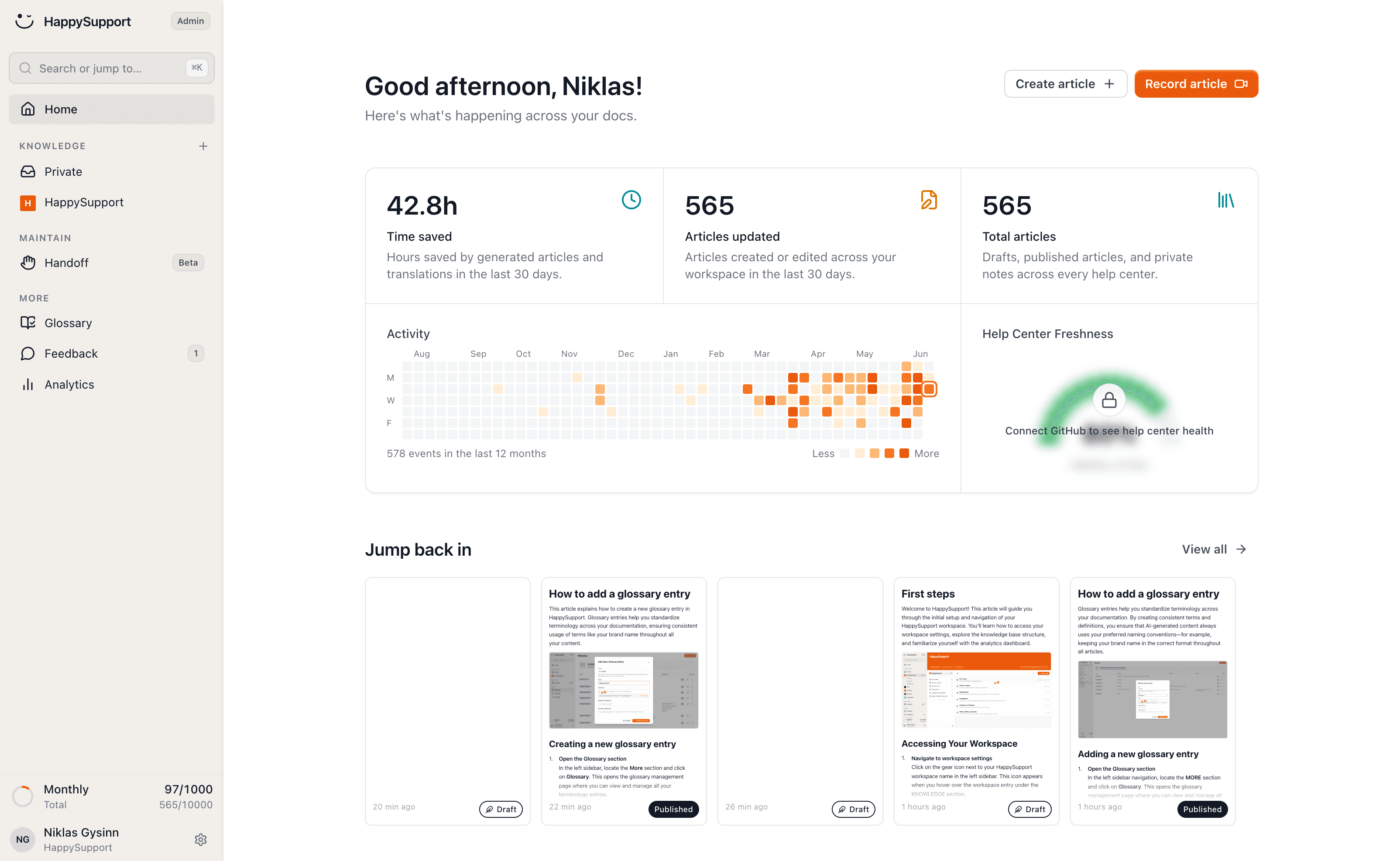
HappySupport exposes your documentation as an MCP server: AI agents search and read your articles through real tools instead of scraping pages, and your docs team drafts and updates articles through MCP too.
These teams document with HappySupport



Agents already read your documentation. The problem: you don't get to decide what they read or how they understand it. They take the page exactly as they find it.
An MCP server for your company docs
HappySupport's documentation MCP server gives AI agents tools to search your help articles by meaning, read one in full and follow related articles, instead of scraping pages. Your docs team connects Claude, Cursor or its own agent through MCP to draft and update articles, and every change goes through review in the editor.
The MCP server is included in every HappySupport plan, from Starter at 129 euros per month billed yearly (155 euros billed monthly), excl. VAT. Gated articles stay gated: an agent sees only what the reader is allowed to see.
Agents query your docs instead of scraping them
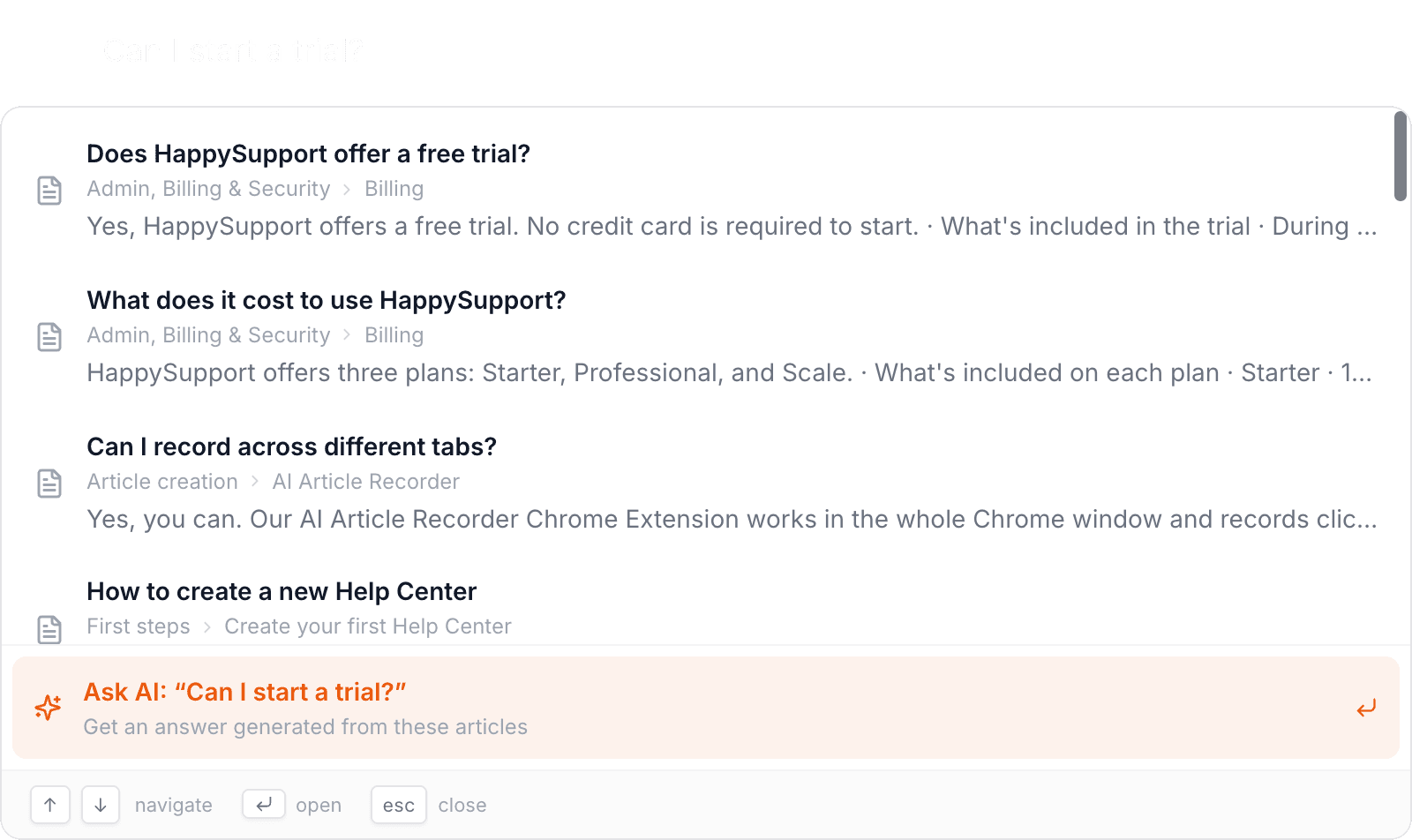
HappySupport registers WebMCP tools on your help center. A WebMCP-capable agent in the browser can search your articles by meaning, read one in full, list everything published, and pull up related articles.
So the agent stops guessing and gets exactly the ranking you curate for your readers: the right article, the full text, and a link it can cite as the source. It costs you no extra upkeep, and browsers without WebMCP still see a perfectly normal help center.
Write and maintain articles from your own agent
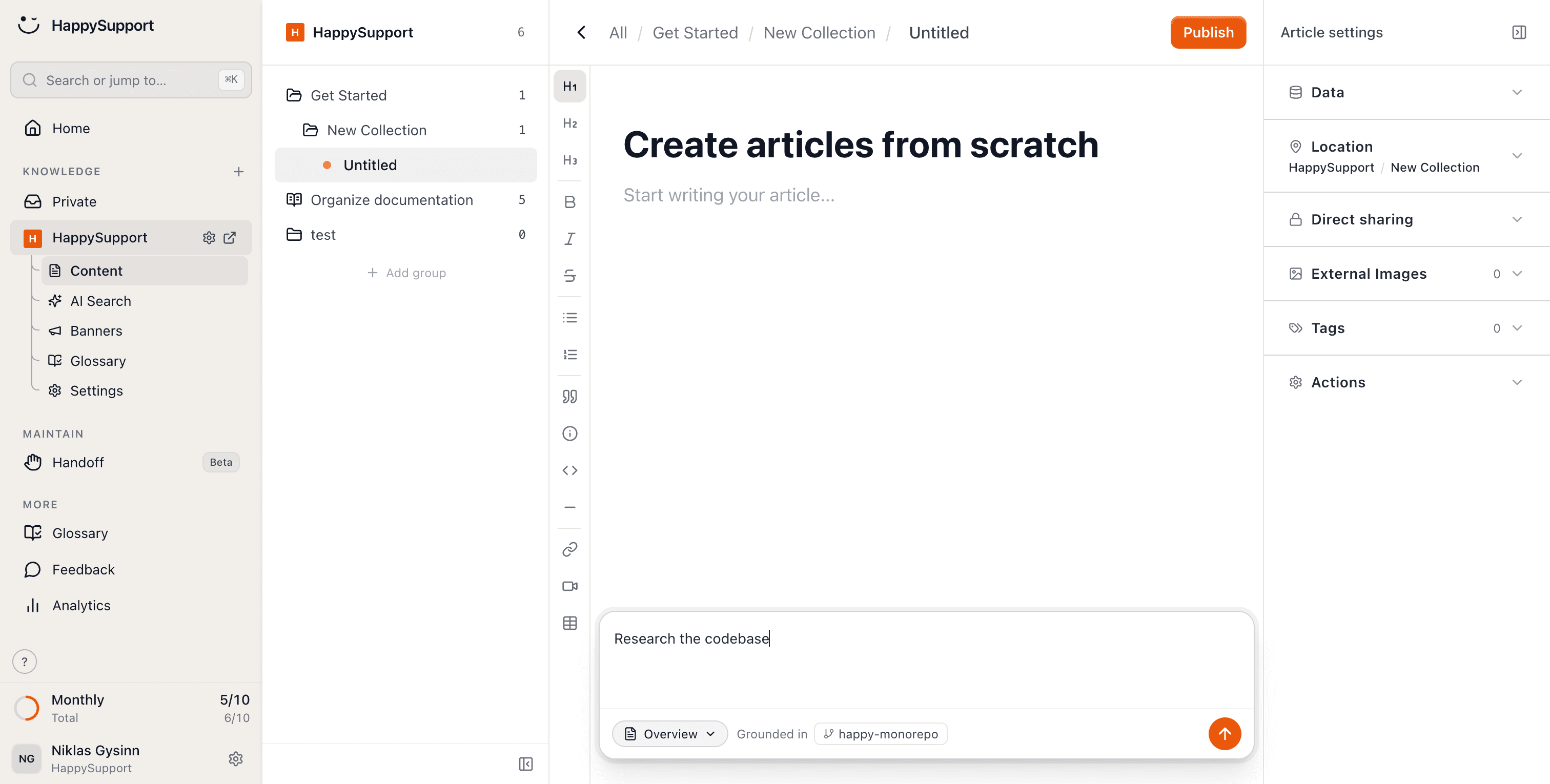
The people maintaining the documentation get MCP too. Point Claude, Cursor or your own agent at HappySupport and it finds the right article, drafts new ones and keeps existing ones current, without leaving the tool you work in.
Every change lands in the same editor, with the same versioning and review your team already uses. The agent proposes, a human accepts.
Four tools that show agents exactly what they need
Every tool is described for the agent, so it picks the right one without guessing. Plus access control and the write path for your team.
Semantic search
Search by meaning and keyword, ranked the way your help center ranks.
Full article
Fetch the complete markdown of one article by its id.
Related articles
Follow one article to the ones next to it.
Create and update
Your docs team drafts and maintains articles through MCP.
Access rules apply
Gated articles stay gated. An agent sees what the reader sees.
Read-only by default
Article text reaches the agent as data, never as instructions.
Docs an agent can actually use
MCP is the interface. This is what sits behind it.
The MCP server, in detail
What it costs, who can connect and what agents can see.
Is the MCP server free?+
There is no free plan, but every plan can be tested free for 14 days. The MCP server is included from Starter at 129 euros per month billed yearly (155 euros billed monthly), excl. VAT, flat rather than per seat.
Which AI clients can connect?+
Any MCP client, for example Claude, Cursor or your own agent. In the browser, WebMCP-capable agents can call the tools registered on your help center directly.
Can agents read protected articles?+
Only if the reader could. Access rules apply to MCP as they do on the help center, and article text reaches the agent as data, never as instructions.
Your help center, ready before your coffee.
Start for free and publish your first article today.
 Book a demo