Everything it takes to keep documentation current
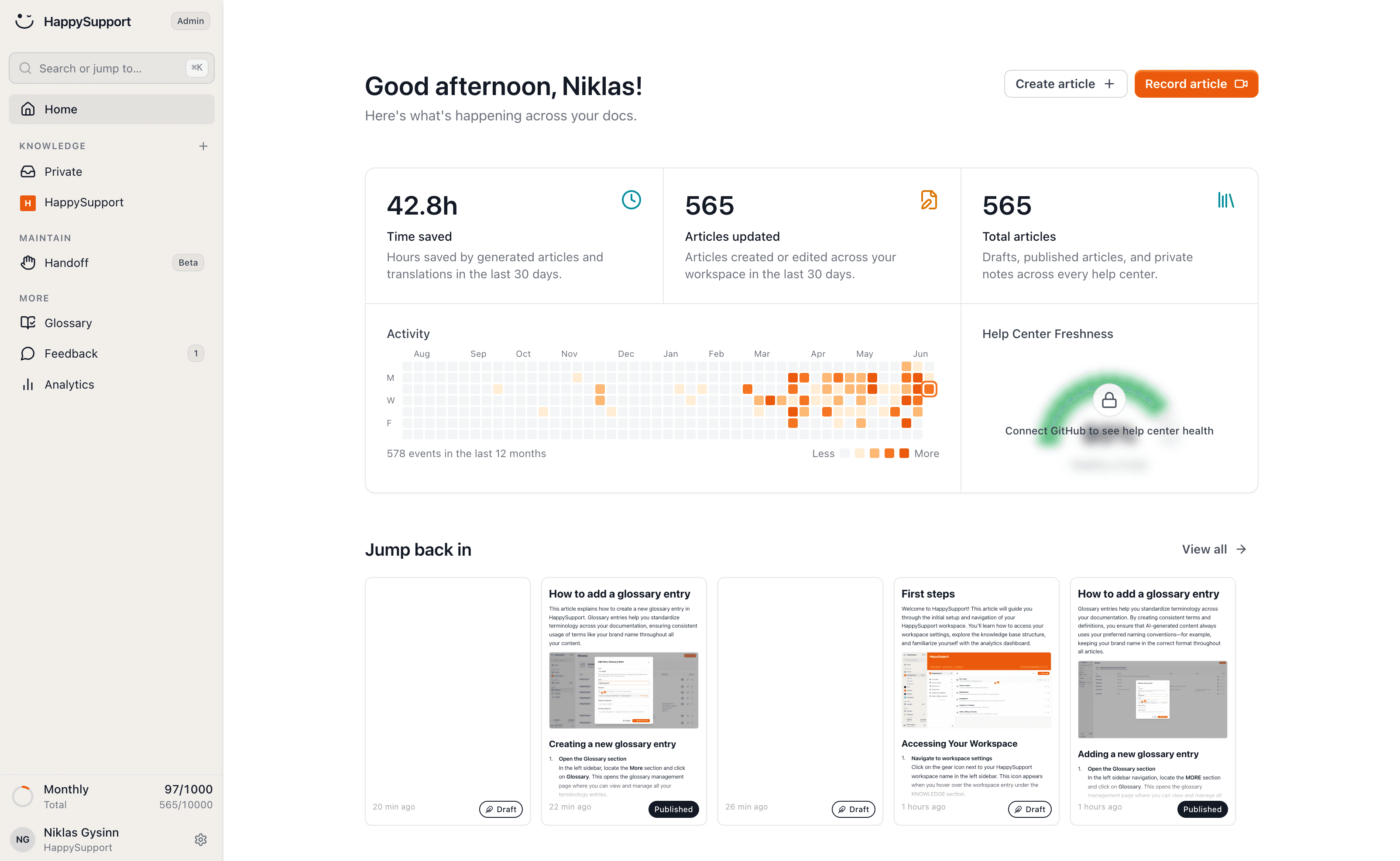
HappySupport is one platform for writing help content, publishing it and keeping it accurate as your product moves. Here is every part of it, and what each one takes off your plate.
These teams document with HappySupport



Record a flow, get a finished article
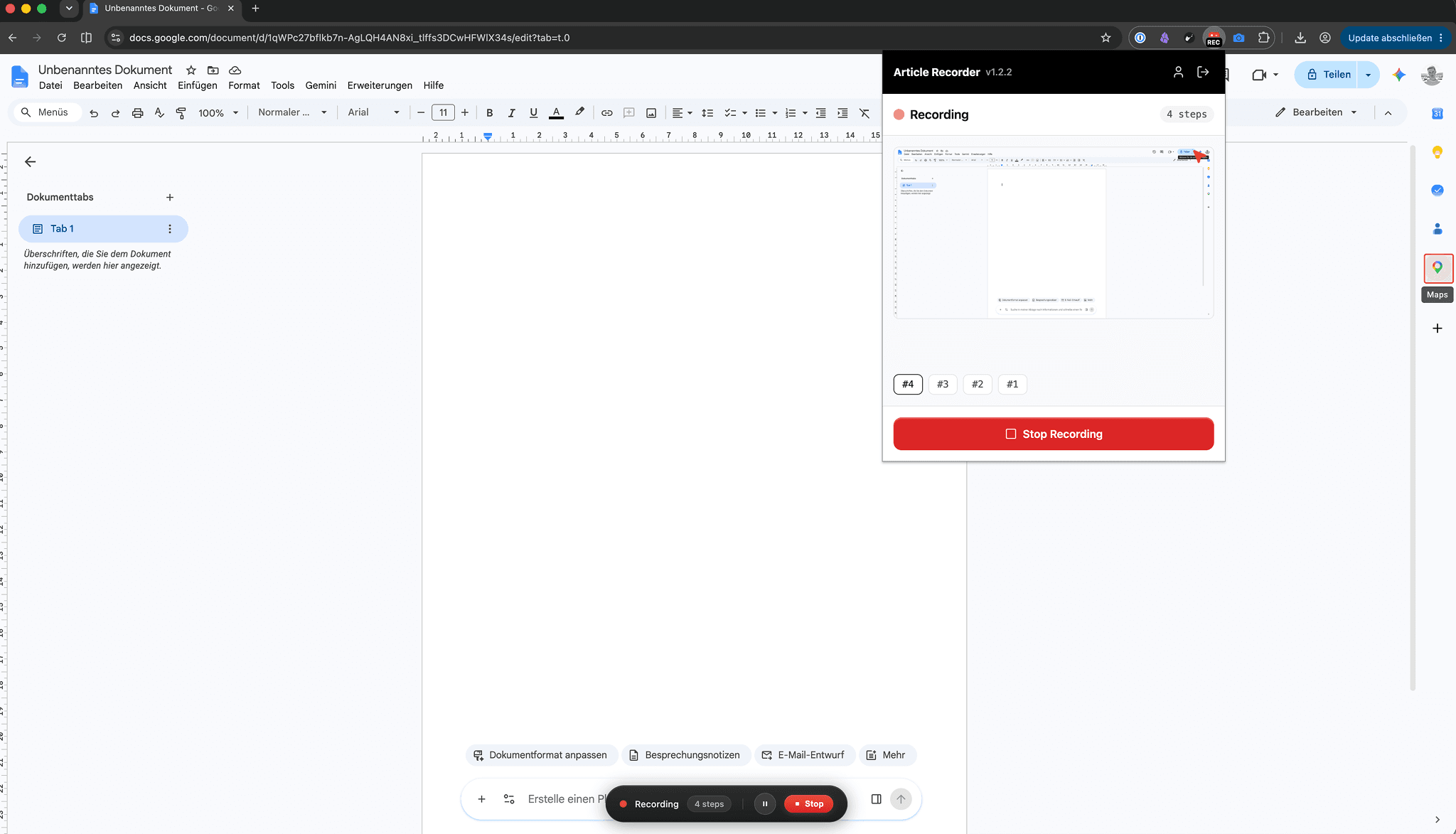
Click through the flow once, in the browser or on your desktop, and talk as you go. A complete help article comes together from the recording.
Available as a Chrome extension and a Windows app, so web apps and desktop software are captured the same way.
Every release turns into up-to-date docs
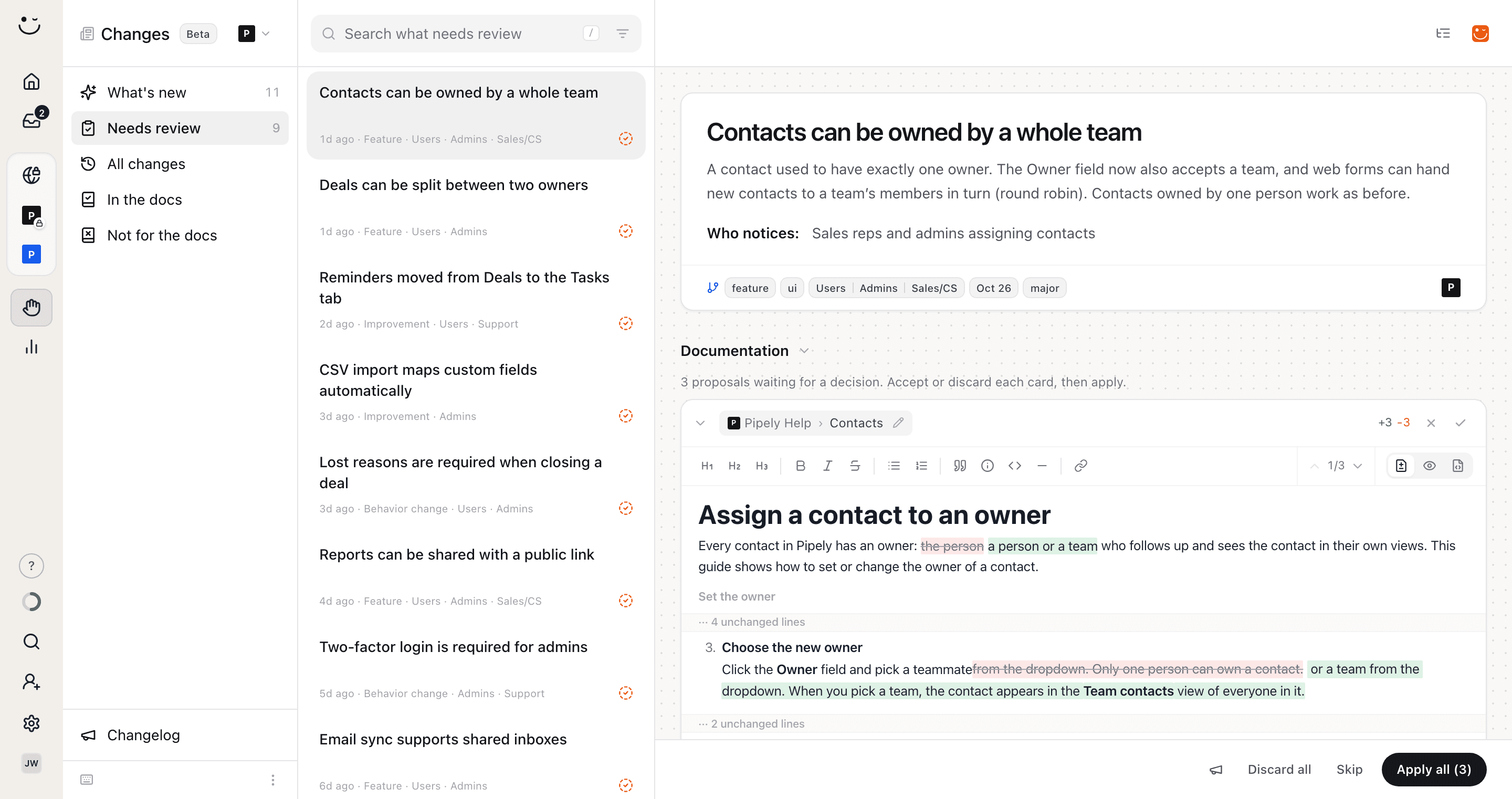
Connect your codebase. HappySupport detects what a release changed and proposes the documentation updates that match it.
Documentation stops being the task nobody remembers after a launch and starts arriving with the launch.
Guide users inside your product
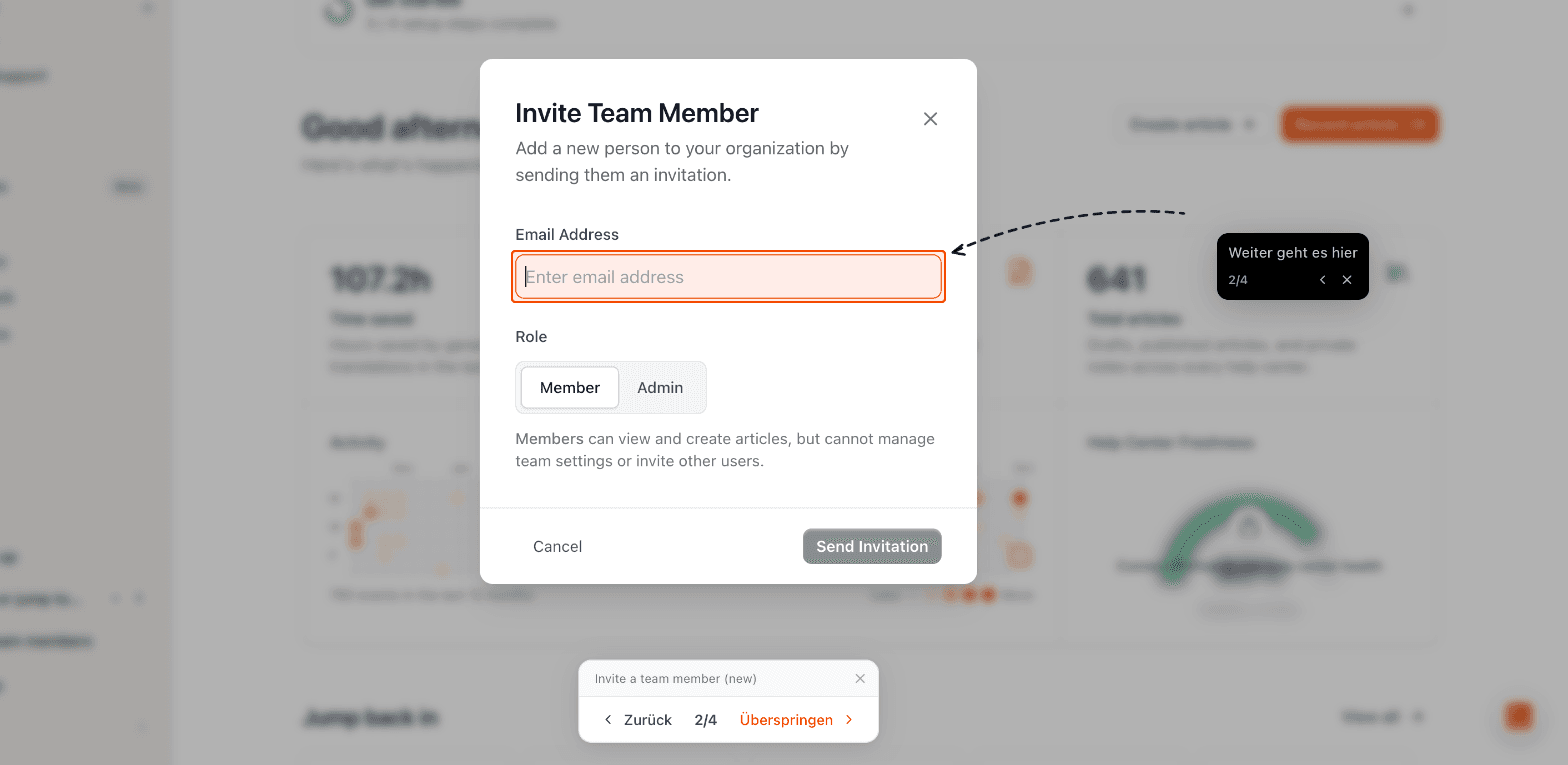
Walk users through your app click by click and announce maintenance and releases with in-app banners.
Every tour is built from a help article, so what the product says and what the docs say never drift apart.
Customer questions answered from your documentation
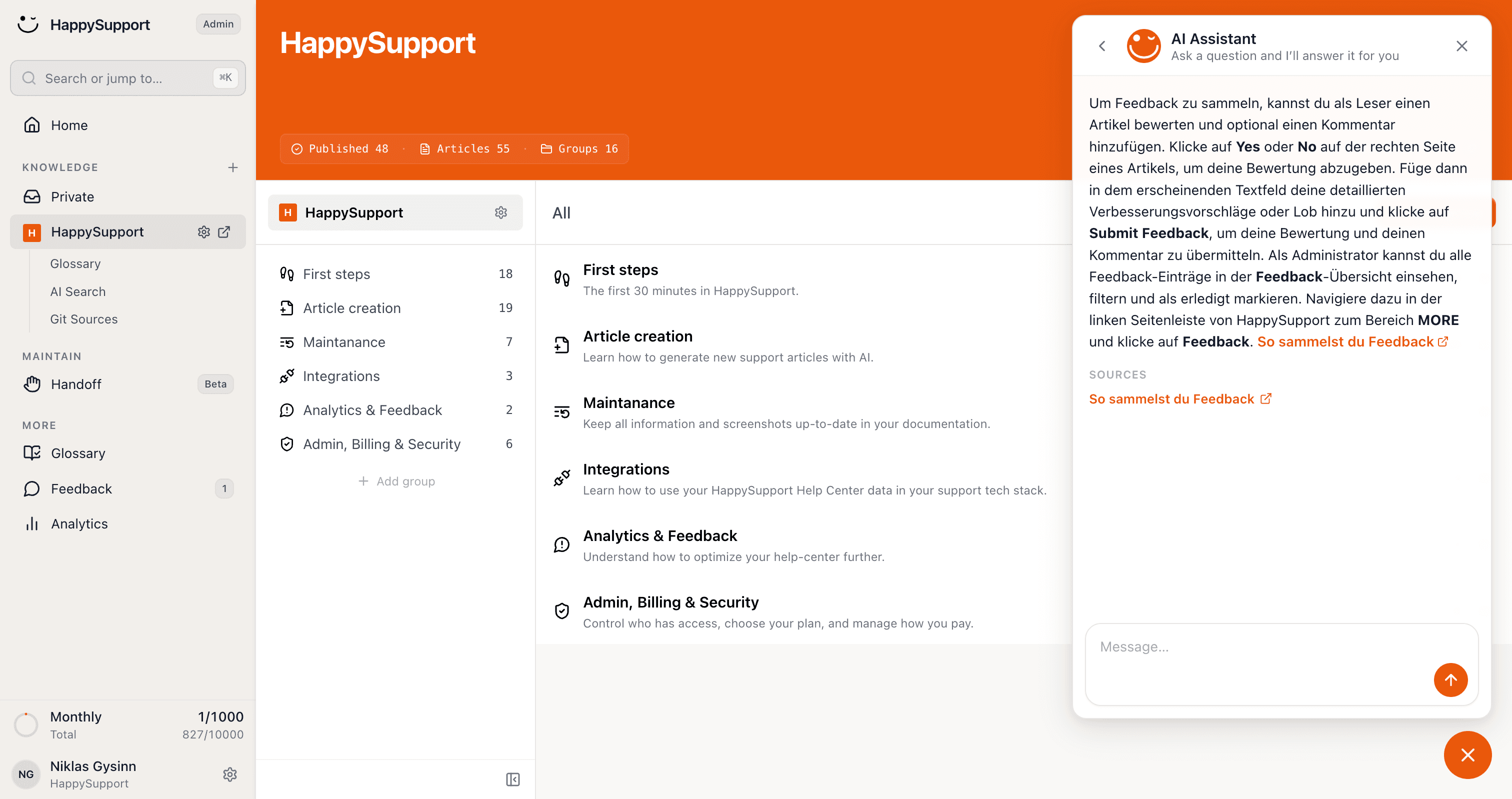
Generative AI that answers exclusively from your own articles, so it cannot invent a feature you do not have.
Customers get an answer immediately, at any hour, and your team sees fewer tickets asking the same thing.
A ticket inbox for the questions AI cannot answer
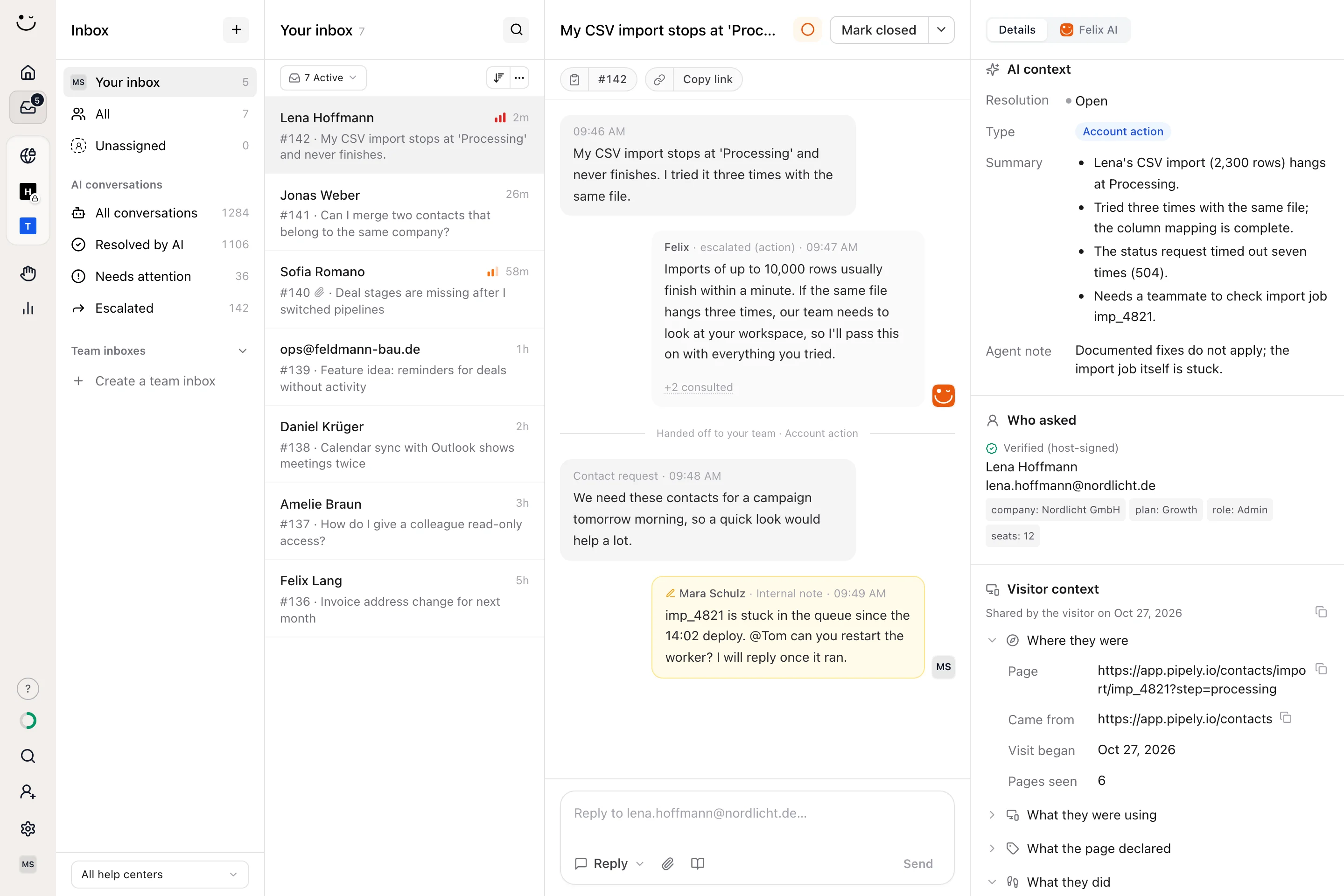
Requests from the contact form, the in-product widget and escalated AI chats land in one inbox. Your team replies by email and keeps internal notes on the case.
When the AI chat hands over, the ticket arrives with the question, the thread and a summary, so nobody asks the customer twice.
Answers inside your product, not in a second tab
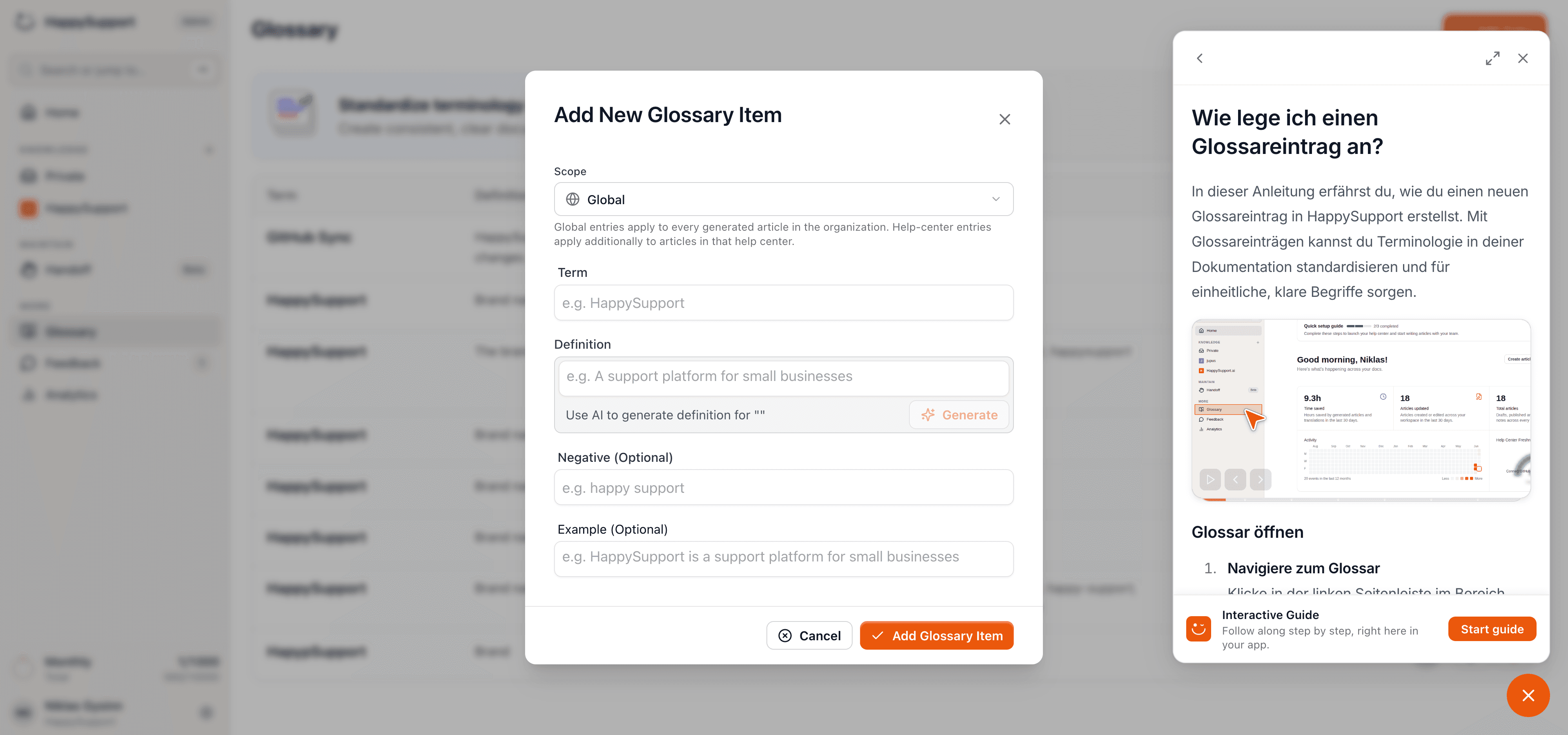
Embed the widget and your users search, read and ask without leaving the page they are on.
It draws on the same help center as your public site, so there is one set of articles to maintain and no drift between the two.
A branded help center you never have to maintain
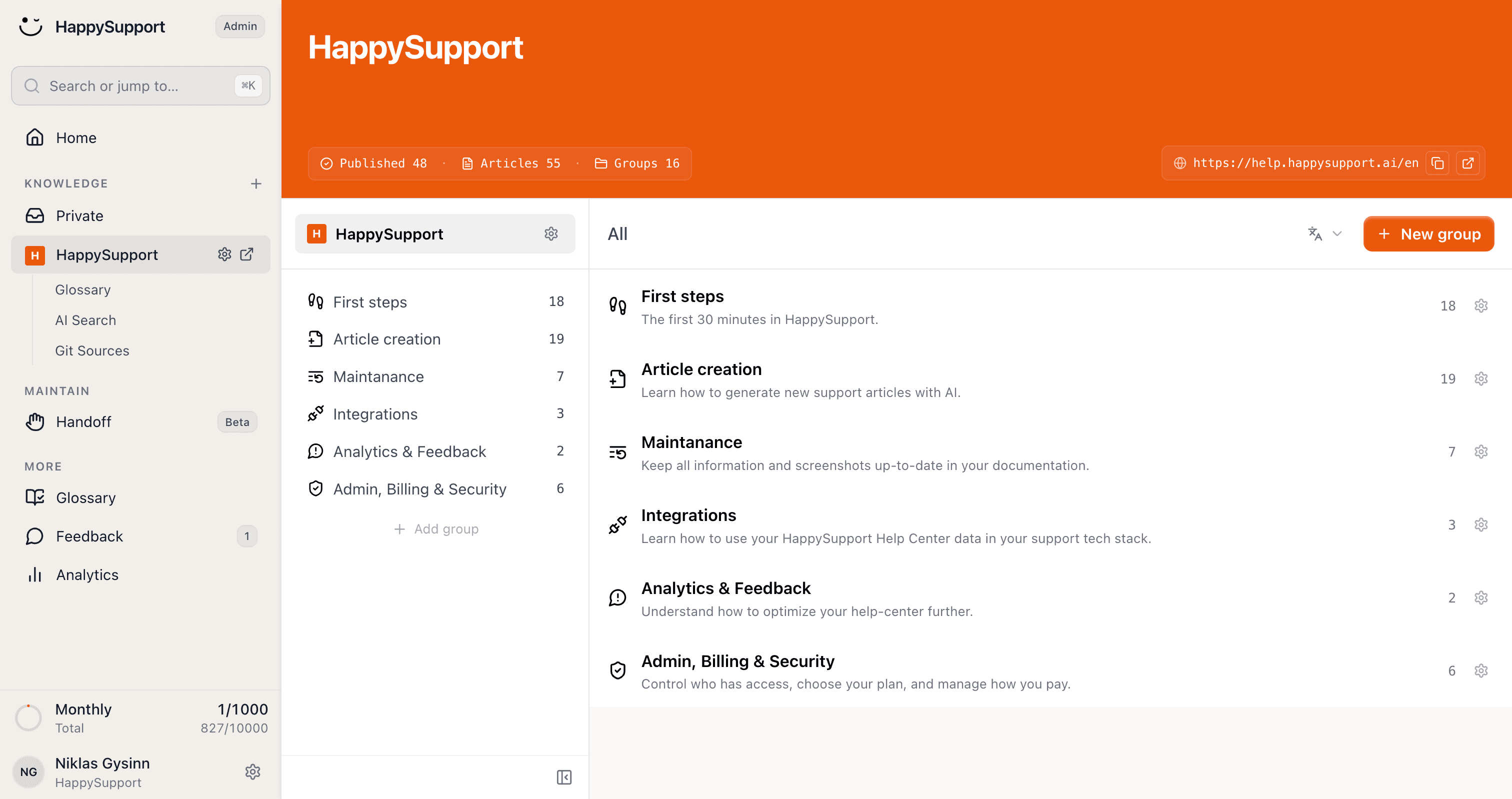
Publish a searchable help center in your own design, with no developers involved. Articles, categories and navigation are managed inside HappySupport, and the site is hosted for you.
It is the surface everything else feeds into. Whatever the agent writes, the recorder captures or the translator produces lands here, live.
Screenshots that refresh themselves
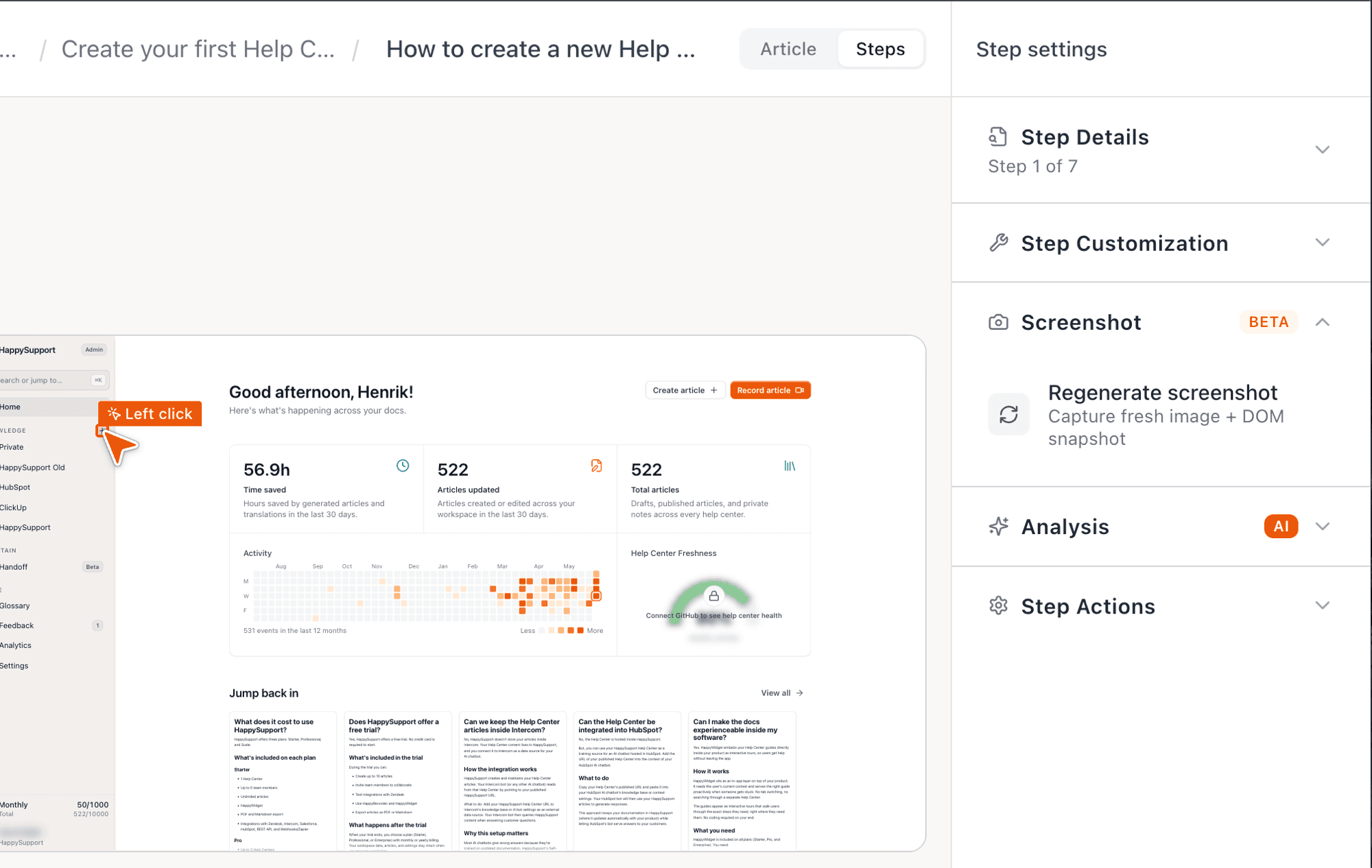
Click through your product once. Every step is captured as a clean, annotated screenshot, so you never assemble a guide by hand again.
When your interface changes, the images are recaptured. No screenshot in your help center is left showing last quarter's UI.
Every building block as one suite, from one source
Help center, internal knowledge base, AI chatbot, ticket inbox and in-app help share the same content, instead of five tools with five copies to maintain.
The overview shows how the building blocks work together and why the content stays current along the way.
A private knowledge base for your team
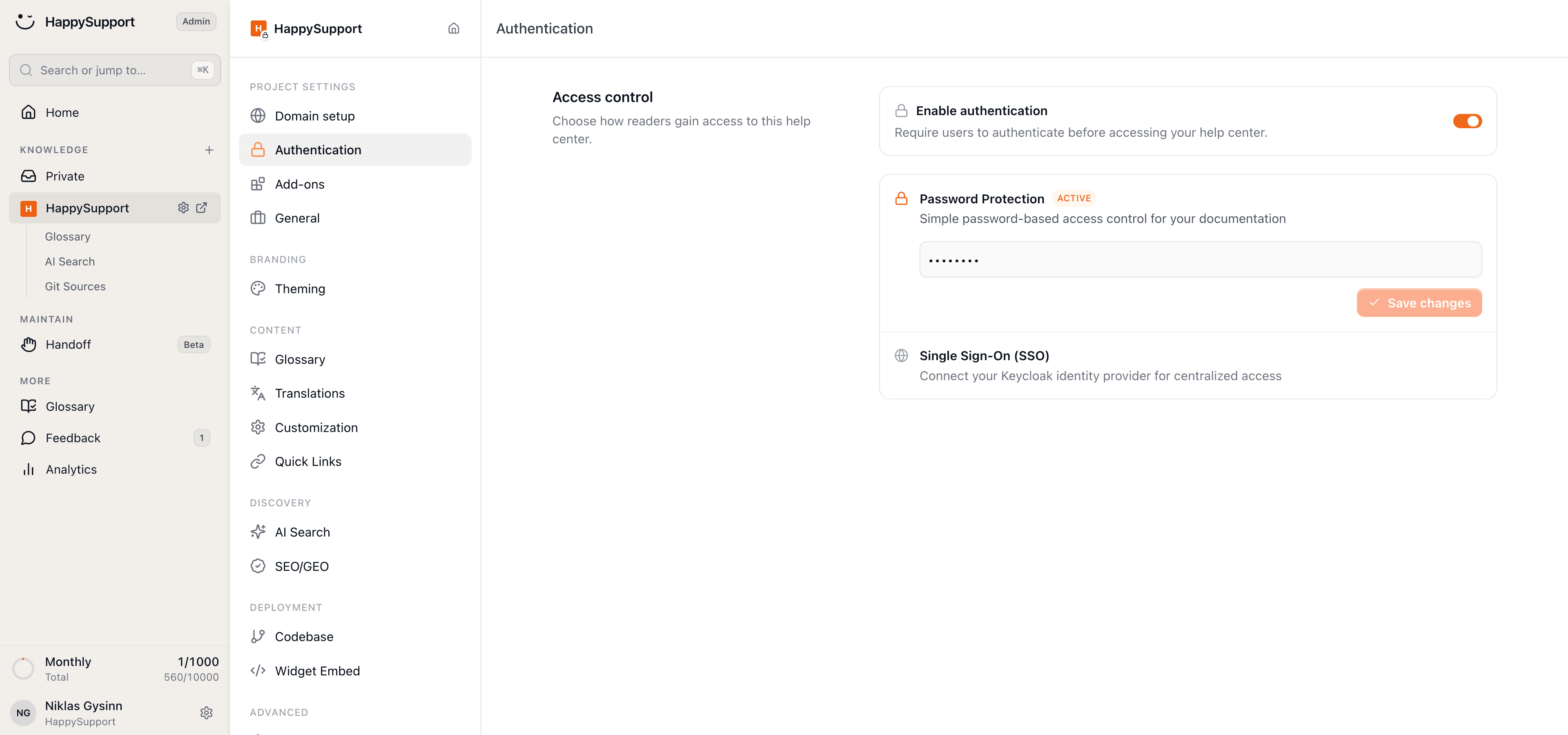
Onboarding, processes and internal know-how in one searchable place behind a login.
Built with the same recorder and agent as your public help center, so internal documentation costs no more effort than external.
Write once, publish in every language
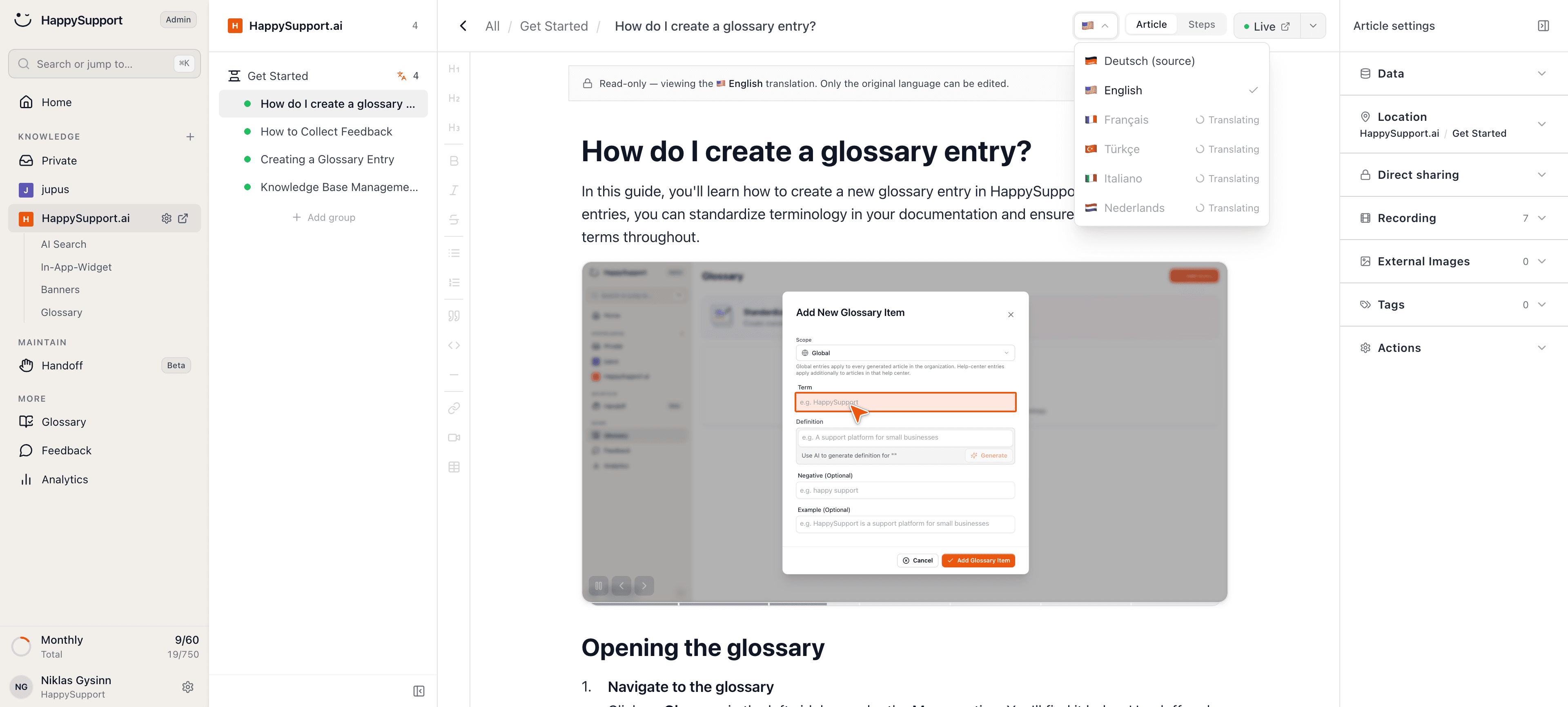
Articles are translated automatically into 12+ languages, including the text inside your screenshots.
Translations follow the source article, so one correction fixes every language instead of twelve separate copies.
An agent that drafts and updates your articles
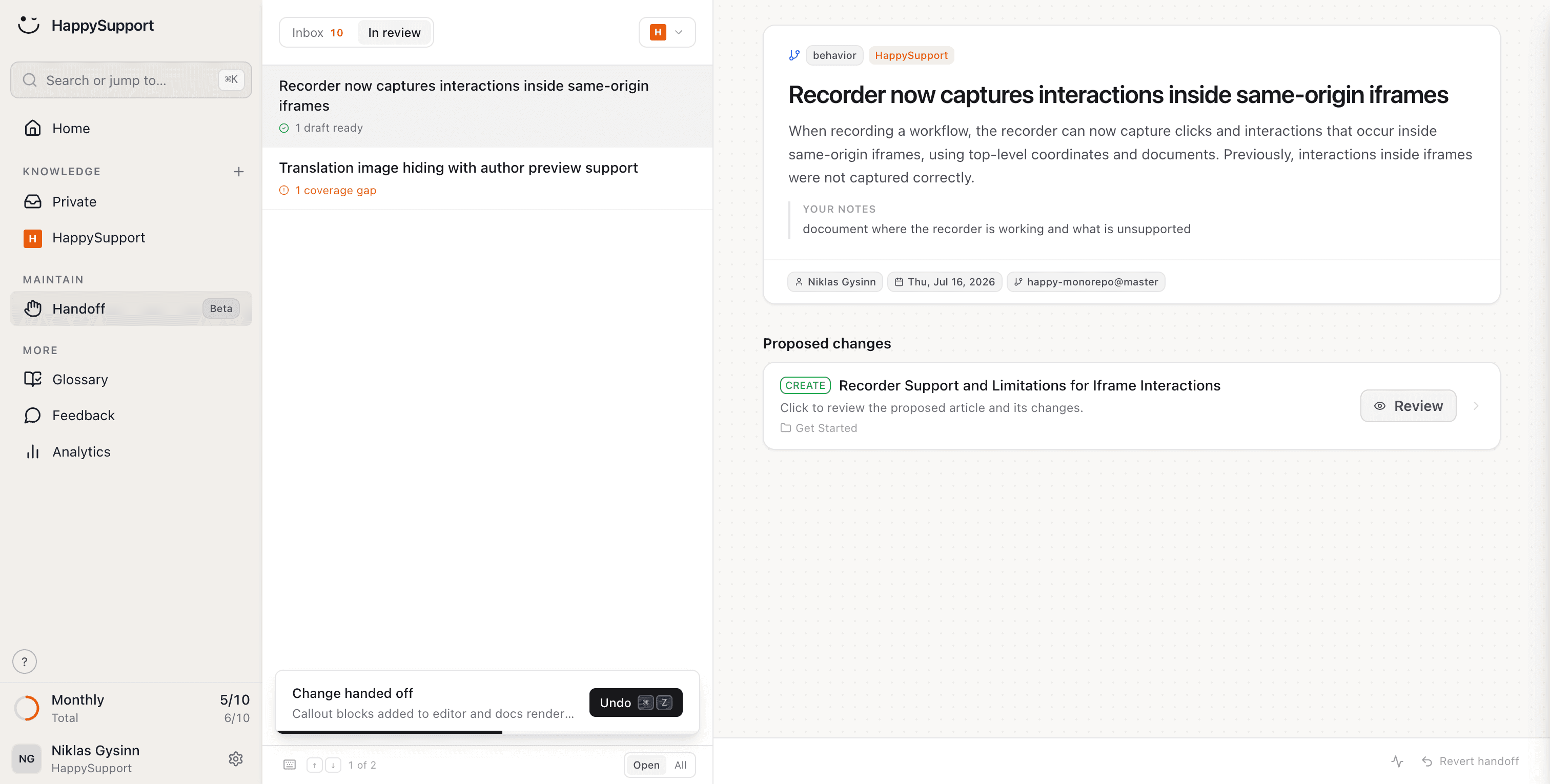
The agent understands your product, writes complete help articles and proposes updates on its own when something changes.
You review and approve. It handles the writing, the structure and the follow-up work of keeping every article accurate.
Your documentation as callable tools
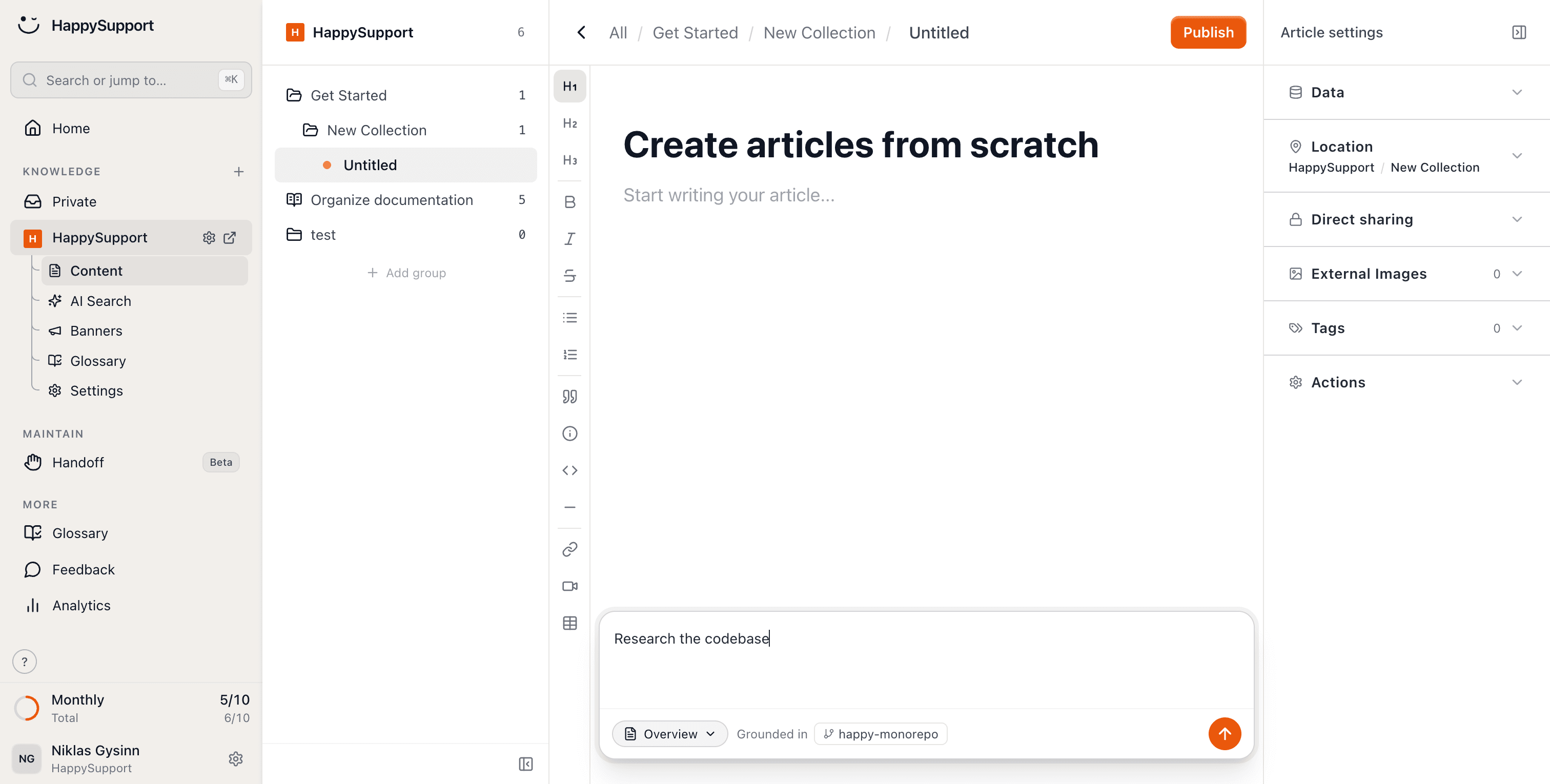
AI agents should not have to scrape your help center. HappySupport exposes your docs through MCP, so an assistant can call them directly.
It works in both directions: your team can write and maintain articles through MCP too.
Audited every night
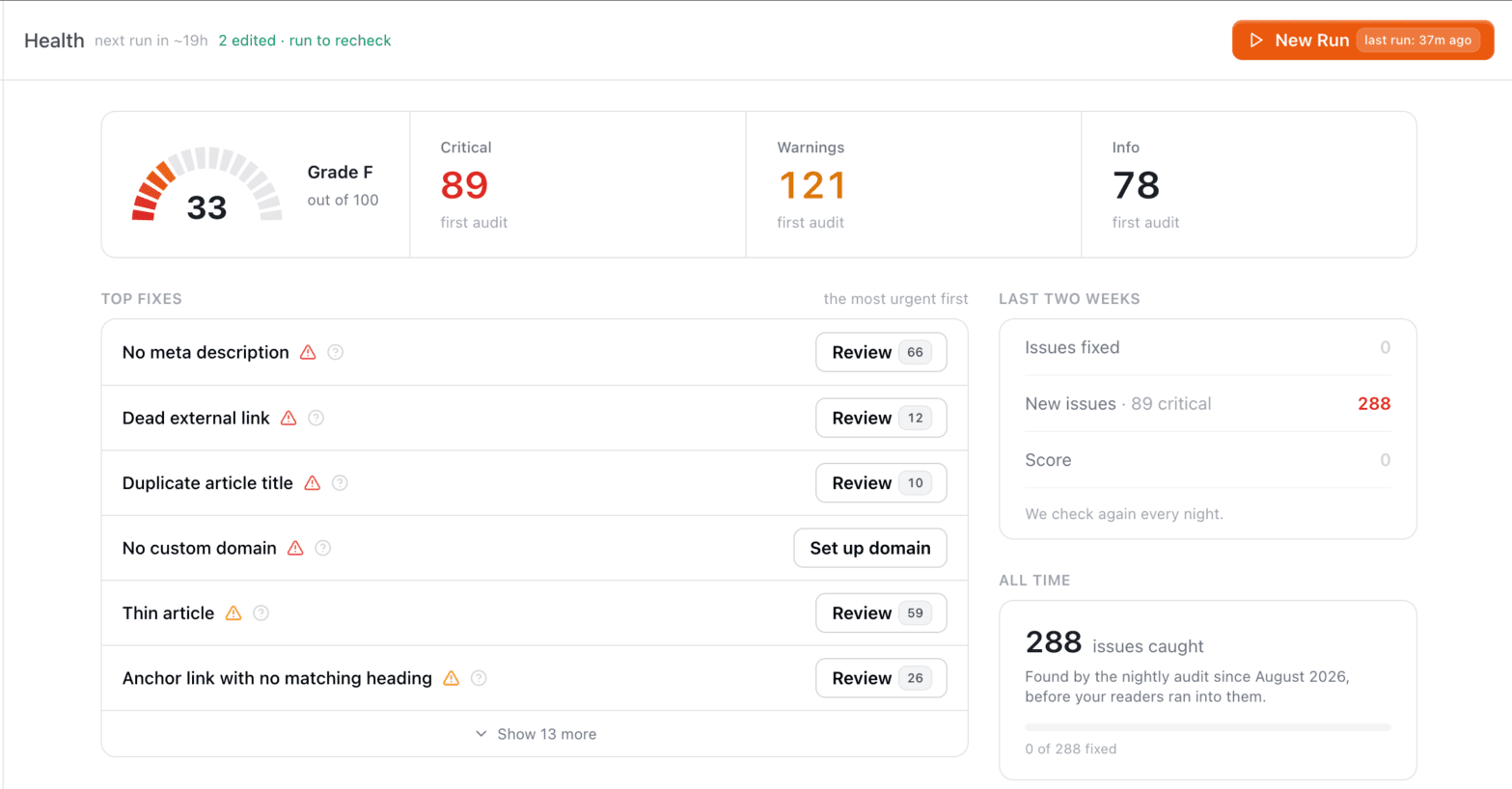
46 checks read the whole help center every night: links, structure, SEO, images, freshness. External links are really requested, not guessed at.
One honest score, and every finding links to the place where you fix it.
Your help center, ready before your coffee.
Start for free and publish your first article today.
 Book a demo