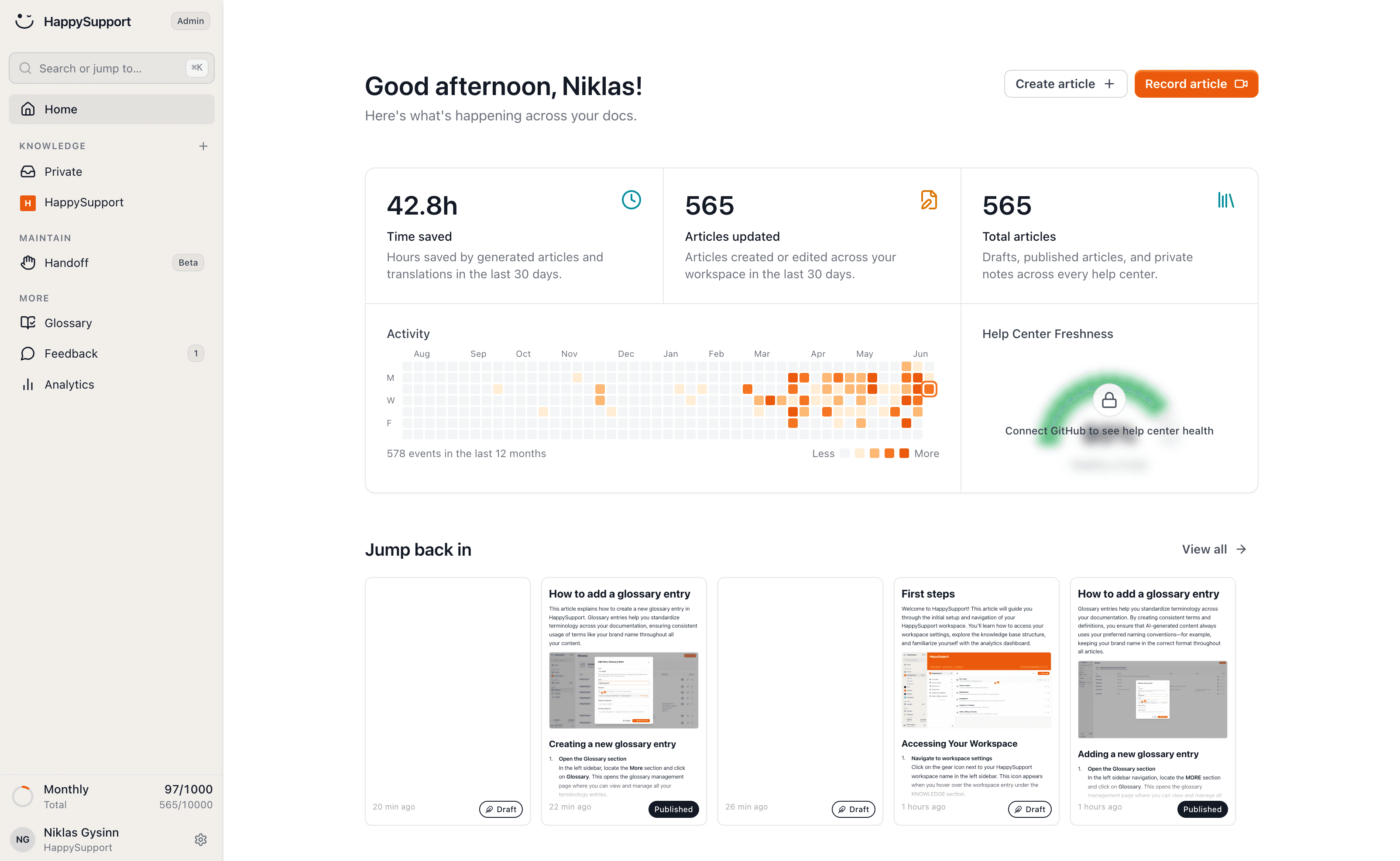
Stop redoing screenshots after every release
Screenshots go stale faster than any other part of your docs. Stop redoing them by hand: HappySupport refreshes them automatically whenever the interface changes, so every image stays right.
A screenshot is wrong after any visible change. A renamed button, a new column, a different layout, and your guide is suddenly showing a UI that no longer exists.
Catching up by hand is the most thankless job in support. HappySupport takes it over by regenerating screenshots automatically on every change.
Screenshots that refresh themselves
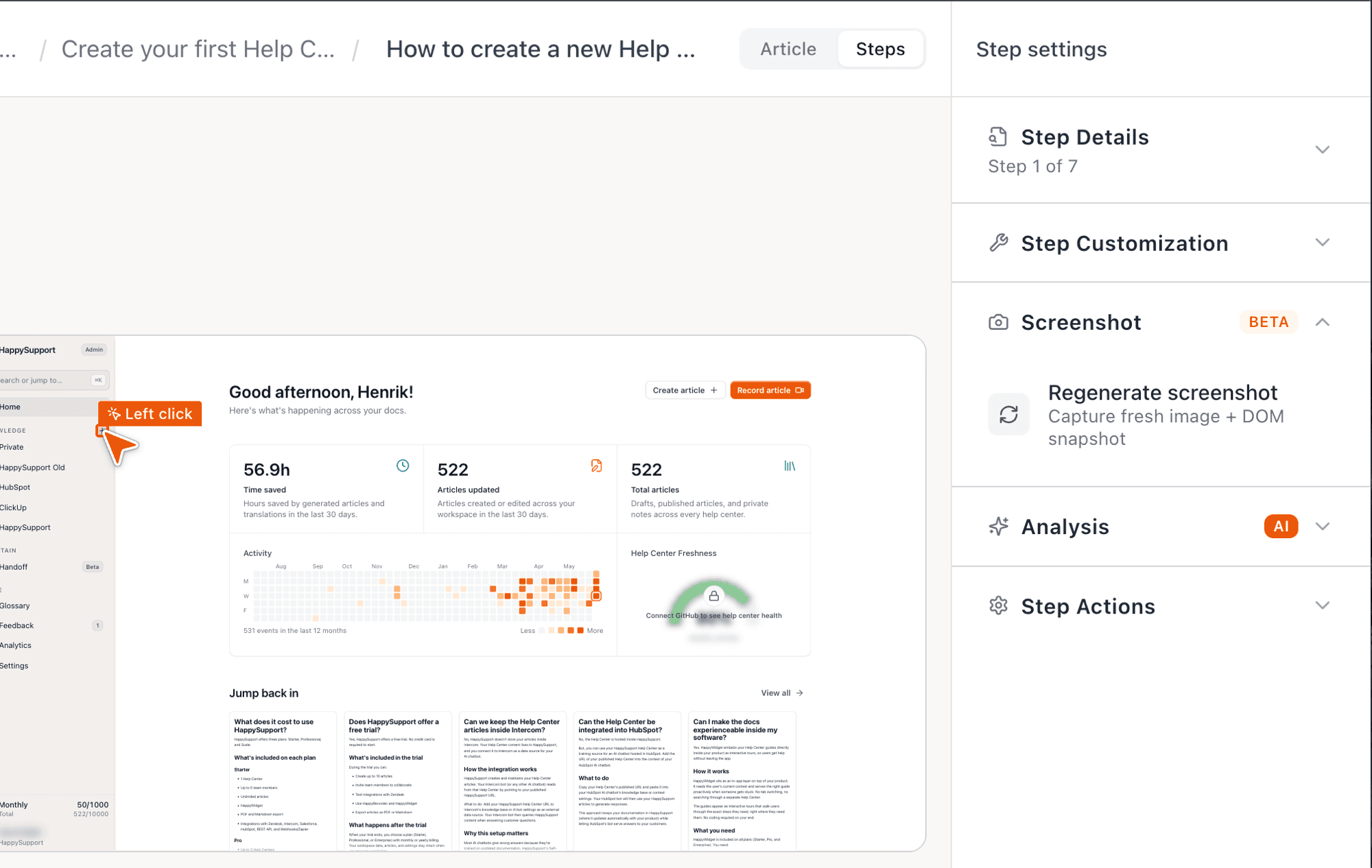
HappySupport captures your steps through the structure of the interface, not as a static image. When the UI changes, the screenshot is regenerated automatically.
You no longer click through every article to find which image is stale. The system keeps them current across the whole help center at once.
One recording, kept current
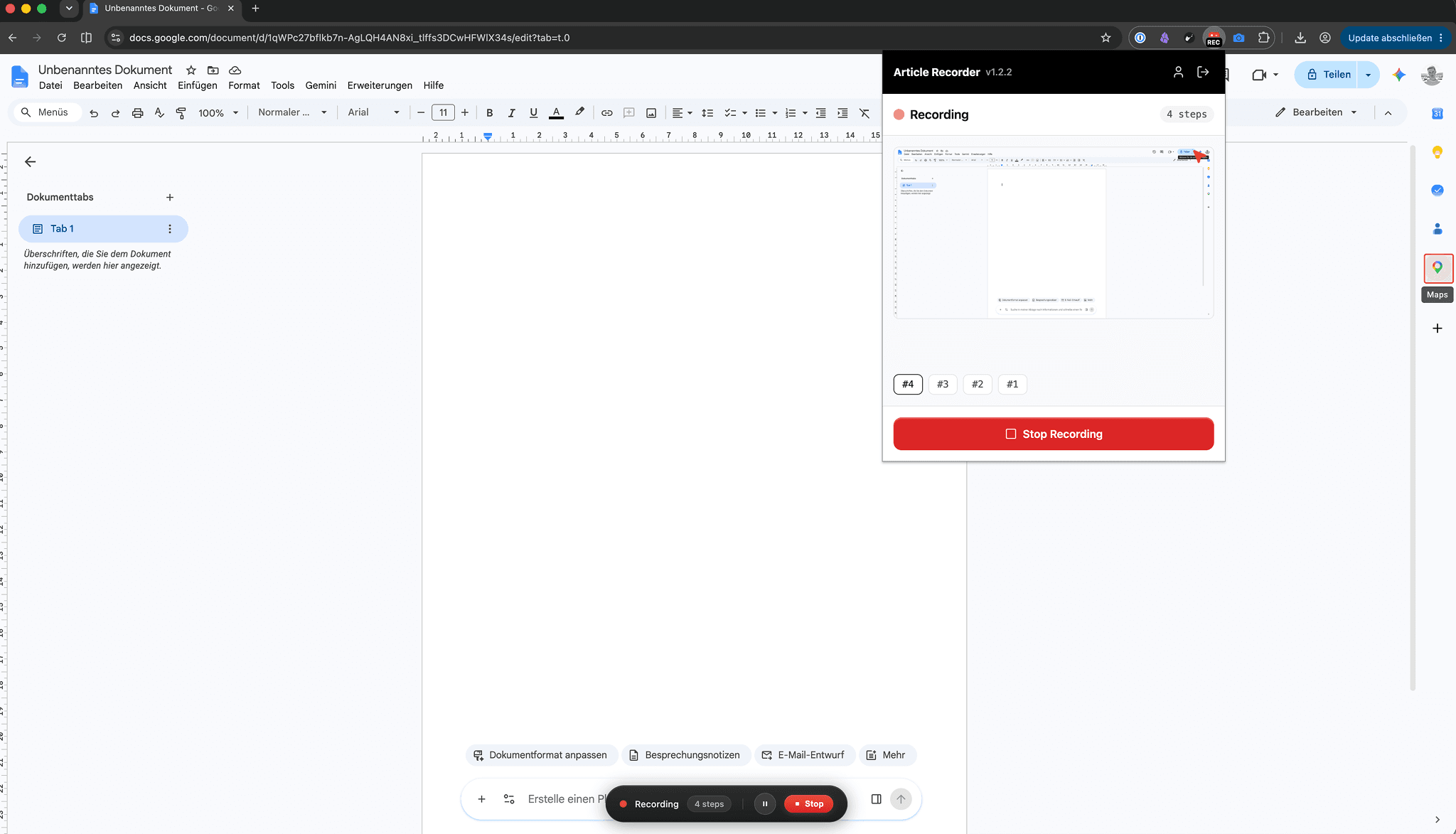
Record a flow once with the recorder. HappySupport turns it into a finished guide with clean screenshots and text.
After that, the system maintains the images for you instead of you recapturing them after every update.
Related to this
Your help center, ready before your coffee.
Start for free and publish your first article today.
 Book a demo