Your team's knowledge in one place
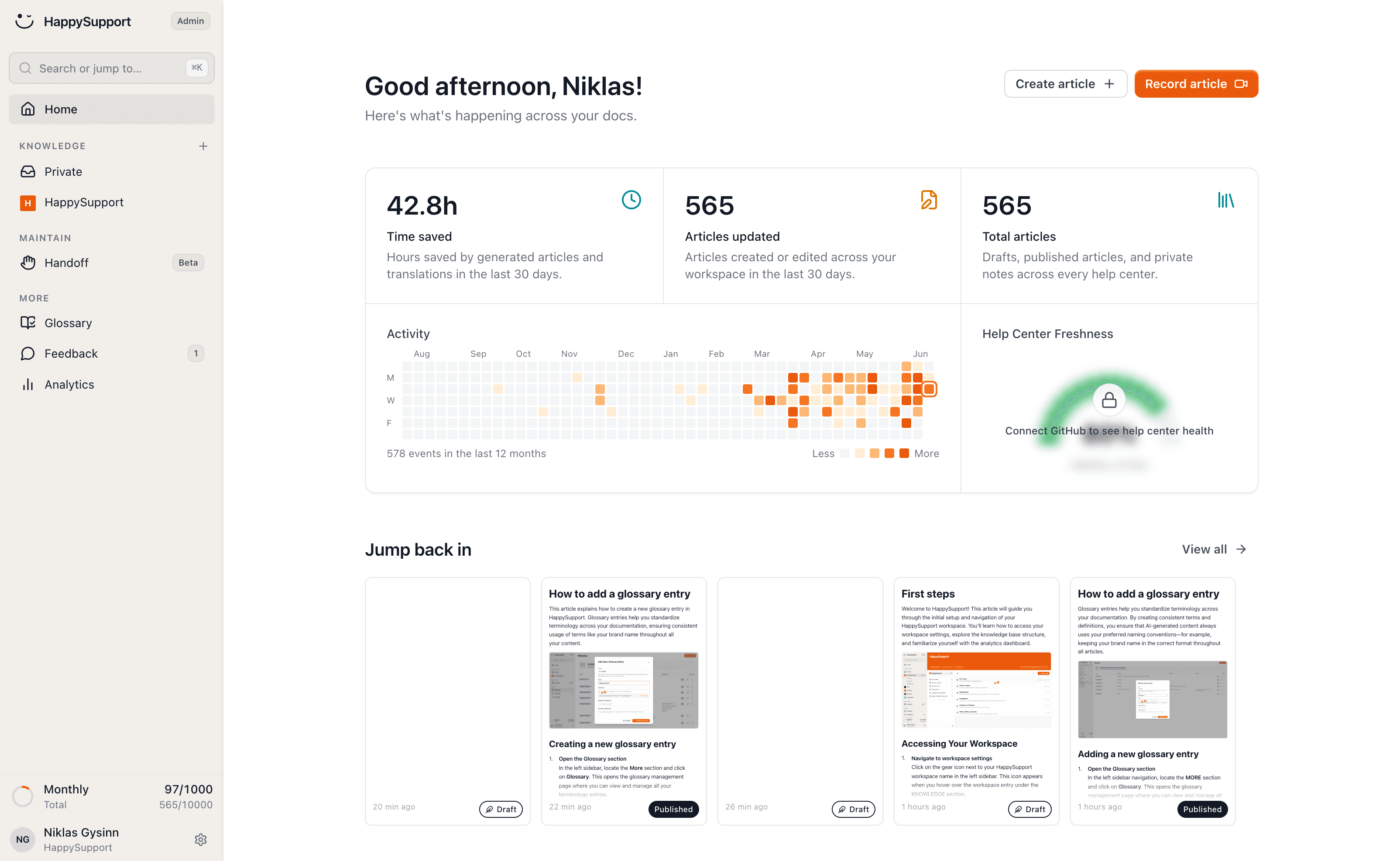
A private, searchable knowledge base for onboarding, processes and internal know-how: one place behind login, always up to date and built just as fast as your public help center.
These teams document with HappySupport



Internal knowledge is scattered across Slack threads, Google Docs and in the heads of one or two people. When they are on vacation, the team is stuck.
An internal knowledge base makes that knowledge findable and HappySupport makes maintaining it so easy that it actually happens.
What is an internal knowledge base?
An internal knowledge base is a private, searchable home for what your team knows: processes, onboarding, tooling and the decisions nobody wrote down. It sits behind login and is visible only to your own people.
It differs from a public help center in audience, not in machinery. Same articles, same search, same editor. What changes is who can open it and what it is allowed to contain.
Internal knowledge base vs. a wiki
A wiki is a place to put pages. An internal knowledge base is that plus the part that decides whether the pages are still true: search that surfaces them, structure that groups them, and a realistic way to keep them current.
That distinction is why so many internal wikis quietly die. Writing the first hundred pages is a good week. The second year is where a wiki turns into a museum of how the company used to work.
What belongs in it
Anything a new colleague would otherwise have to ask a person for. Onboarding paths, walkthroughs of your internal tools, approval and escalation processes, naming conventions, and the answers your team keeps retyping in Slack.
What does not belong is anything with a shorter life than the effort of writing it down. Sprint notes and one-off decisions are better left in the tool that produced them.
Keeping it current without a full-time owner
Maintenance is the whole problem, and it is a capture problem before it is a discipline problem. If documenting a process costs an hour of screenshots, it will not be documented a second time.
Recording a workflow instead of describing it drops that cost far enough that updating a guide stops being a project. That is the difference between a knowledge base your team reads and one they stopped trusting.
Knowledge that does not get lost
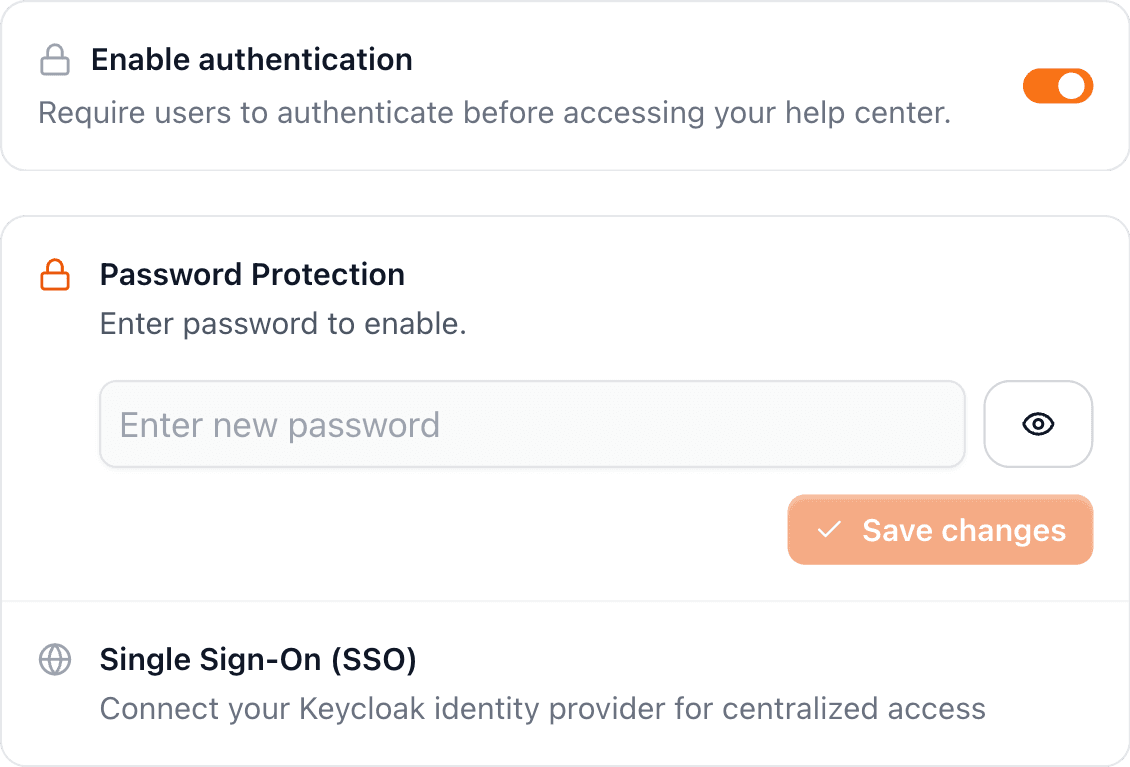
Private and protected: the knowledge base is visible only to your team behind login.
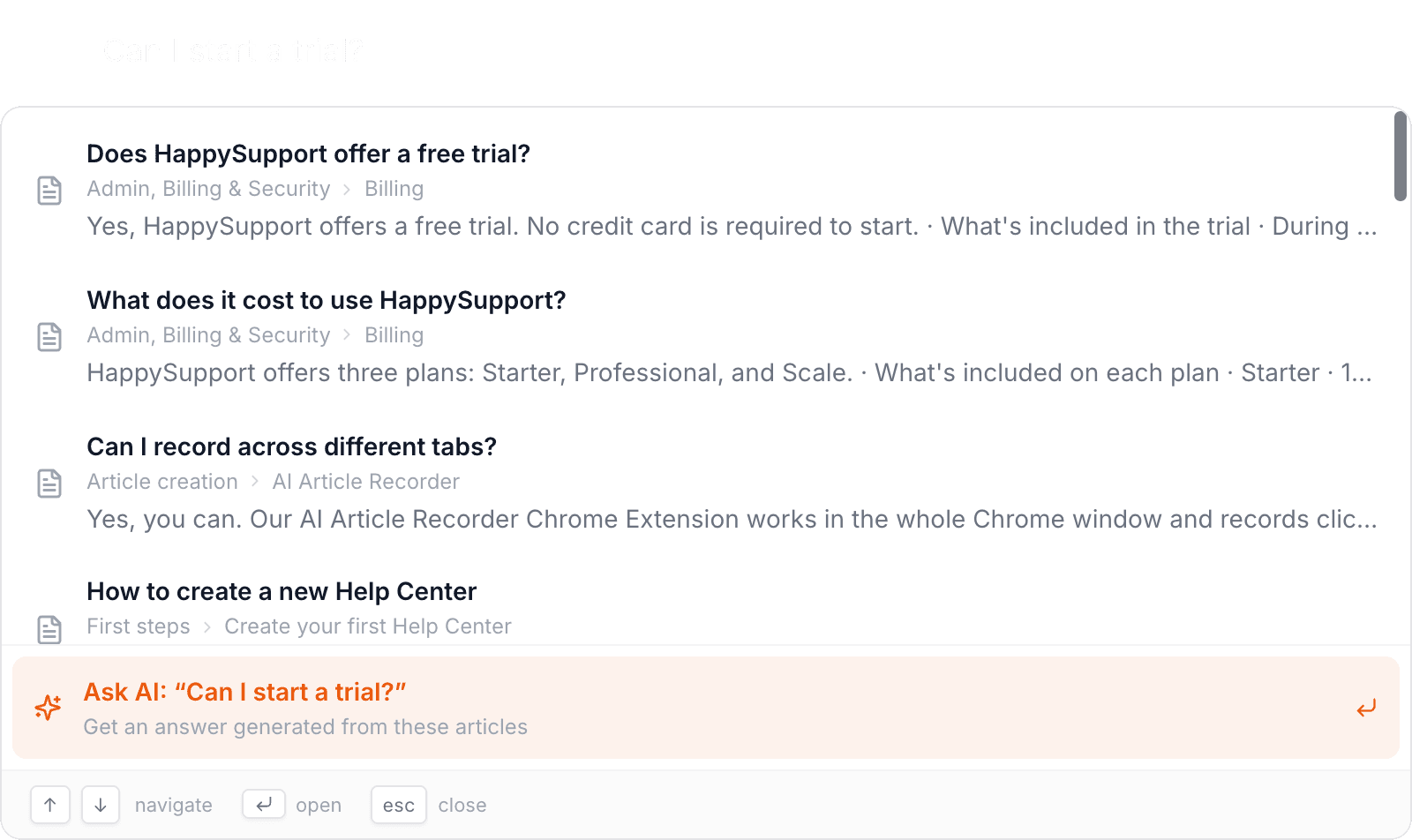
Semantic search that finds answers even when no one remembers the exact heading anymore.
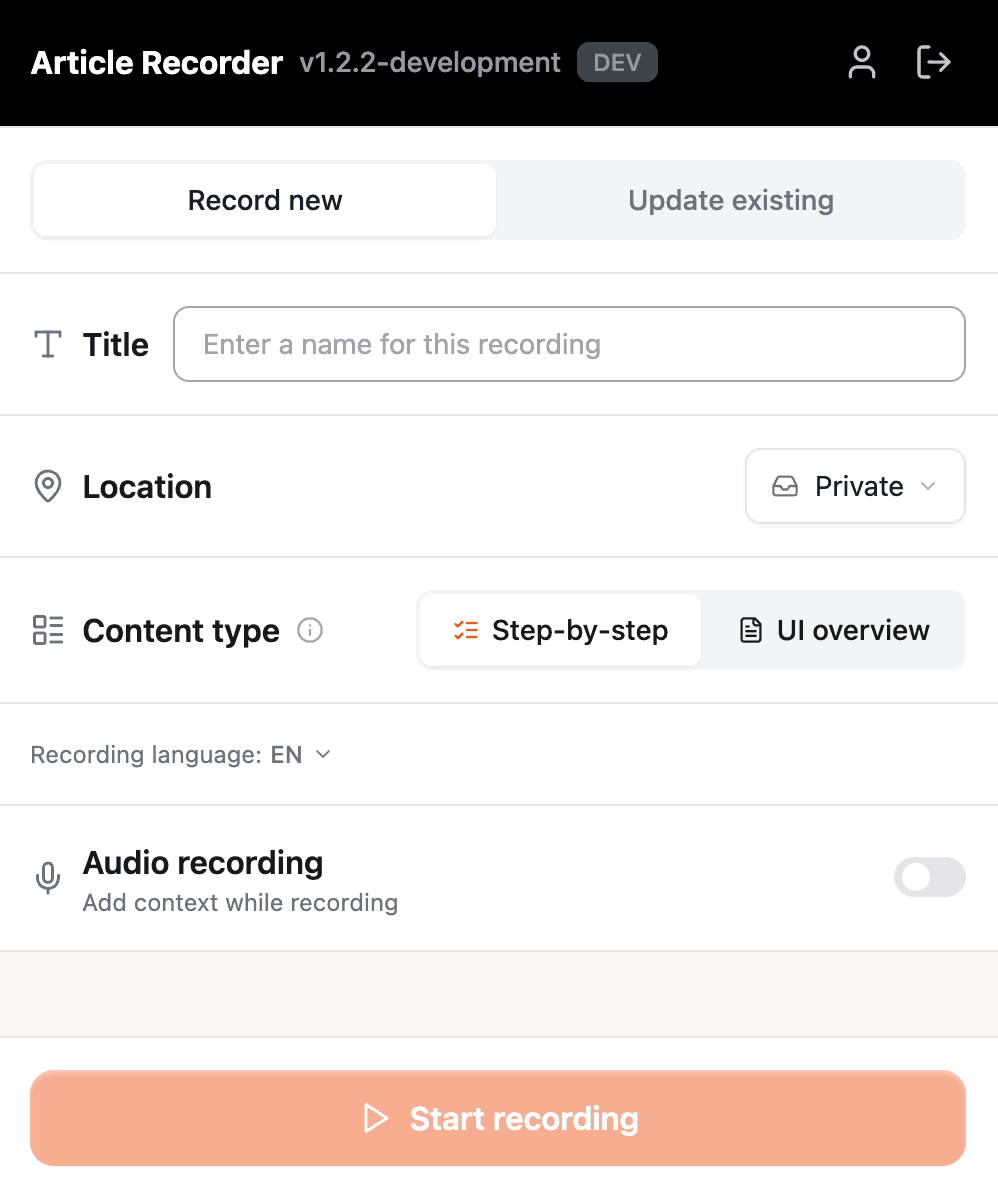
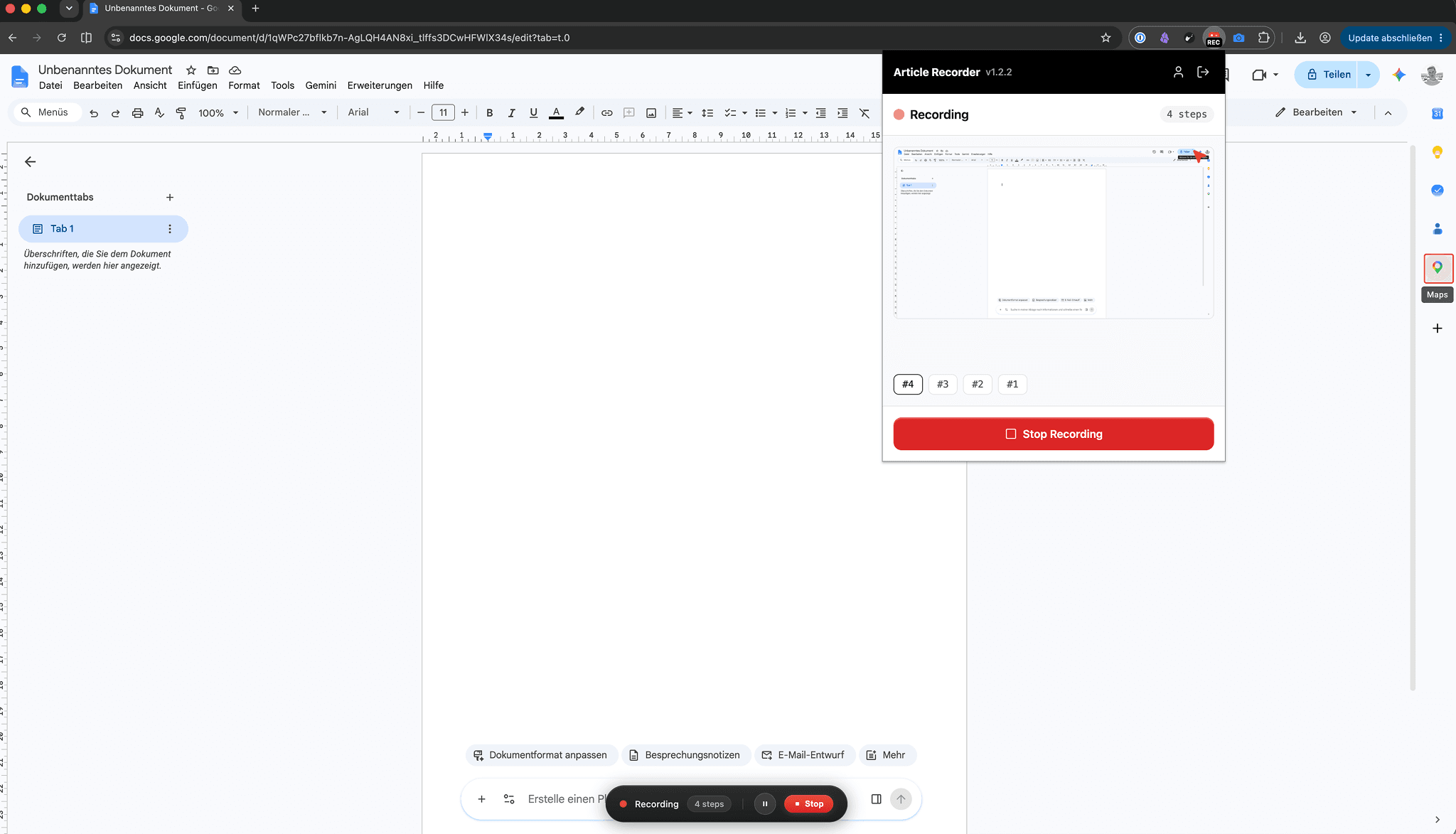
Built fast: simply record processes with the recorder instead of typing them out.
New teammates productive sooner
Instead of answering every question one by one, you point people to a knowledge base that is always up to date.
Recorded workflows show exactly how your internal tools and processes work, step by step.
Internal knowledge base questions
What teams ask before moving their internal knowledge into one place.
What is an internal knowledge base?+
An internal knowledge base is a private, searchable collection of your team's processes, onboarding material and internal know-how, kept behind login. It answers the questions colleagues would otherwise have to ask each other.
What is the difference between an internal knowledge base and a wiki?+
A wiki is the storage. A knowledge base is the storage plus search, structure and a maintenance path. Both hold pages, but only one is built around the question of whether those pages are still accurate a year later.
Can I run an internal and a public help center side by side?+
Yes. Access is set per help center, so an internal space behind login and a public one can run from the same account and the same editor. An article lives in one of them, and moving it between them does not mean rewriting it.
How do people find anything in it?+
Search is semantic, so it matches on meaning rather than the exact wording. Someone can search for what they are trying to do and still land on the article, even when nobody remembers the heading it was filed under.
How long does it take to fill?+
Faster than typing it. You record a process once with the recorder and get a step-by-step guide with screenshots back, which is where most of the writing time in an internal wiki normally goes.
Is our internal documentation actually private?+
Yes. An internal help center is reachable only after login, is not indexed by search engines, and is not part of your public content. Hosting is in Germany, which matters if your data protection review asks where the articles live.
Your help center, ready before your coffee.
Start for free and publish your first article today.
 Book a demo