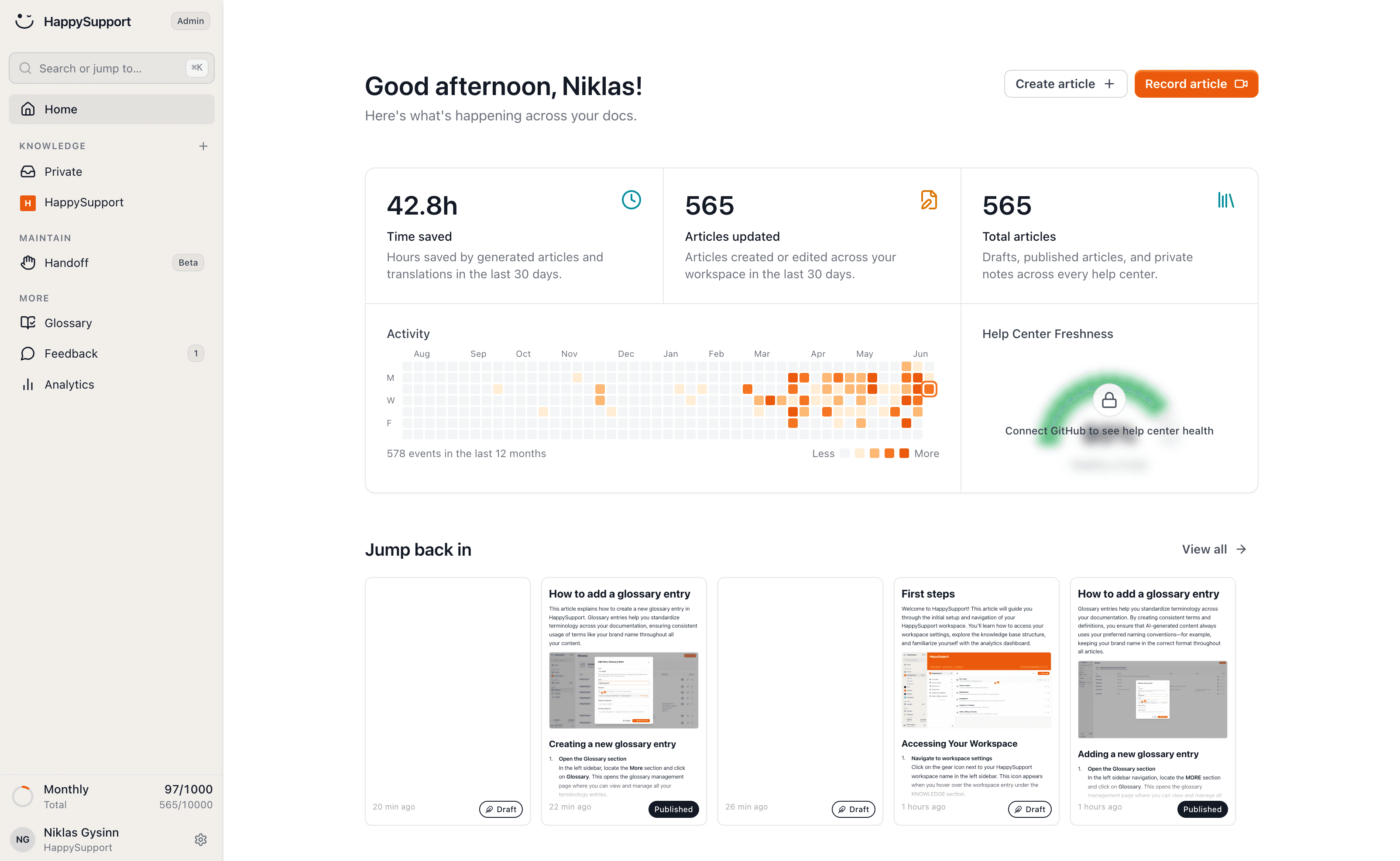
Screenshots that always stay current
HappySupport creates the screenshots for your docs while you record: annotated, with sensitive data hidden, in every language of your help center. When your interface changes, HappySupport re-captures single screenshots automatically, with your masking applied again.
These teams document with HappySupport



Manual screenshots are the worst kind of docs work: crop, label, paste, and start over at the next UI update.
How do you keep screenshots in documentation up to date?
HappySupport creates the screenshots for your documentation automatically: you click through a flow once and every step gets an annotated screenshot, in every language of your help center. When the interface changes, HappySupport re-captures single screenshots from your product and applies your masking again; whole flows are not re-recorded automatically yet.
Screenshot capture is included in every HappySupport plan, from Starter at 129 euros per month. Automatic re-capture comes with Professional at 399 euros. Prices are billed yearly (155 or 479 euros billed monthly), excl. VAT. Every plan can be tested free for 14 days.
Screenshots always on the latest version
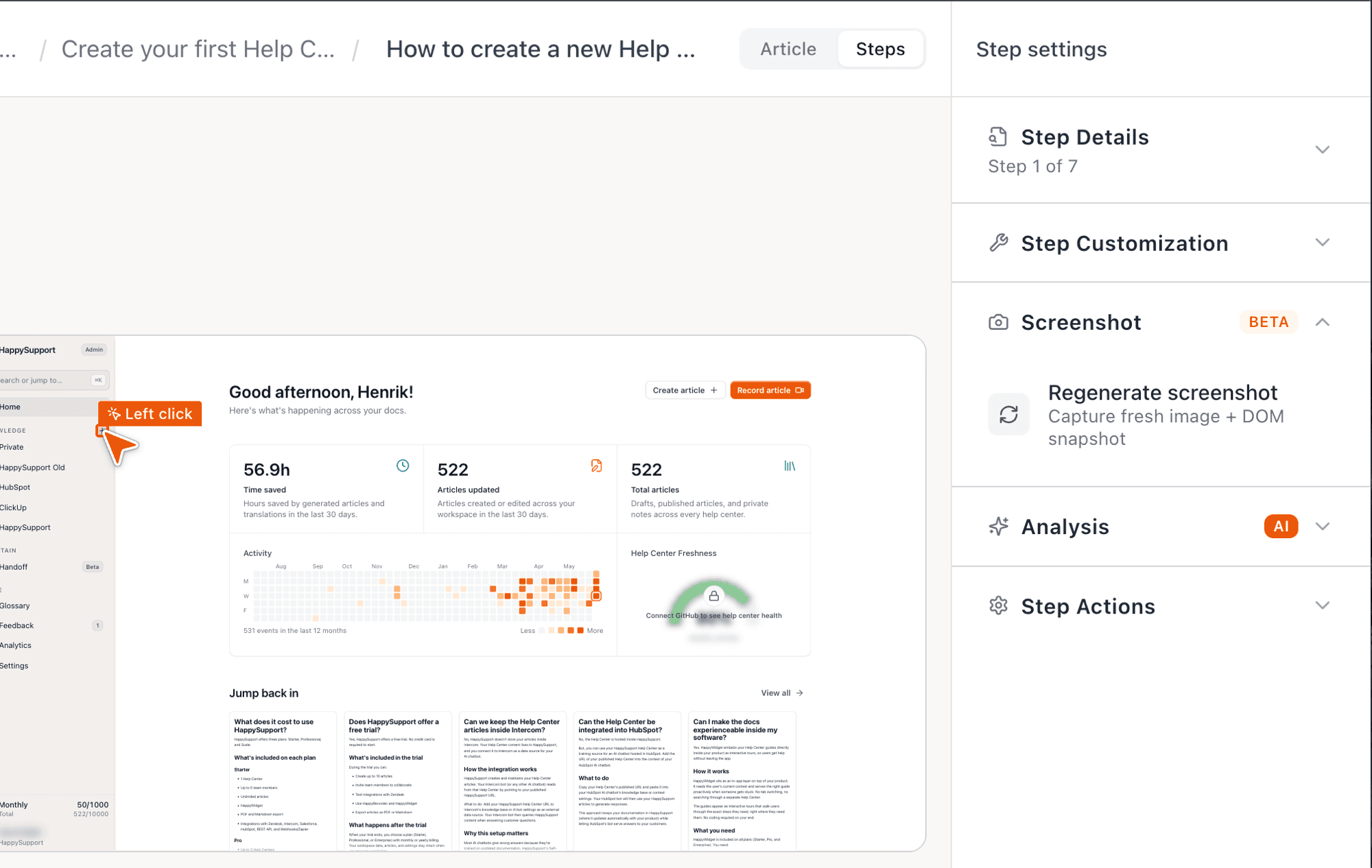
When your product changes, your screenshots change automatically. HappySupport opens your product itself, runs the steps again and keeps every screenshot current.
What you hid before stays hidden: elements you blacked out or pixelated are masked again on the updated screenshot too.
Hide anything confidential with one click
Email addresses, customer names, account balances: pixelate, black out or replace sensitive elements right on each screenshot.
That way you show real flows without exposing real data.
Every screenshot, in every language
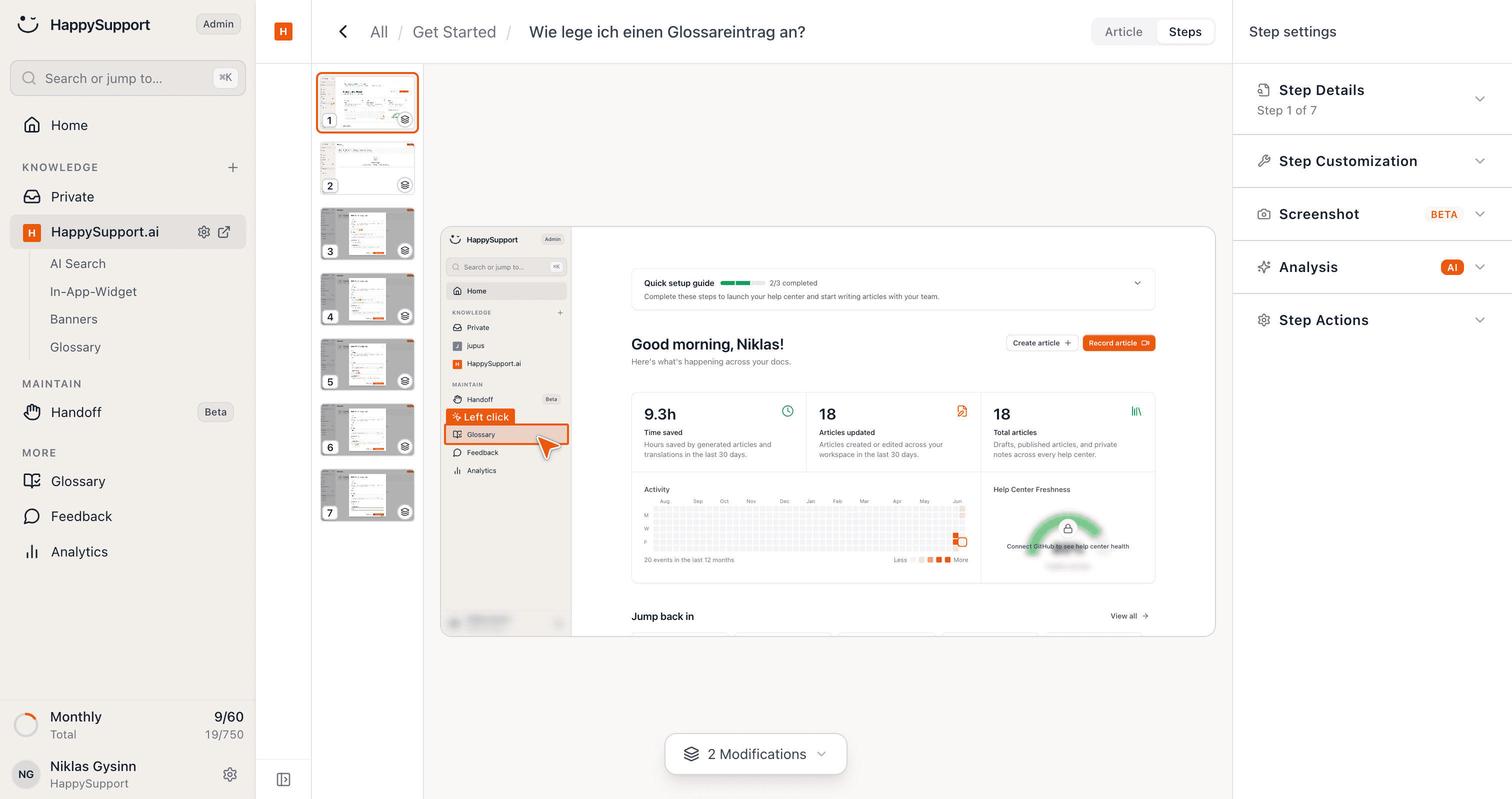
Maintaining screenshots in several languages is usually a nightmare: for each language you click through your product again, take new images and label everything from scratch.
HappySupport captures every screenshot automatically in all your languages and labels it accordingly. One recording is enough, and your docs are illustrated in every language instantly.
Screenshots that think along
Auto annotation
Clicks, keystrokes and highlights are marked automatically.
Hide sensitive data
Black out, pixelate or replace, with one click.
Translated screenshots
Image text is translated automatically into the languages you want.
Auto update
When the interface changes, screenshots are regenerated.
Automated screenshots, in detail
What is automatic today, where it stops and what it costs.
Are automated screenshots free?+
There is no free plan, but every plan can be tested free for 14 days. Screenshot capture is included from Starter at 129 euros per month, automatic re-capture from Professional at 399 euros, billed yearly (155 or 479 euros billed monthly), excl. VAT, flat rather than per seat.
Do screenshots update automatically when the UI changes?+
Yes, for single screenshots, from Professional. HappySupport opens your product, captures the screenshot again and re-applies what you blacked out or pixelated. Whole flows are not re-recorded automatically yet; Git Handoff flags the articles a code change affects, so you know which flows to record again.
Does it capture screenshots automatically while recording?+
Yes. The Chrome extension and the Windows app take a screenshot for every step as you click through, and clicks and keystrokes are marked on it automatically.
Can I hide sensitive data in screenshots?+
Yes. Pixelate, black out or replace elements such as email addresses, customer names or account balances directly on the screenshot.
Are screenshots translated?+
Yes. Text in screenshots is translated along with the article, and translations update when the source changes. Starter includes one additional language, Professional five and Scale ten.
Your help center, ready before your coffee.
Start for free and publish your first article today.
 Book a demo