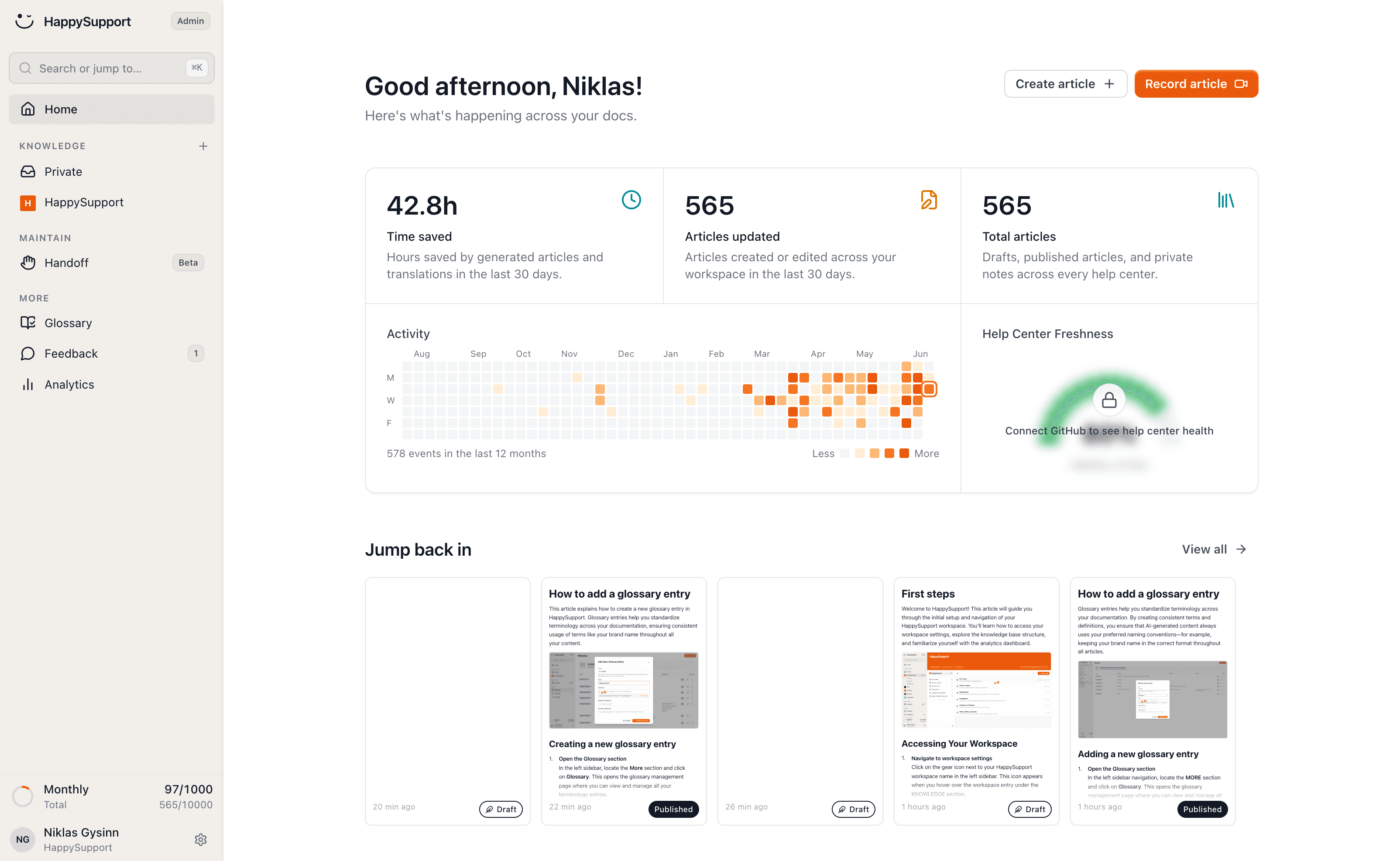
Contextual help on the exact screen
Generic docs rarely help at the right moment. HappySupport surfaces exactly the help that matches the current screen.
A generic help center forces users to filter for themselves. At the wrong moment even the best docs are simply in the way.
What works is help that matches the screen and the action. That context is what HappySupport delivers.
What is contextual help?
Contextual help is assistance that appears on the screen a user is already on, matched to what they are trying to do there. Nothing has to be searched for, because the answer arrives in place.
The part that makes it work is targeting. A help center is one library for every question anyone has ever had. Contextual help narrows that library down to the few articles that apply to the current page, feature or account state, and shows only those.
Contextual help vs. a help center
A help center answers the questions people go looking for. Contextual help answers the ones they never ask, which is most of them: users who get stuck usually retry, give up or open a ticket rather than leave your product to search.
The two are not alternatives. The help center stays the source of truth and the page search engines index. Contextual help is the delivery layer that puts those same articles in front of someone at the moment the question forms.
Context-sensitive help, in a browser
Context-sensitive help is the older name for the same idea, from desktop software where pressing F1 opened the topic for the active window. Web products read the current route and the user's state instead of a window handle, but the promise is identical.
That is why a contextual help system is judged on its targeting rather than its editor. Writing the article is the easy half. Deciding which of four hundred articles belongs on this one screen is the half that decides whether anybody reads it.
Where contextual help pays off
Contextual help earns the most on the screens where users quietly drop off: onboarding, setup, imports, billing and any workflow longer than a few steps.
Those screens also produce the most tickets, so the article that keeps someone moving is usually the same article your support team is already pasting into replies.
Hints at the right moment
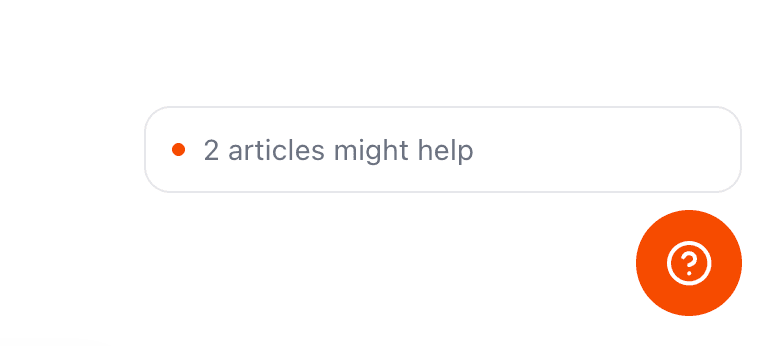
HappySupport shows hints and tips tuned to the screen the user is on.
Instead of searching the whole knowledge base, everyone sees what matters here and now.
Answers right where the question comes up
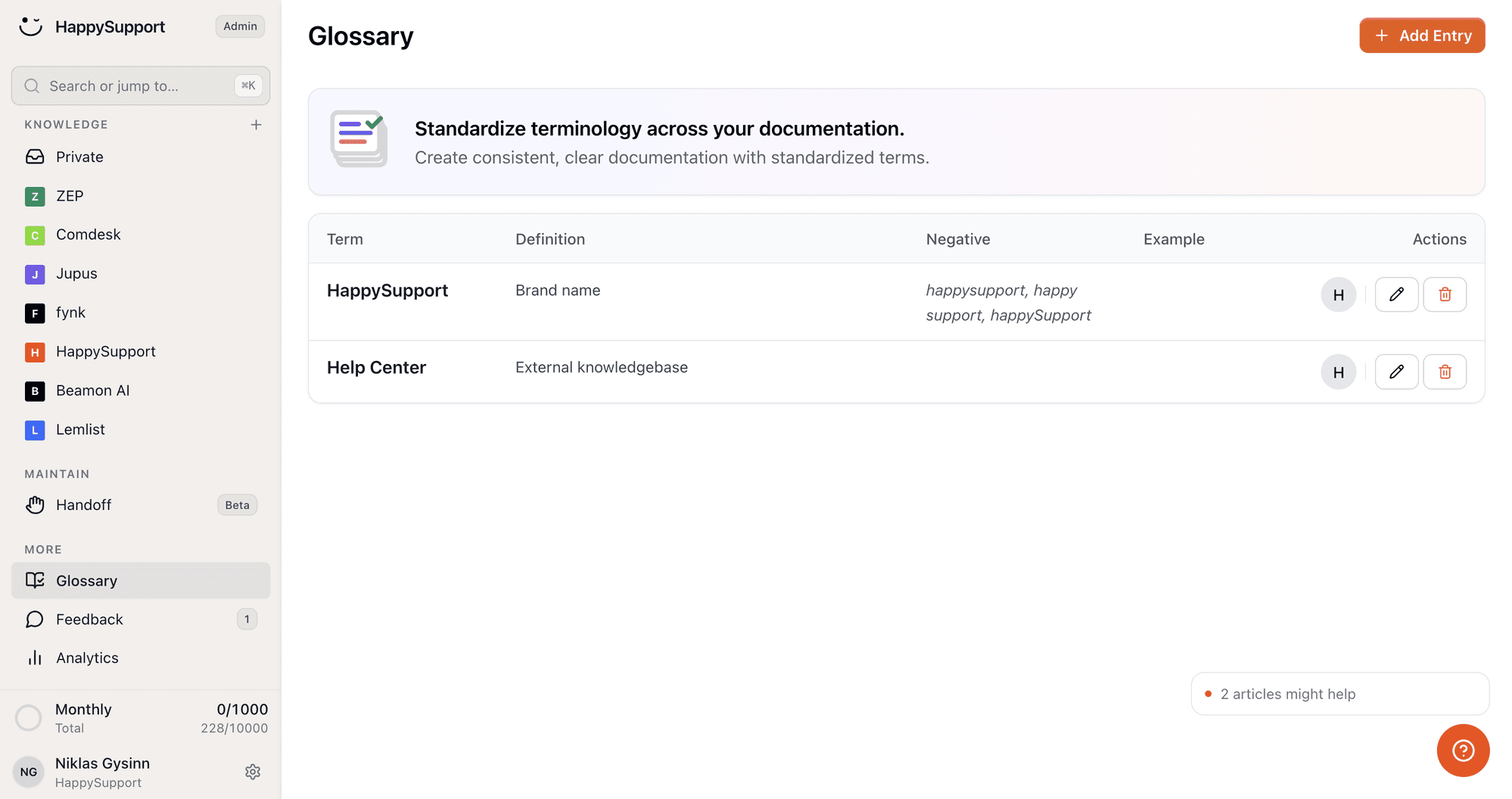
The widget brings the matching guides right to the spot where a question appears.
Users get help in context, without switching screens.
Contextual help questions
What teams ask before they put help inside their product.
What is contextual help?+
Contextual help is help shown on the screen where the user needs it, selected by what that screen is for. Instead of one search box over your whole knowledge base, the user sees the two or three articles that apply to the page they are on.
What is the difference between contextual help and in-app help?+
In-app help is the broad term for any help delivered inside your product, including a widget with a search box. Contextual help is the narrower promise that what appears is filtered to the current screen. Every contextual help system is in-app help, but not every in-app widget is contextual.
Does contextual help replace a help center?+
No, it depends on one. Contextual help is a delivery layer, so it needs a knowledge base behind it to deliver. In HappySupport both come from the same articles, so the widget cannot show a version of a guide your help center has already replaced.
How does HappySupport know which article to show?+
You match articles to the screens of your product in the dashboard, and the widget shows what fits the page the user is on. The AI chat covers whatever the mapping misses by answering from your articles directly.
How much work is it to set up?+
The widget goes in with one line of code and picks up your colors and language on its own. After that the work is matching articles to screens, which happens in the dashboard rather than in your codebase, so it never waits on a release.
Is contextual help the same as a product tour?+
No. A product tour runs once, in a fixed order, whether or not the user needs it. Contextual help waits until it is relevant and stays available on every later visit, which is why it keeps working long after onboarding is over.
Your help center, ready before your coffee.
Start for free and publish your first article today.
 Book a demo