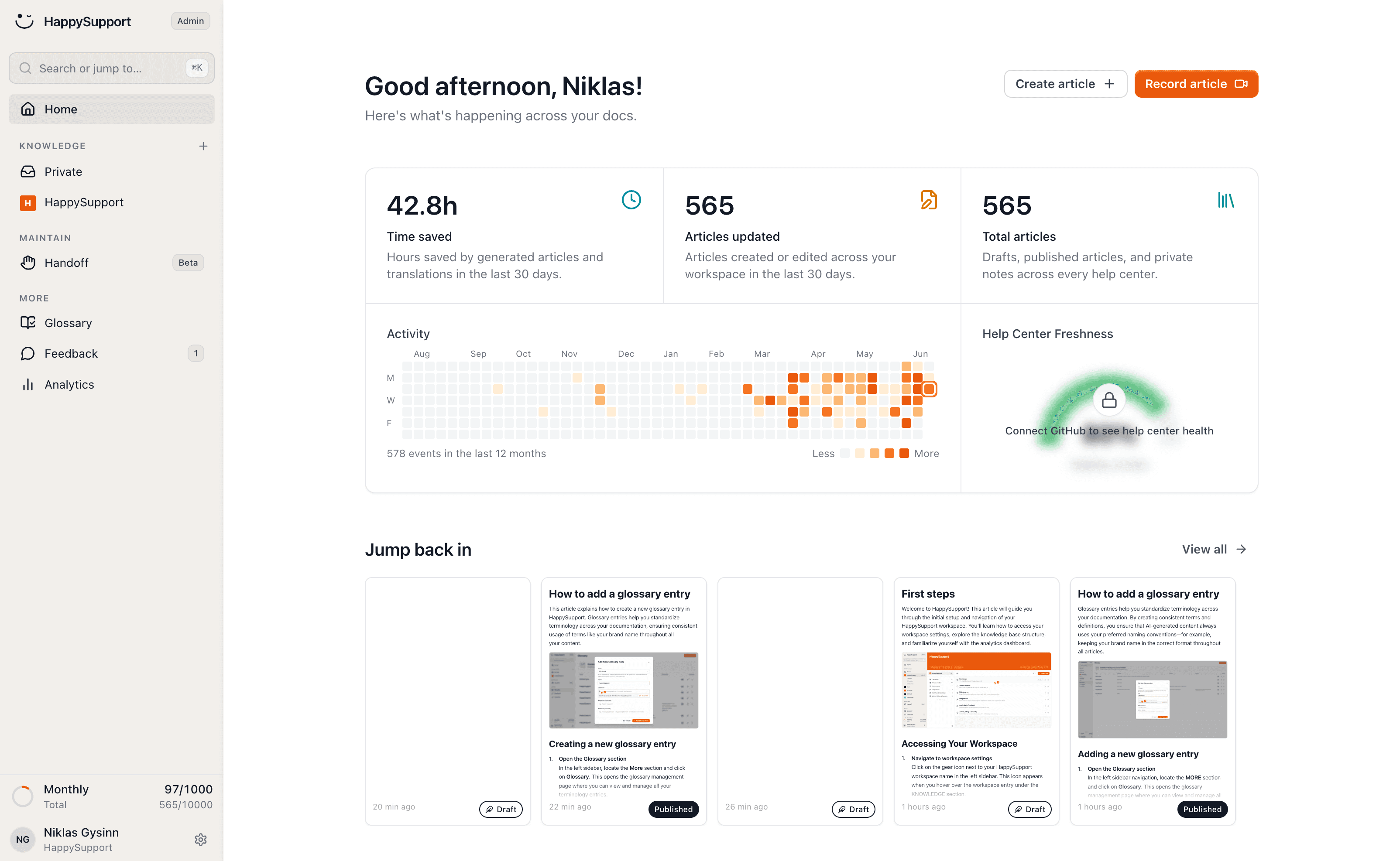
Create click-through guides automatically
Click through your process with the HappySupport recorder and get a finished click-through guide, without taking screenshots, drawing arrows or describing every step by hand.
Most teams build click guides by hand: take a screenshot, paste it into a document, draw boxes and arrows, describe each step. That eats half an hour per guide, and with twenty flows a whole week is gone.
And after the next release, half the screenshots are wrong. A tool that only creates guides solves half the problem. HappySupport creates your click guides automatically and keeps them current.
Click through the flow once
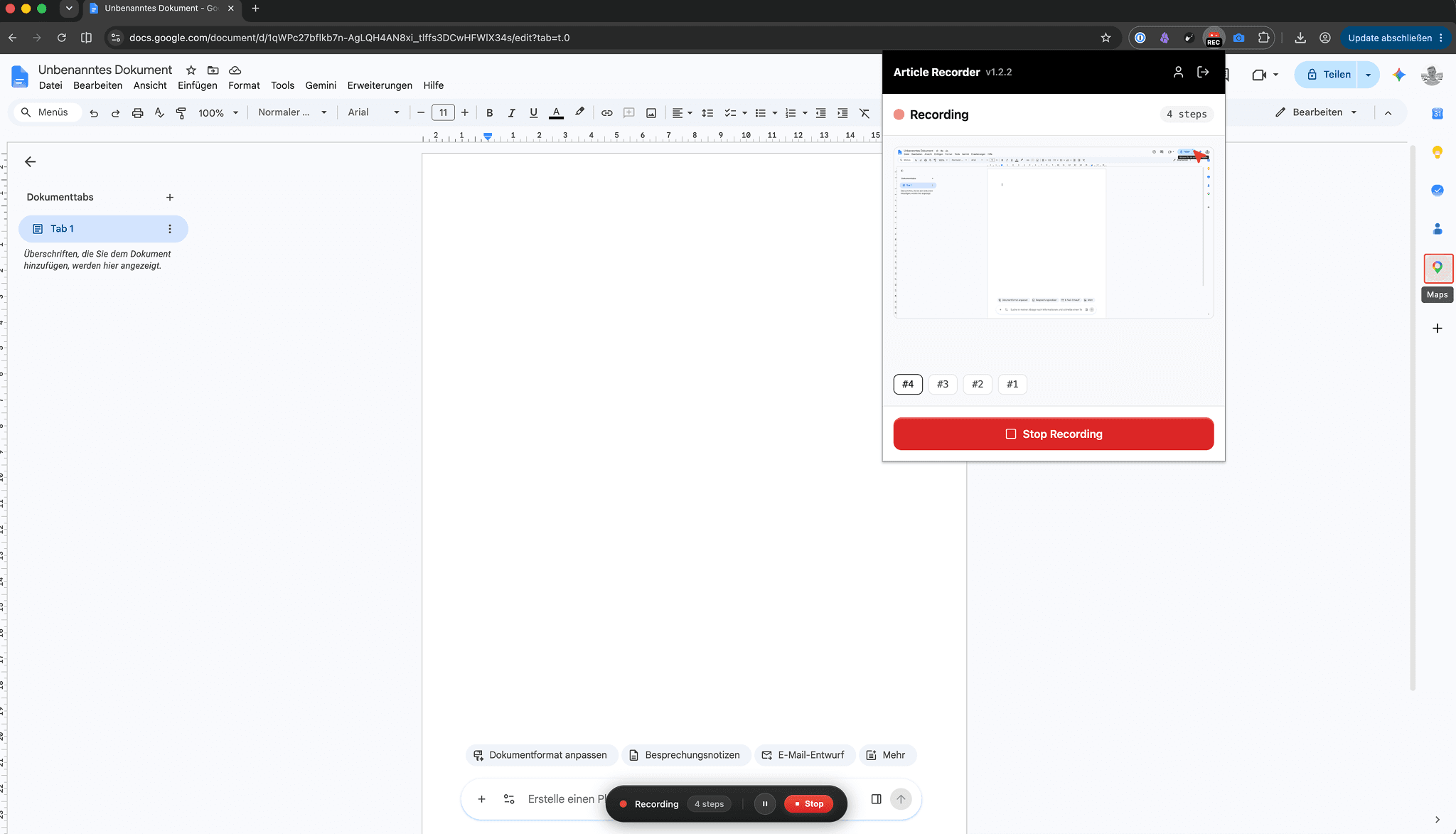
Start the recorder in your browser or on Windows and do the task as you normally would. Every click and every input is captured as its own step, with the matching screenshot.
If you explain what you are doing while you click, that flows into the text too. The finished guide reads as if you had written it yourself.
The finished step-by-step guide
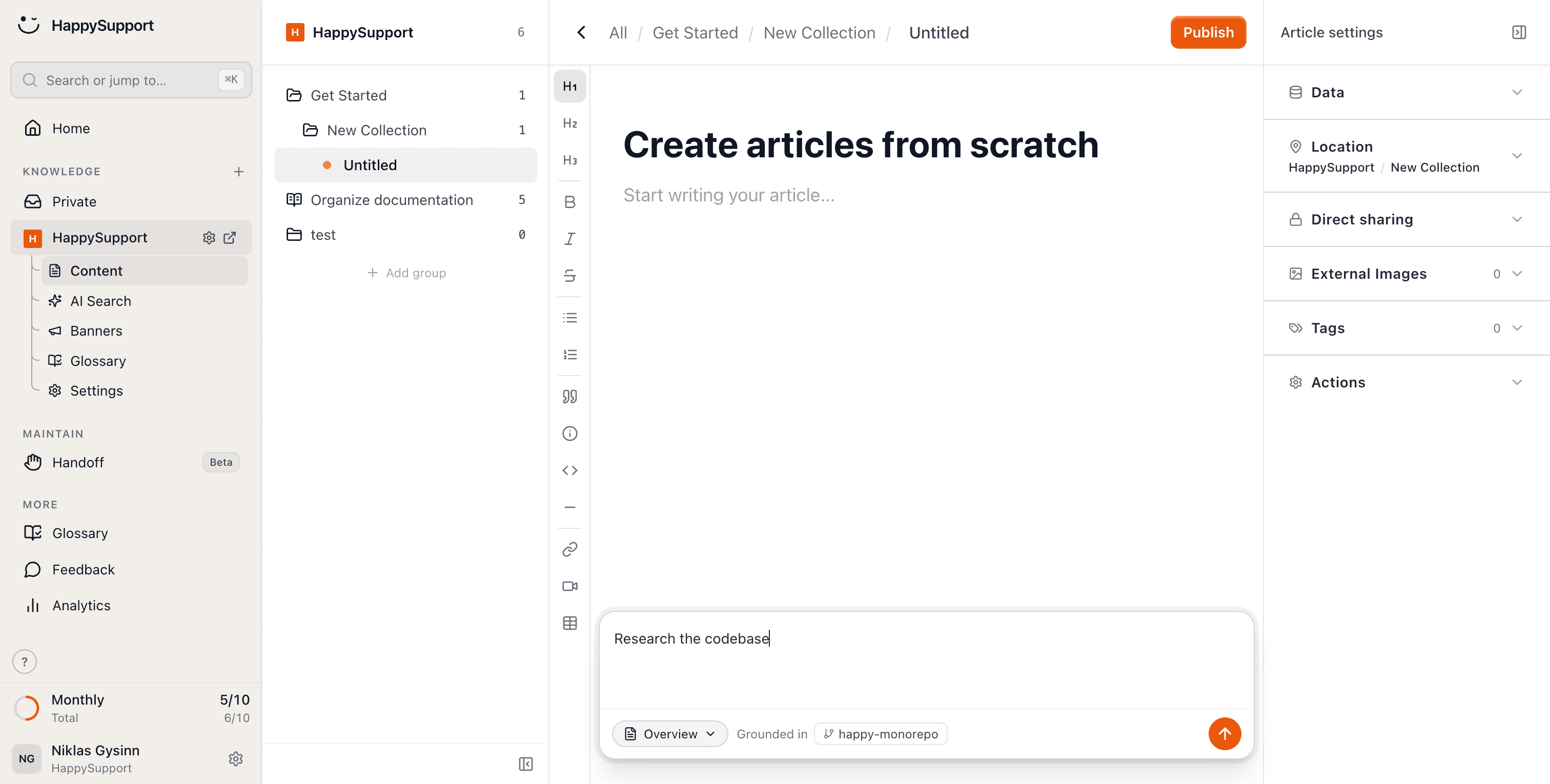
The recording becomes a structured click guide: numbered steps, clear text, and screenshots with the click already marked. No cropping, no drawing arrows.
Sensitive data like names or account balances is pixelated with one click. Then you just proofread and publish, in your help center, as an internal SOP, or as part of your docs.
Still correct after every update
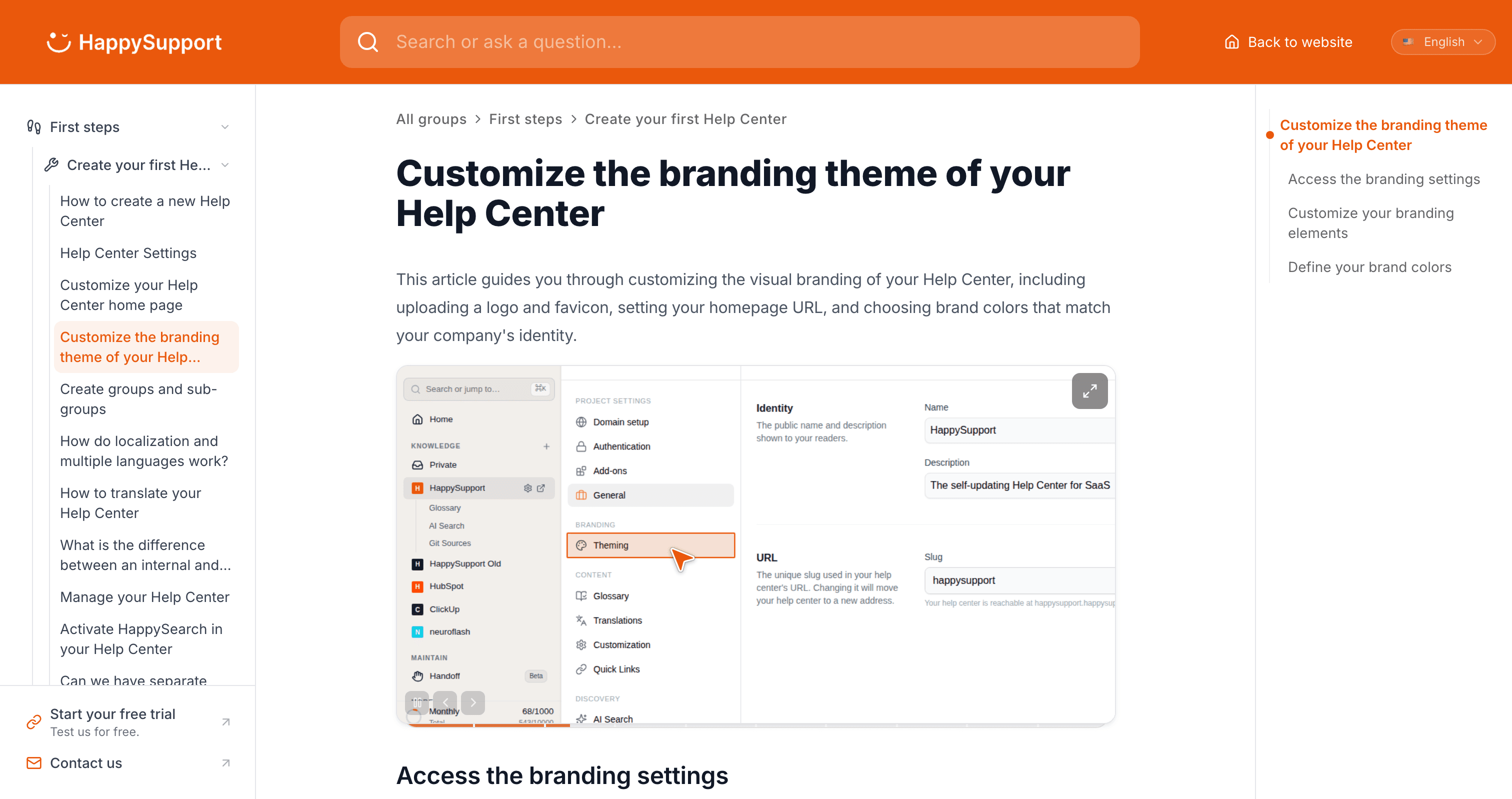
Classic tools create the guide, and then it goes stale. HappySupport notices when your product changes, clicks through the flow again on its own, and renews the screenshots.
And if your users speak several languages: every click guide is available automatically in 12+ languages, screenshots included.
Related to this
Your help center, ready before your coffee.
Start for free and publish your first article today.
 Book a demo