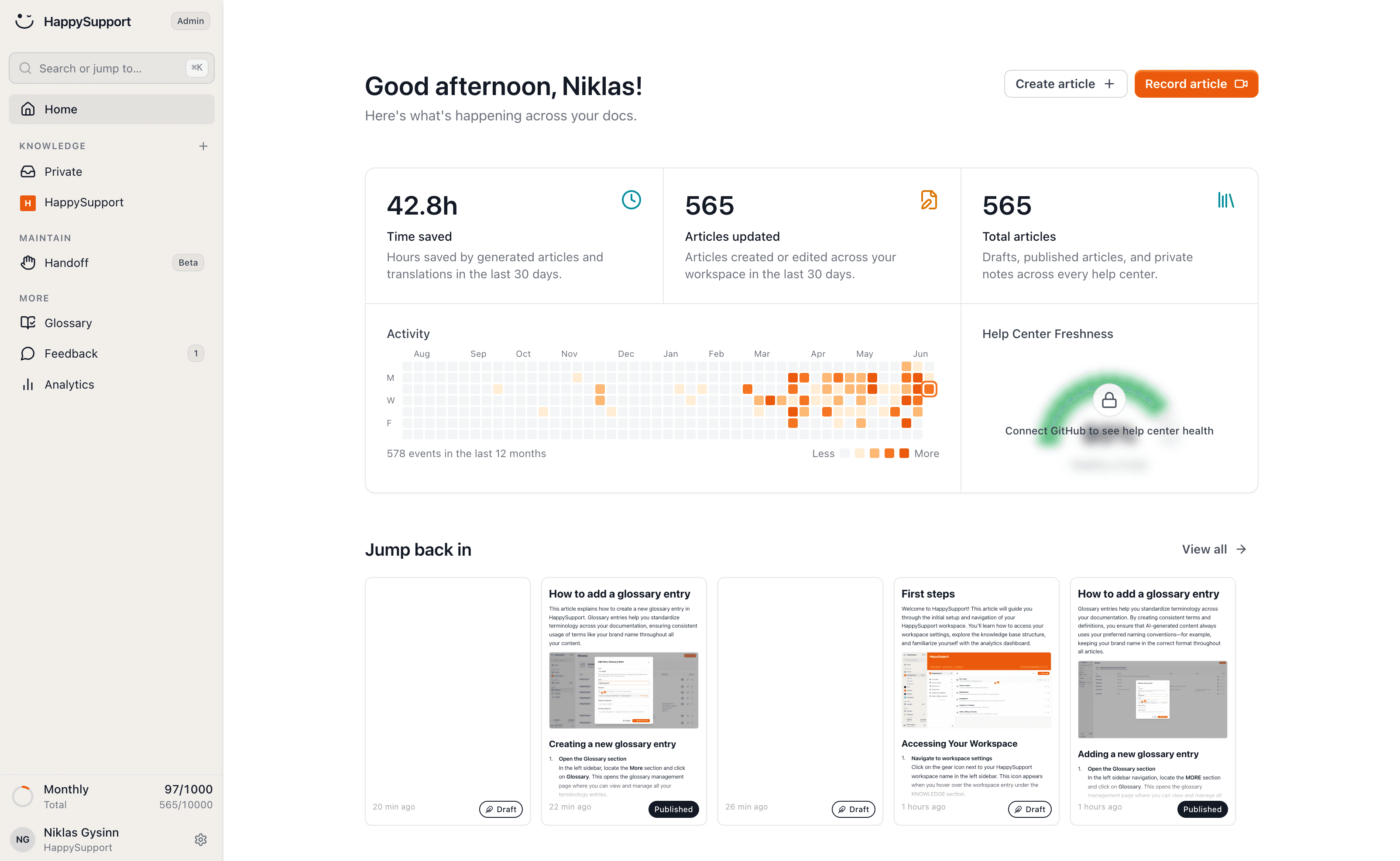
Help right where your users are
The HappySupport widget puts search, an AI chat and a contact form inside your product, embedded with one line of code. Users get the answer on the page they are on, and your team gets fewer tickets.
These teams document with HappySupport



When users have to leave your product for every question to search a help center, they drop off or file a ticket.
What is a self-service help widget?
The HappySupport self-service help widget is a support widget inside your product where users search your help articles and FAQ, ask an AI chat and contact your team without leaving the page. You embed it with one line of code, and it suggests the articles that match the page the user is on.
The widget with search and article browsing is included in every HappySupport plan, from Starter at 129 euros per month. AI chat comes with Professional at 399 euros; banners, guided tours and access for signed-in users with Scale at 899 euros. Prices are billed yearly (155, 479 or 1,079 euros billed monthly), excl. VAT.
A small widget that does a lot
Instant search across your entire knowledge base, with no context switch.
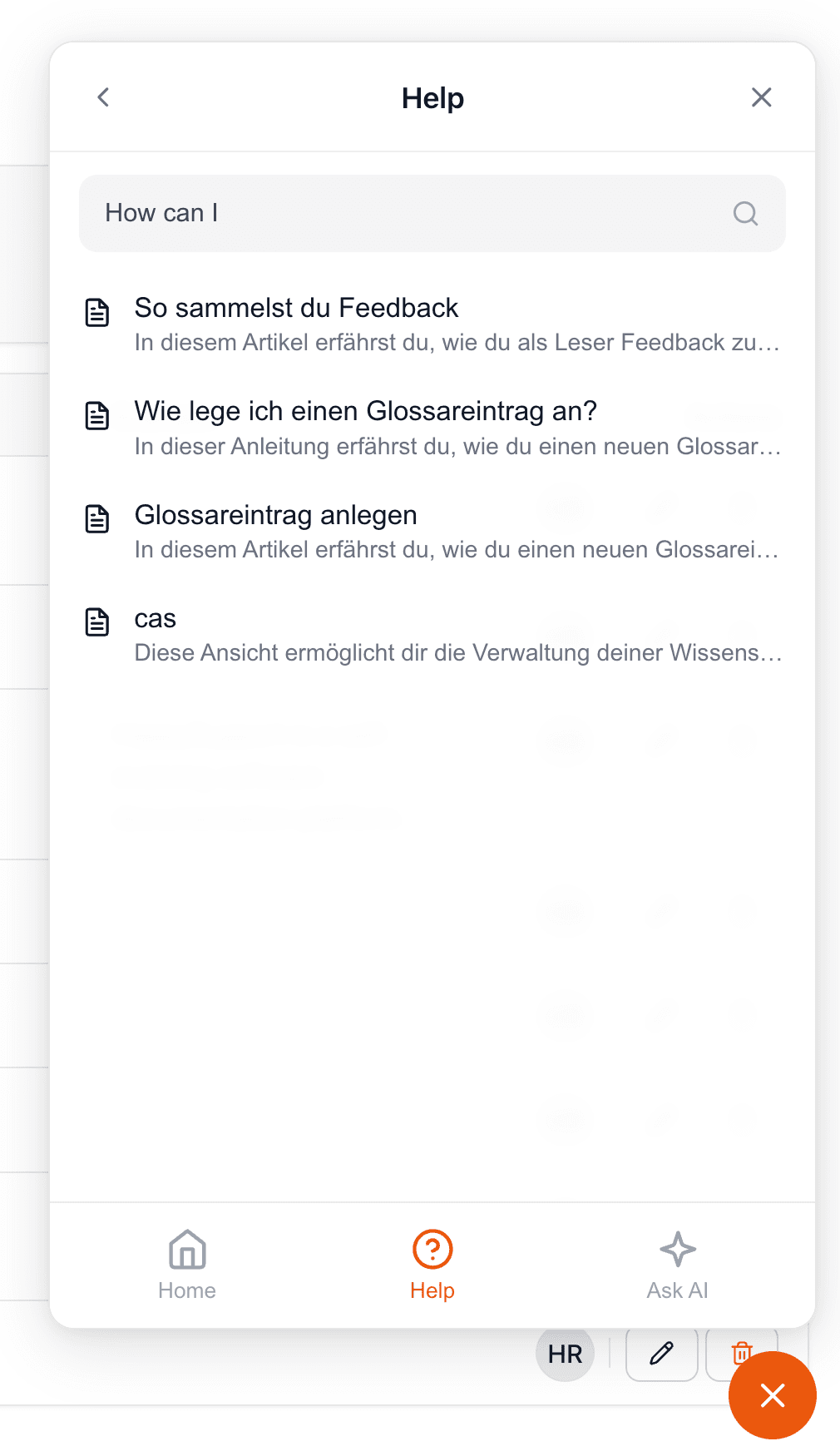
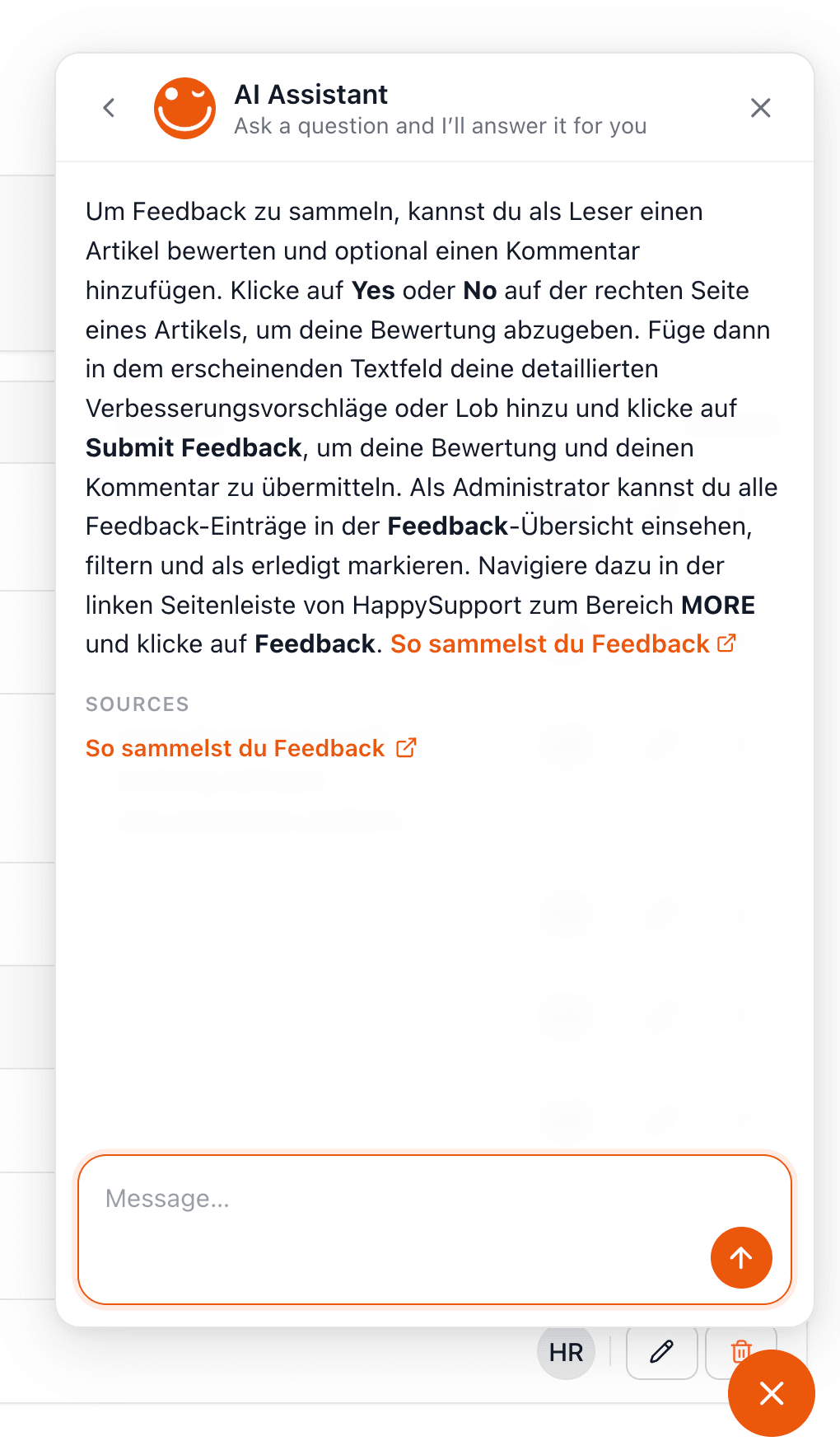
AI chat that answers questions straight from your articles, around the clock.
Contextual help that suggests the right articles based on the page the user is on.
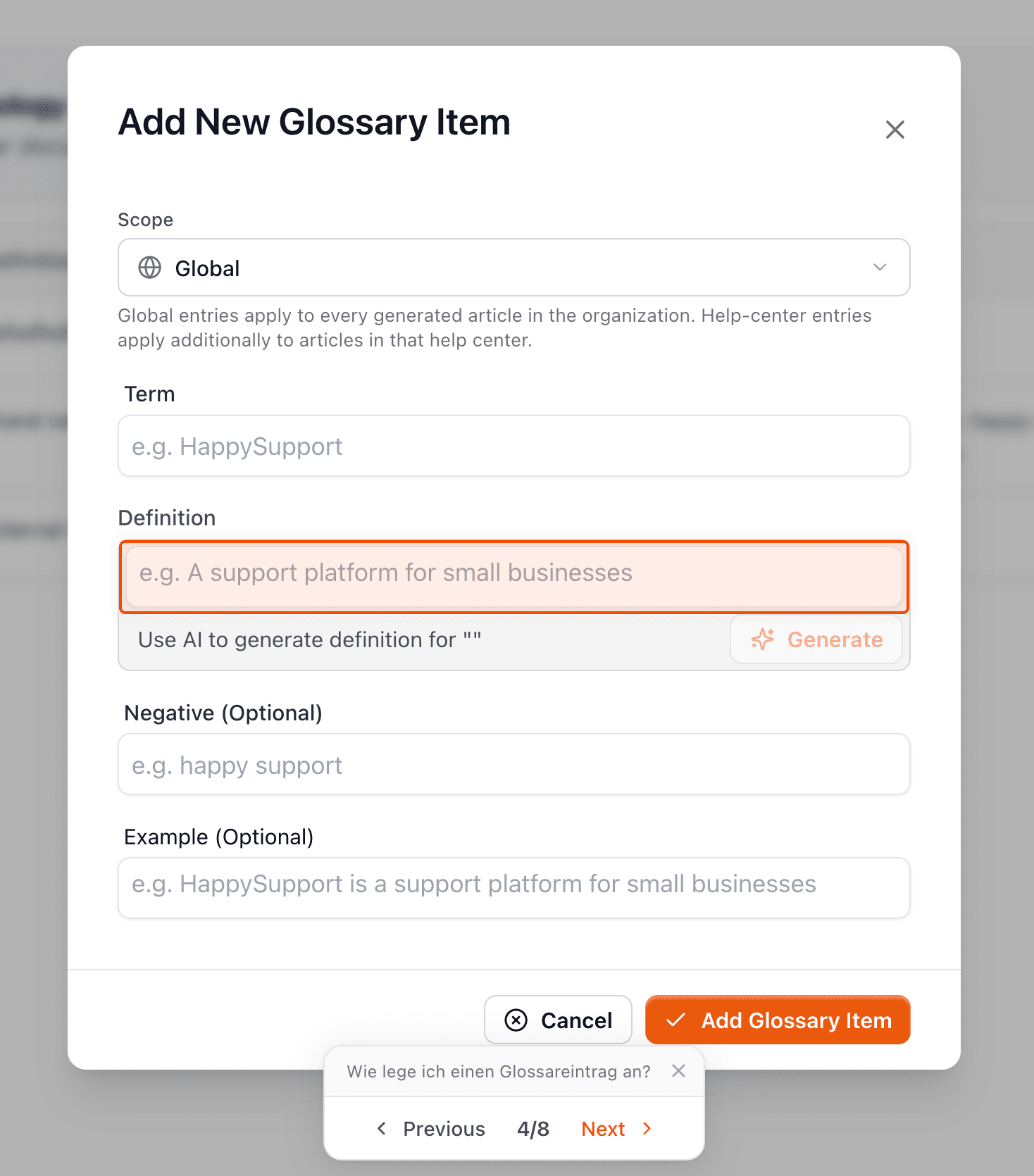
Live in minutes, no dev team needed
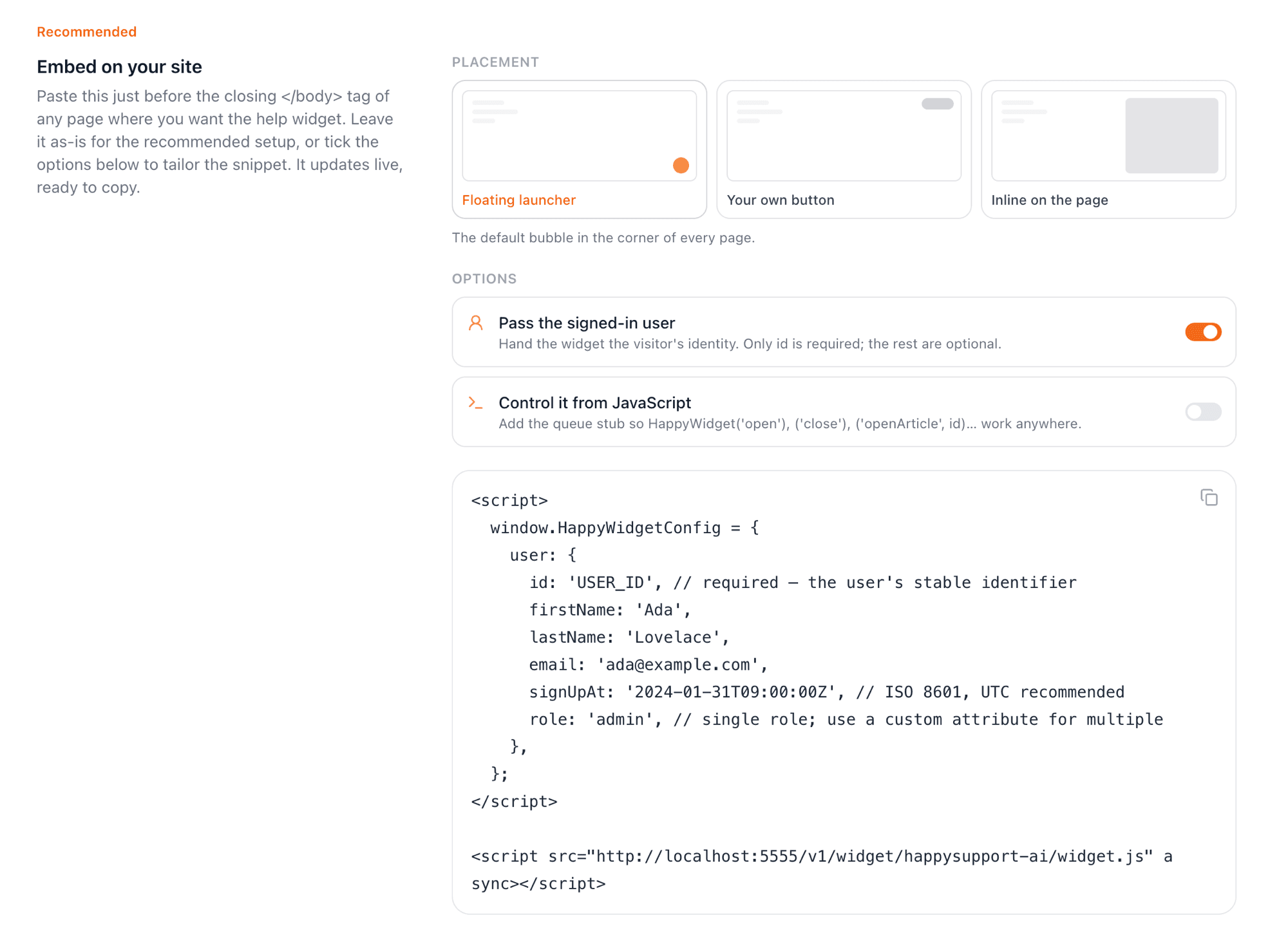
One line of code and you are done. The widget adapts automatically to your colors and language.
Update your articles in the help center and the widget instantly shows the latest content.
The help widget, in detail
What it does, what it costs and how it gets into your product.
Is the help widget free?+
There is no free plan, but every plan can be tested free for 14 days. The widget with search and article browsing is included from Starter at 129 euros per month; AI chat comes with Professional at 399 euros, banners and guided tours with Scale at 899 euros, billed yearly (155, 479 or 1,079 euros billed monthly), excl. VAT.
Can the widget show our FAQ?+
Yes. Every article in your help center, FAQ pages included, is searchable in the widget, and the AI chat answers from the same articles. Update an article in the help center and the widget shows the new version immediately.
How do I embed the widget?+
With one line of code in your product. The widget takes on your colors and language.
What happens when the widget cannot answer?+
The AI chat escalates to your team and opens a ticket with the user's email and an AI summary of the problem. Users can also write in through the contact form; both land in the same inbox.
Can the widget show protected articles to signed-in users?+
Yes, on Scale. With app authentication the widget recognizes your signed-in users and shows them articles from a protected help center, without a second login.
Your help center, ready before your coffee.
Start for free and publish your first article today.
 Book a demo