Auto code documentation is a different beast from product or user documentation. The job is to pull comments, type signatures, function bodies, and OpenAPI specs out of the codebase and emit a developer-facing reference that stays in sync with the code. The tools that do this well in 2026 sit somewhere between a static-analysis pass and an LLM-augmented writer. The tools that do it poorly emit JavaDoc circa 2008 and call it a day.
This article ranks 12 auto code documentation tools that matter in 2026, splits them into source-driven generators (Doxygen, Sphinx, Pydoc, JSDoc, TypeDoc, DocFX, Swagger UI, Redoc), LLM-augmented generators (Mintlify Writing Agent, Swimm, Qodo, Kodesage, AutoCodeDocs), and the hybrid layer in between. It also answers the question behind most "TypeDoc alternative" searches, and covers what none of these tools do: write the surrounding tutorials, explain the why, keep customer-facing docs in sync with product changes.
What is automatic code documentation?
Automatic code documentation is documentation generated from the codebase itself rather than written by hand. A generator parses the source, reads the structured comments and type signatures, and emits a reference site: every module, class, function, parameter and return type, cross-linked and searchable.
The defining property is that the source of truth is the code. Rename a parameter and the next build renames it in the docs. Nobody has to remember. That is the whole appeal, and it is also the boundary of what these tools do: they can restate what the code declares, and they cannot state anything the code does not.
Three inputs are common in practice:
- Doc comments. Doxygen blocks, JSDoc tags, Python docstrings, .NET XML comments. The generator reads the comment and its attached symbol.
- Type systems. TypeScript, Rust and Go carry enough type information that a generator can produce a useful reference from types alone, with no comments at all.
- API specifications. For REST services the spec, usually OpenAPI, is the source and the "generator" is a renderer.
LLM-based tools add a fourth: the function body. That is what lets them write a paragraph explaining what a function is for, and also what makes their output something to review rather than trust.
The auto code documentation landscape in 2026
Three categories matter.
Source-driven generators
The classics. Read structured comments (Doxygen-style, JSDoc, Pydoc-style, docstrings) and emit a reference site. They are deterministic, scale to massive codebases, and require zero LLM cost. They are also the reason most generated reference docs read like a phone book.
LLM-augmented generators
Read the code itself plus any existing comments and emit documentation that explains the why, not just the signature. Mintlify Writing Agent, Swimm, Qodo, and Kodesage represent this category. They are slower, more expensive, and require ongoing curation.
Hybrid generators
Use source-driven generation for the reference and LLM augmentation for the explanatory layer. This is where the category is moving.
1. HappySupport: the customer-facing help center that auto-code-doc tools miss
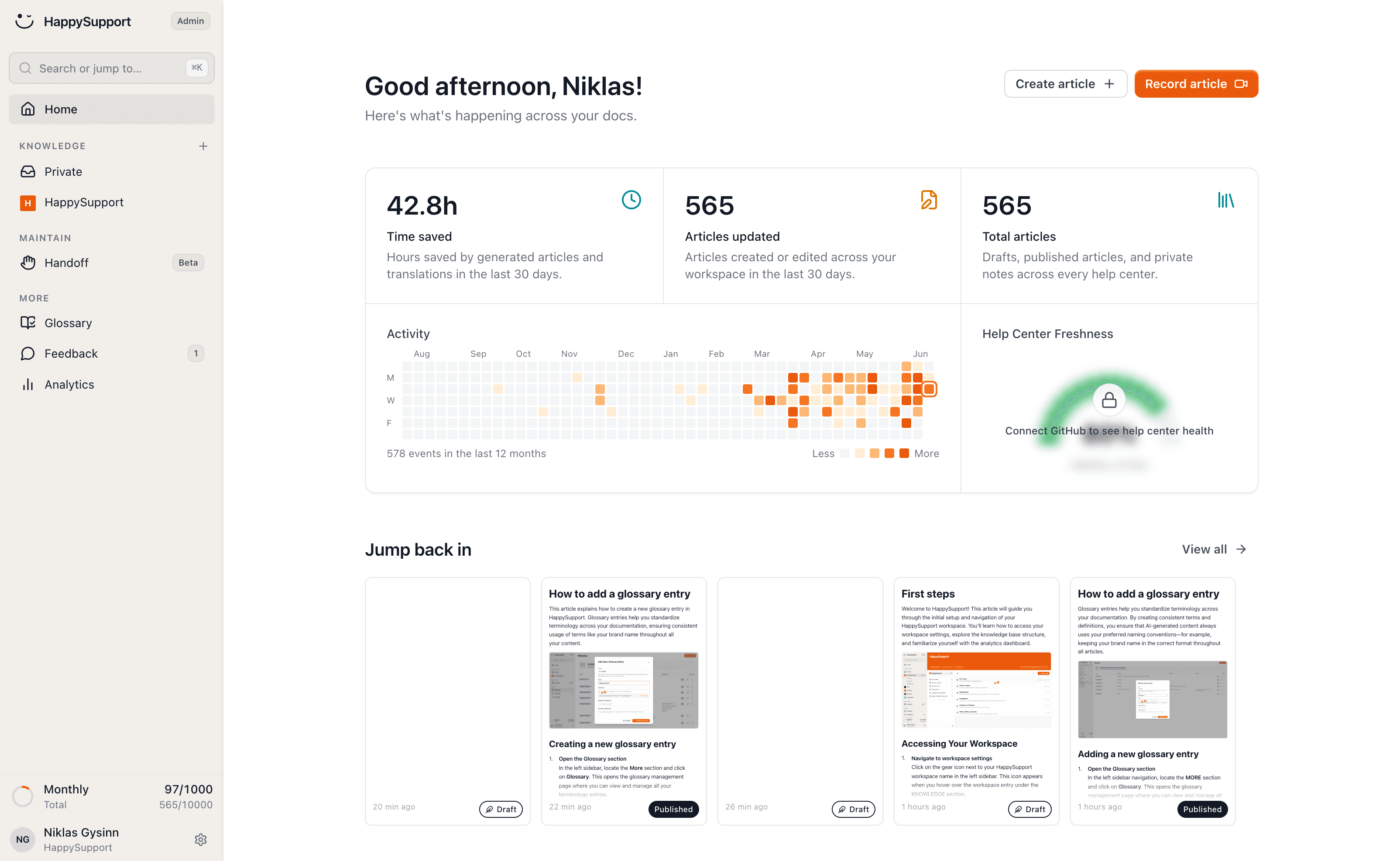
HappySupport sits at #1 because it solves the one problem no source-driven generator and no LLM-augmented writer addresses: keeping customer-facing UI documentation aligned with the running product. Where Doxygen, Sphinx, JSDoc, and Mintlify Writing Agent stop at the source code or the OpenAPI spec, HappySupport extends documentation automation to the user interface itself.
Where HappySupport wins
HappyAgent watches the product GitHub repo for changes that affect documented user flows and surfaces affected articles before customers find the gap. HappyRecorder captures UI walkthroughs as DOM and CSS metadata so screenshots and step-by-step instructions stay accurate through product redesigns. EU hosting in Germany, AVV-Vertrag included, DSGVO compliant by default. Best fit for B2B SaaS shipping fast where the help center has to follow.
Where HappySupport is not the right answer
Not a developer-reference generator. Doxygen still wins for C/C++ codebases. Sphinx for Python. JSDoc for JavaScript. Pair HappySupport with one of those, not instead of.
2. Doxygen: the source-driven veteran
Doxygen has been generating reference documentation since 1997. It supports C, C++, Java, C#, Python, PHP, Objective-C, and Fortran. Output formats include HTML, LaTeX, RTF, PostScript, and Unix man pages.
Where Doxygen wins
Multi-language codebases. C and C++ projects. Mature codebases with established Doxygen comment conventions. Self-hosted, free, no telemetry, no SaaS fees.
Where Doxygen falls behind
Output looks like 2008 web design. Limited LLM integration. No native Markdown support without plugins. Configuration is XML-heavy and intimidating to new teams.
3. Sphinx: the Python standard
Sphinx is the de facto documentation generator for Python projects, including the official Python documentation itself. It reads reStructuredText and Markdown (via MyST), supports cross-references, and ships with a strong theming system.
Where Sphinx wins
Python projects with extensive type hints and docstrings. Books, tutorials, and long-form developer documentation. The Read the Docs hosting integration is best-in-class for open-source projects.
Where Sphinx falls behind
Learning curve is steep for non-Python developers. reStructuredText syntax is more verbose than Markdown. Default themes look dated without custom theming.
4. JSDoc: the JavaScript standard
JSDoc reads structured comments in JavaScript and TypeScript files and emits HTML reference documentation. It is the default for JavaScript codebases and integrates with TypeDoc for TypeScript-first projects.
Where JSDoc wins
JavaScript and Node.js libraries. Open-source npm packages where contributors expect JSDoc conventions. Integrates with IDE tooling (VS Code, WebStorm) for inline type hints.
Where JSDoc falls behind
Output is bare-bones without significant theme customization. No native support for runnable examples. The reference-only output rarely answers the "how do I use this" question on its own.
5. TypeDoc: TypeScript-first
TypeDoc reads TypeScript files directly and generates documentation using the type system as the source of truth. The output is structurally identical to JSDoc but richer because TypeScript types carry more information than JSDoc tags.
Where TypeDoc wins
TypeScript libraries. Monorepos with shared type definitions. Projects where the type system is the documentation contract.
Where TypeDoc falls behind
Plain JavaScript projects. Codebases without strict typing. Themes need work to look modern. If you are here because TypeDoc's output is the problem rather than its coverage, see TypeDoc alternatives and what to use instead below.
6. Pydoc and pdoc: lightweight Python
Pydoc is the built-in Python documentation tool. pdoc is a more modern alternative that emits clean HTML directly from docstrings without Sphinx's complexity.
Where pdoc wins
Small Python libraries. Single-file modules. Internal tools where Sphinx is overkill. Zero configuration, runs in seconds.
Where pdoc falls behind
Large projects with extensive cross-references. Custom theming. Anything that needs more than a flat reference.
7. DocFX: .NET's answer
DocFX is Microsoft's documentation generator for .NET. It reads XML comments in C#, F#, and VB.NET source files and emits a complete developer portal with reference docs, conceptual guides, and API browsers.
Where DocFX wins
.NET projects, especially open source. Generates the same kind of reference Microsoft uses for its own docs. Strong integration with NuGet packages.
Where DocFX falls behind
.NET-only. Configuration is verbose. Build times can be slow on large solutions.
8. Swagger UI and Redoc: OpenAPI rendering
For REST APIs, the documentation generator is the OpenAPI renderer. Swagger UI ships with most API frameworks. Redoc is the more polished alternative built on top of OpenAPI 3.
Where Swagger UI / Redoc wins
REST APIs where OpenAPI is the source of truth. Auto-generates "try it" playgrounds. Updates whenever the spec changes.
Where Swagger UI / Redoc falls behind
Not a fit for non-API codebases. Limited to the OpenAPI surface, no support for SDK examples or integration tutorials.
9. Mintlify Writing Agent: LLM-augmented authoring
Mintlify's Writing Agent reads the code and the existing documentation, then drafts or rewrites pages based on prompts. It is the most polished LLM-augmented option in the category in 2026.
Where Mintlify Writing Agent wins
Teams that need conceptual guides around the reference, not just the reference itself. Markdown-first workflows. AI authoring at scale for prose-heavy developer portals.
Where Mintlify Writing Agent falls behind
Pricey for individual contributors. AI credits are metered. Reads code and Markdown but does not read the running product, so prose can drift behind shipped behavior.
10. Swimm: code-coupled documentation
Swimm pioneered "code-coupled documentation" - documents directly linked to code snippets that automatically flag or update when the snippets change. The pitch is "your docs do not go stale because they are tied to specific lines of code."
Where Swimm wins
Internal engineering documentation. Onboarding guides that reference specific files and functions. Codebases with high refactor velocity where stale docs are a recurring pain.
Where Swimm falls behind
Public-facing customer documentation. Marketing-grade developer portals. The code-coupling assumption breaks down when documentation needs to abstract over specific implementations.
11. Qodo and Kodesage: AI-first reference generation
Both tools use LLMs to auto-generate documentation for every file, module, and symbol in a codebase. The output is a complete reference plus first-draft explanatory prose for each component.
Where Qodo and Kodesage win
Brownfield codebases with no existing documentation. First-pass coverage for legacy systems. Internal docs at companies where nobody wrote the original code.
Where Qodo and Kodesage fall behind
Customer-facing tutorials. Onboarding flows. Any documentation that needs voice, opinion, or product context the LLM cannot infer from code alone.
12. AutoCodeDocs: upload-and-generate for a first draft
AutoCodeDocs.ai belongs in a different bracket from everything above it: there is no pipeline to configure and nothing to wire into CI. You upload source files, it analyses them, and it returns structured documentation, README text, API reference sections and inline comment suggestions, which you export as Markdown or PDF and paste wherever your docs live. It advertises support for JavaScript, Python, Java and 20-plus other languages, and it is free to use.
Where AutoCodeDocs wins
The undocumented side project. A module you inherited and need to understand before Friday. Producing a plausible README for a repository that has none. Because it is upload-driven and free, the cost of trying it on one file is close to zero, which is not true of any tool that needs a build step.
Where AutoCodeDocs falls behind
Anything continuous. A generator that runs on file upload has no relationship to your repository, so nothing regenerates when the code changes, and the output is a snapshot from the day you pasted it. That makes it a bootstrapping tool rather than a documentation system: use it to get a first draft, then move the result into a pipeline that rebuilds itself. It also inherits the general LLM caveat, which is that generated prose reads confidently whether or not it is correct, so the output needs a review pass by someone who knows the code.
TypeDoc alternatives and what to use instead
TypeDoc is the default for TypeScript, so "TypeDoc alternative" is usually not a search for a competitor. It is one of three different complaints, and each has a different answer.
"The output looks dated." This is the common one, and switching generators is the wrong fix, because the reference data TypeDoc extracts is not the problem. TypeDoc emits JSON as well as HTML, so the usual move is to keep it as the extractor and hand the JSON to something else for presentation, publishing the reference inside a Docusaurus, Starlight or Mintlify site alongside your hand-written guides. You keep the type-accurate reference and lose the standalone 2010s-looking microsite.
"I need something that is not TypeScript-only." TypeDoc reads the TypeScript compiler's type information and nothing else, so a polyglot repository needs a generator per language or one that spans several:
| Instead of TypeDoc | Use when | Trade-off |
|---|---|---|
| JSDoc | The codebase is plain JavaScript, or mixed JS and TS | Reads tags rather than types, so the reference is only as complete as the comments |
| TSDoc plus API Extractor | You want a reviewable API surface, not just a website | Microsoft's toolchain. API Extractor produces an API report file you can diff in code review to catch unintended breaking changes, and api-documenter turns it into Markdown. More setup, considerably more governance |
| DocFX | The repository spans .NET and TypeScript | Built for .NET first; TypeScript is supported rather than native |
| Sphinx or pdoc | The repository is mostly Python with a TS client | Two generators and two sites, unless you unify at the publishing layer |
"I want it to explain things, not just list them." No source-driven generator does this, TypeDoc included, because the information is not in the type signature. That is the LLM-augmented category above: Mintlify's Writing Agent, Qodo, Kodesage, or AutoCodeDocs for a one-off pass.
One thing worth naming: TSDoc is not a TypeDoc replacement. It is a comment-syntax standard that TypeDoc, API Extractor and the TypeScript language service all read the same way, so adopting TSDoc makes your comments portable between those tools rather than replacing any of them.
What auto code documentation tools cannot do
Three things, consistently, across every tool above.
1. Explain the why
Auto-generated reference docs answer what a function does and what types it returns. They do not answer why a developer should use it, what to use it instead of, or what failure modes to expect in production. That requires a human or a much smarter LLM than current auto-doc tools deploy.
2. Write the tutorials around the reference
"How do I get started" guides, integration walkthroughs, and the contextual prose that turns a reference site into a usable developer portal are human-written or LLM-augmented work, not source-driven auto-doc work.
3. Keep customer-facing UI docs in sync
This is the gap that matters most for product-led B2B SaaS. Auto code documentation tools read code. They do not read the UI. When a button moves, when a setting renames, when a screen reflows, the customer-facing help center goes stale. The auto-doc tool does not see the change because the change is in the rendered product, not in the source code per se.
For the developer portal side of the equation, see our wider best AI documentation tools comparison. For the broader documentation landscape including non-code surfaces, see software for technical documentation.
Picking the right tool
The category split is the primary axis.
- Public open-source library? Doxygen (C/C++/Java), Sphinx (Python), JSDoc/TypeDoc (JavaScript/TypeScript), DocFX (.NET). Free, deterministic, gets you a reference page in an hour.
- Internal engineering documentation? Swimm for code-coupled context, Sphinx or pdoc for Python codebases, Mintlify Writing Agent if you have budget for AI authoring.
- REST API documentation? Swagger UI for the default and Redoc for the polish.
- Brownfield codebase with no docs? Qodo or Kodesage to bootstrap, then hand-edit the prose.
- Customer-facing developer portal plus UI help center? Mintlify or GitBook for the prose, OpenAPI rendering for the reference, and HappySupport for the customer-facing help center and UI walkthroughs that stay current as the product ships.
HappySupport and the customer-facing help center
Auto code documentation tools solve the developer-reference problem. They do not solve the customer-facing UI documentation problem. When a customer reads a help center article about how to configure a feature, the article is grounded in the UI state, not the source code. When the UI changes, the article needs to follow.
HappySupport covers the customer-facing side that a code-documentation tool does not: help center, AI answers with citations, ticket inbox and in-app widget from one content source. HappyAgent watches the GitHub repo for changes that affect documented user flows, not just code symbols. HappyRecorder captures UI walkthroughs as DOM and CSS metadata so the customer-facing help articles stay accurate through redesigns. Keep Mintlify or GitBook or Doxygen for the developer reference. Add HappySupport for the customer-facing help center that the developer-docs tool was never built to handle. More on the underlying architecture at how a self-updating help center works and the hidden cost of documentation decay.
HappySupport is not an API reference tool, so keep your code documentation tool for the developer reference. Use HappySupport for the customer-facing articles that go stale every time the UI moves: the code-to-docs pipeline links commits to affected articles, and the AI step-by-step recorder keeps the walkthroughs themselves current.
 Book a demo