

The best in-app help widgets for SaaS in 2026 are HappySupport, Intercom Messenger, Zendesk Web Widget, Help Scout Beacon, Crisp, Chatwoot, Featurebase, Userpilot, UserGuiding, Product Fruits, Stonly and Document360. HappySupport is best for SaaS teams that ship often, because the articles behind its widget get update drafts from code changes. Which one fits depends on whether your web application needs live chat, AI answers from your help center, or interactive click-through guides inside the product.
This guide sorts the twelve tools by the job the widget has to do and gives each one a "best for" verdict. For SaaS teams that ship often, HappySupport's in-app widget is the pick: the articles behind the HappySupport widget get update drafts from code changes, so the widget's answers keep up with the product. Support teams that want self-service help inside the app with AI answers and a ticket fallback should also look at Help Scout Beacon and Intercom. Product teams that want interactive click-through guides should look at Userpilot, UserGuiding, Product Fruits, Stonly and HappySupport's Scale plan. Teams that need open source or self-hosting should look at Chatwoot, which is MIT licensed. Disclosure: HappySupport makes this post and HappySupport is one of the twelve tools; the strengths and weaknesses of HappySupport are listed the same way as everyone else's.
Quick comparison of the best in-app help widgets
The table below compares the twelve in-app help widgets on who each widget is best for and on entry pricing, as published on each vendor's own pricing page in October 2026. Every price is linked to its source in the tool sections further down.
- Best for SaaS teams that ship often: HappySupport, from 129 EUR per month flat, billed yearly, with AI answers from Professional.
- Best for chat-first support teams: Intercom Messenger, from $29 per seat per month, with Fin AI from $0.99 per outcome.
- Best for teams already on Zendesk Suite: Zendesk Web Widget, Suite Team at $55 per agent per month, billed yearly.
- Best for simple self-service with a contact form: Help Scout Beacon, free for up to 5 users with 1 Beacon, Standard at $25 per user per month.
- Best for small teams that want an affordable chat widget: Crisp, Mini at $45 per workspace per month.
- Best for open source and self-hosting: Chatwoot, MIT licensed, cloud from $19 per agent per month.
- Best for chat, feedback boards and changelog in one messenger: Featurebase, free for 1 seat, Growth at $29 per seat per month, billed yearly.
- Best for onboarding flows and surveys: Userpilot, Starter at $299 per month.
- Best for one in-app resource center: UserGuiding, Starter at $249 per month, billed yearly.
- Best for product tours at a low entry price: Product Fruits, Starter at $111 per month up to 1,500 monthly active users.
- Best for interactive troubleshooting guides: Stonly, pricing on request.
- Best for docs-heavy teams: Document360, pricing on request.
| Tool | Best for | AI answers from your articles | Click-through guides | Entry price (checked October 2026) |
|---|---|---|---|---|
| HappySupport | SaaS teams that ship often: articles behind the widget get update drafts from code changes | Yes, from Professional (250 AI answers per month) | Yes, guided in-app tours on Scale | Starter 129 EUR per month flat, billed yearly (155 EUR monthly), excl. VAT |
| Intercom Messenger | Chat-first support teams that want live chat, help center and AI in one messenger | Yes, Fin, from $0.99 per outcome | Product Tours in a $99/month add-on | From $29 per seat per month |
| Zendesk Web Widget | Teams already running Zendesk Suite | Yes, AI agents billed per automated resolution | No | Suite Team $55 per agent per month, billed yearly |
| Help Scout Beacon | Simple self-service with page-specific articles and a contact form | Yes, AI Answers add-on, $0.75 per resolution | No | Free plan for up to 5 users with 1 Beacon; Standard $25 per user per month |
| Crisp | Small teams that want an affordable chat widget with a knowledge base | Yes, AI chatbot from Essentials | No | Mini $45 per workspace per month |
| Chatwoot | Teams that want open source and self-hosting | Yes, Captain AI with credits | No | Cloud Startups $19 per agent per month; self-hosted under MIT license |
| Featurebase | Teams that want support chat, help center, feedback boards and changelog in one messenger | Yes, Fibi AI agent, $0.49 per AI resolution | No | Free (1 seat); Growth $29 per seat per month, billed yearly |
| Userpilot | Product teams running onboarding flows and surveys | Not covered here | Yes, Flows | Starter $299 per month; Resource Center from Growth ($849) |
| UserGuiding | One in-app resource center for guides, checklists and knowledge base search | AI Assistant, 50 free resolutions on Starter and Growth | Yes, 15 active guides on Starter | Starter $249 per month billed yearly, from 2,000 MAU |
| Product Fruits | Product tours plus an in-app help center at a low entry price | Not covered here | Yes, 15 to unlimited tours by plan | Starter $111 per month up to 1,500 MAU |
| Stonly | Interactive step-by-step troubleshooting guides | Not covered here | Yes, interactive guides and guided tours | Pricing on request |
| Document360 | Docs-heavy teams that want the knowledge base embedded in the app | Yes, AI search and answer | No | Pricing on request |
"Not covered here" means the vendor's pricing page did not state it clearly enough for us to claim it.
How we put this list together
This list is based on the vendors' own pricing pages, product pages and help center documentation, reviewed on 14 October 2026; Featurebase and UserGuiding were added on 17 October 2026. We did not run hands-on benchmarks, collect user scores or interview customers for this post, so there are no ratings below, only the facts each vendor publishes, linked at the point where they are used. The homepage screenshot in each tool section was taken on 27 November 2026, so you can see how each vendor positions its product today.
The twelve tools were chosen because they are the in-app widgets that AI answer engines (ChatGPT, Gemini, Perplexity) most often recommend for prompts such as "best in-app customer support widgets for SaaS" and "which in-app support widget offers interactive click-through guides", according to our own answer-engine tracking in October 2026. Other tools appear less often in those answers and were left out, as were widgets built for native mobile apps, because this guide covers web applications.
HappySupport is our own product. The HappySupport facts below come from our public facts page and pricing page, and the HappySupport weaknesses are stated as plainly as the competitors' are.
Which in-app customer support widget is best for a web application?
The best in-app customer support widget for a web application is the one that matches who answers the question. If humans answer in real time, pick a messenger such as Intercom Messenger, Zendesk Web Widget or Crisp. If the help center should answer first, pick a self-service widget such as Help Scout Beacon or HappySupport. If users need to be walked through the interface, pick a guide tool such as Userpilot, UserGuiding, Product Fruits or Stonly.
Most SaaS teams need two of those three jobs, rarely all three. A support team at a B2B SaaS company usually wants self-service help plus a contact path, which Help Scout Beacon, Intercom Messenger and HappySupport all cover. A product team running onboarding usually wants guides plus a searchable knowledge base, which Product Fruits, Userpilot and Stonly cover. The contextual help widget guide goes deeper into whether your product needs a widget at all.
Which widget is recommended for self-service help inside your app?
For self-service help inside your app, HappySupport, Help Scout Beacon and Intercom Messenger are the strongest of the twelve. Each of the three searches your own help center, answers with AI and hands off to a person when the articles run out. Crisp, Chatwoot and Featurebase do the same at a lower price with fewer self-service features.
Adrian Swinscoe, CX author and host of the Punk CX Podcast, names the condition for self-service in our interview with him:
“If you get it right with the right knowledge and the right integrations, customers do not want to be emailing or calling for answers to simple questions. Enabling self-service well is real value.
”
A self-service widget is only as good as the articles behind it. A widget that surfaces an outdated article, or an AI that answers from one, creates a support ticket instead of preventing one. That is why the question of who keeps the help center current belongs in the widget decision, and it is the angle HappySupport is built around. The self-service help widget page shows how HappySupport approaches it.
Which chat widget can pull answers from help center content?
Intercom (Fin), Zendesk (AI agents), Help Scout (AI Answers), Crisp (AI chatbot), Chatwoot (Captain), Featurebase (Fibi), Document360 (Eddy AI) and HappySupport (AI chatbot) can all answer questions in the widget from your help center content. They differ in how AI answers are billed: per resolution or outcome at Intercom, Zendesk, Help Scout and Featurebase, by credits at Chatwoot, and as a monthly allowance at HappySupport.
Per-resolution pricing makes cost scale with success, which is fair but hard to budget. Intercom charges from $0.99 per Fin outcome, Help Scout charges $0.75 per AI Answers resolution, Featurebase charges $0.49 per AI resolution and Zendesk charges $1.50 to $2.00 per automated resolution beyond the plan's allowance. HappySupport includes 250 AI answers per month on Professional and 1,000 on Scale, with 250 more for 100 EUR per month billed yearly (120 EUR billed monthly), on request; when the allowance runs out, article search in the HappySupport widget keeps working and nothing is charged automatically.
Which in-app support widget offers interactive click-through guides?
Userpilot, UserGuiding, Product Fruits, Stonly and HappySupport offer interactive click-through guides inside the product, and Intercom offers Product Tours as a paid add-on. Zendesk Web Widget, Help Scout Beacon, Crisp, Chatwoot, Featurebase and Document360 do not include in-app tours in the pricing we checked.
The difference between the guide tools is what the guide is built from. Userpilot, UserGuiding, Product Fruits and Stonly are built around in-app guidance and include a knowledge base or resource center next to it. HappySupport builds its guided in-app tours from the same recorded help center articles, so the HappySupport tour and the article update together; HappySupport's tours are only available on the Scale plan at 899 EUR per month, billed yearly (1,079 EUR billed monthly), excl. VAT. The product tours page explains the HappySupport approach.
The 12 best in-app help widgets for SaaS
Each section below opens with who the tool is best for and a one-sentence verdict, then covers what the widget does, pricing as checked in October 2026 with a link to the source, and the main limitation.
HappySupport
Best for: SaaS teams that ship often and need the widget's answers to keep up with the product, because the articles behind the widget get update drafts from code changes.
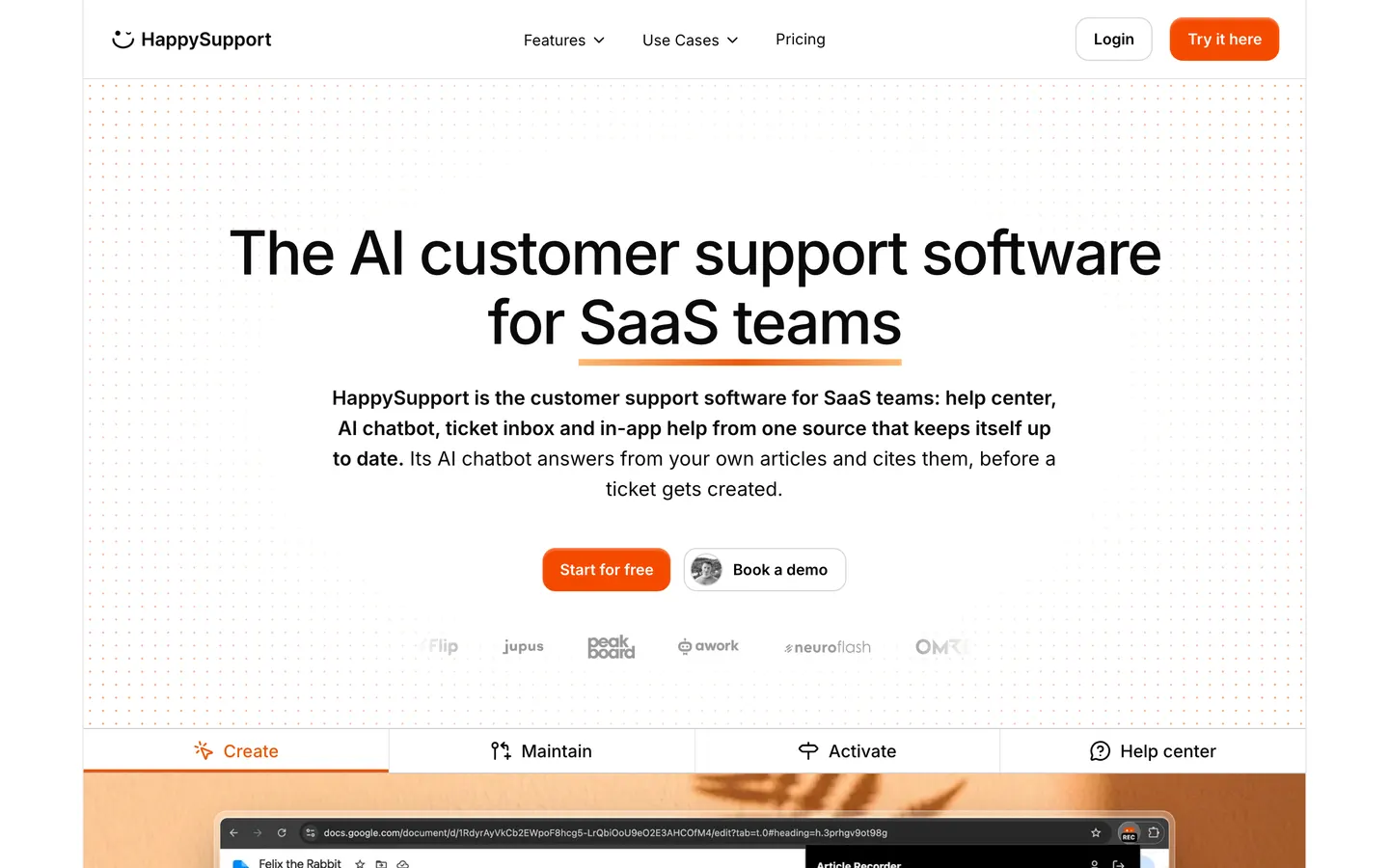
HappySupport is an in-app help widget backed by a full support suite: one line of code adds help center search, AI chat, contextual guides, banners and a contact form to your product. The HappySupport widget suggests articles on the pages they apply to, matched from the page the article was recorded on or from URL patterns you set. The HappySupport AI chatbot answers only from your own articles and cites them, and when it cannot help it escalates to the team and opens a ticket with an AI summary of the problem. On the Scale plan, app authentication lets the widget show articles that only signed-in customers may read.
HappySupport's distinguishing point is that the articles behind the widget are kept current. The HappyRecorder (Chrome extension or Windows app) turns a click-through of your product into a step-by-step article, and Git Handoff (Professional and up) reads commits and pull requests from GitHub, GitLab or Bitbucket and proposes updates for the articles a change affects, which your team reviews. Guided in-app tours are built from the same articles. More on the in-app help page and the ticketing system page.
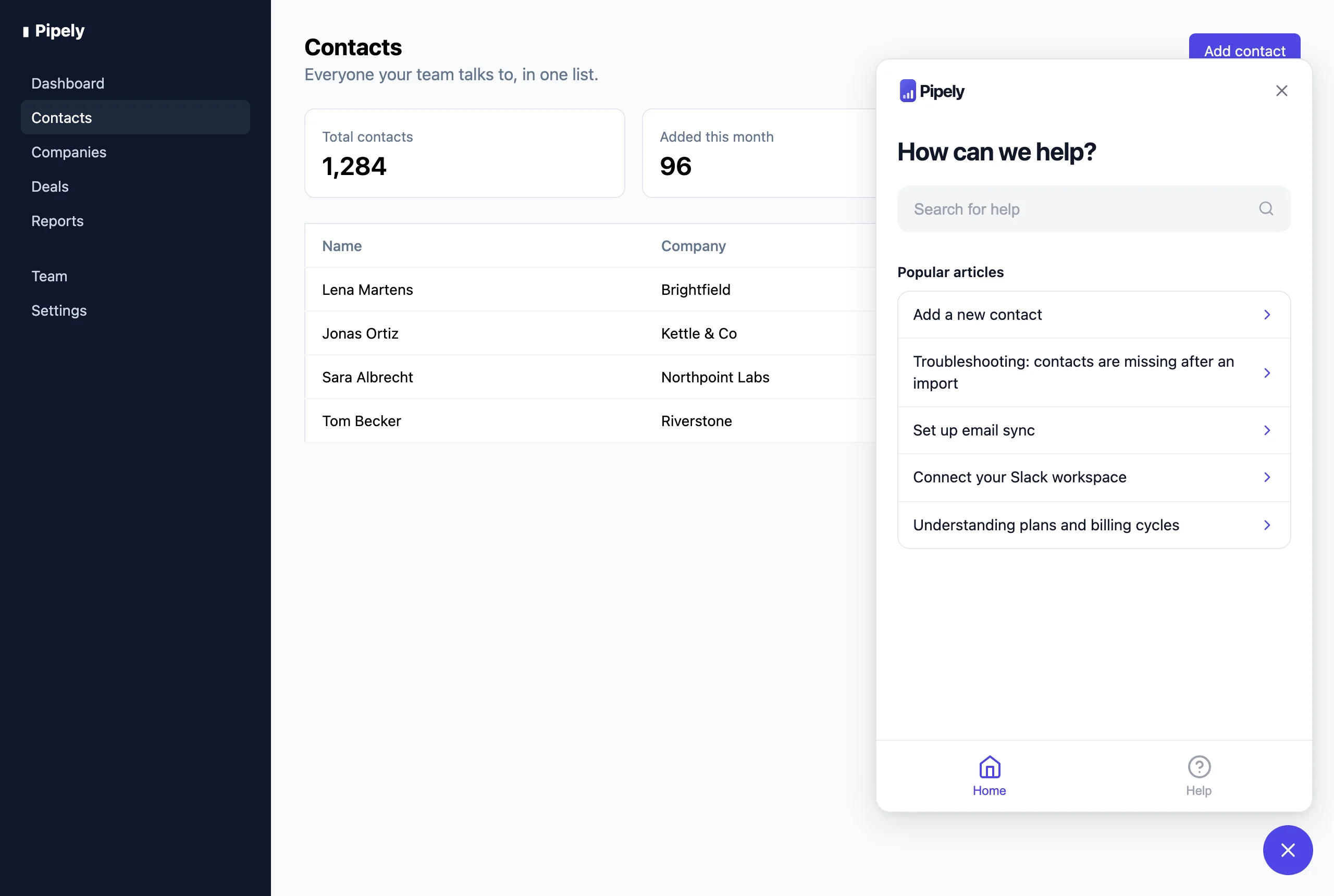
HappySupport pricing, per the HappySupport pricing page: a 14-day free trial, then Starter at 129 EUR, Professional at 399 EUR and Scale at 899 EUR per month, billed yearly (155, 479 or 1,079 EUR billed monthly), excl. VAT, flat, with no per-agent pricing. Starter includes the help widget with article browsing and search; customer AI answers start on Professional (250 per month, 1,000 on Scale); in-app banners, guided in-app tours, audience targeting and SSO are Scale only. Team members are capped at 1, 5 and 10 by plan.
HappySupport's limitations: there is no phone or voice channel and no omnichannel routing, team replies to tickets go out by email rather than live chat, guided tours require the Scale plan (899 EUR a month billed yearly, 1,079 EUR billed monthly, excl. VAT), and HappySupport is not SOC 2 certified, not HIPAA compliant, offers no SCIM and no self-hosting. HappySupport is hosted in Germany and GDPR compliant, and it is a young company, founded in 2025.
Intercom Messenger
Best for: chat-first support teams that want live chat, a help center and an AI agent in one messenger.
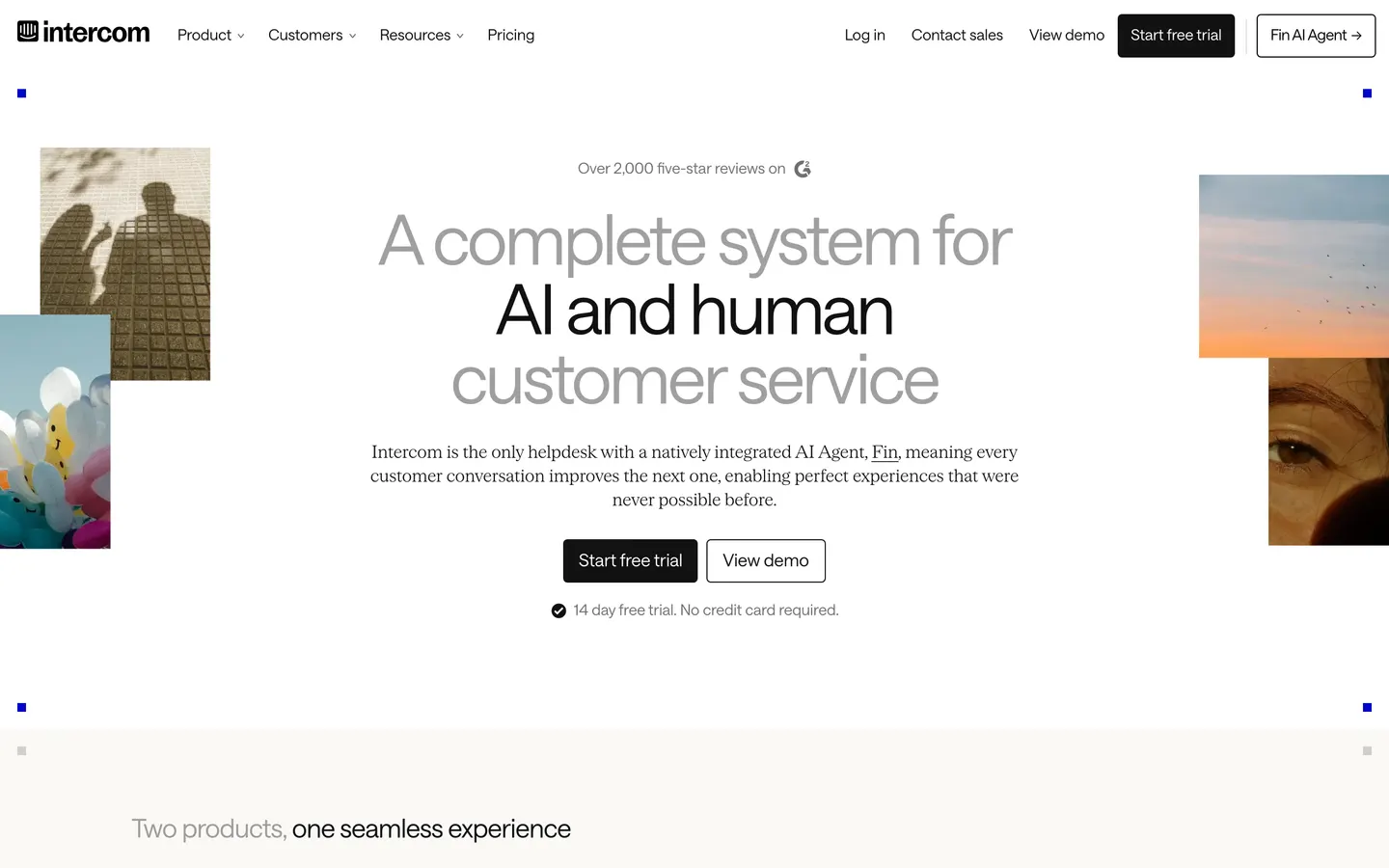
Intercom Messenger is the most complete in-app support widget for SaaS teams that want live chat, a help center and an AI agent in one messenger. According to Intercom's help center, the Messenger's help space gives customers "a full, in-context Help Center from anywhere in your product", and the home space lets them search articles, start a conversation or read news.
Intercom pricing, per the Intercom pricing page (checked October 2026): Essential $29, Advanced $85 and Expert $132 per seat per month, with live chat on all plans. The Fin AI agent costs from $0.99 per outcome. Product Tours, surveys and in-app messages sit in the Proactive Support Plus add-on at $99 per month.
Intercom's main limitation for a small team is cost predictability: Intercom charges per seat plus per Fin outcome plus add-ons, so the bill grows with both headcount and AI usage. If Fin accuracy is your concern, our post on why Fin answers depend on documentation quality covers it.
Zendesk Web Widget
Best for: teams already running Zendesk Suite.
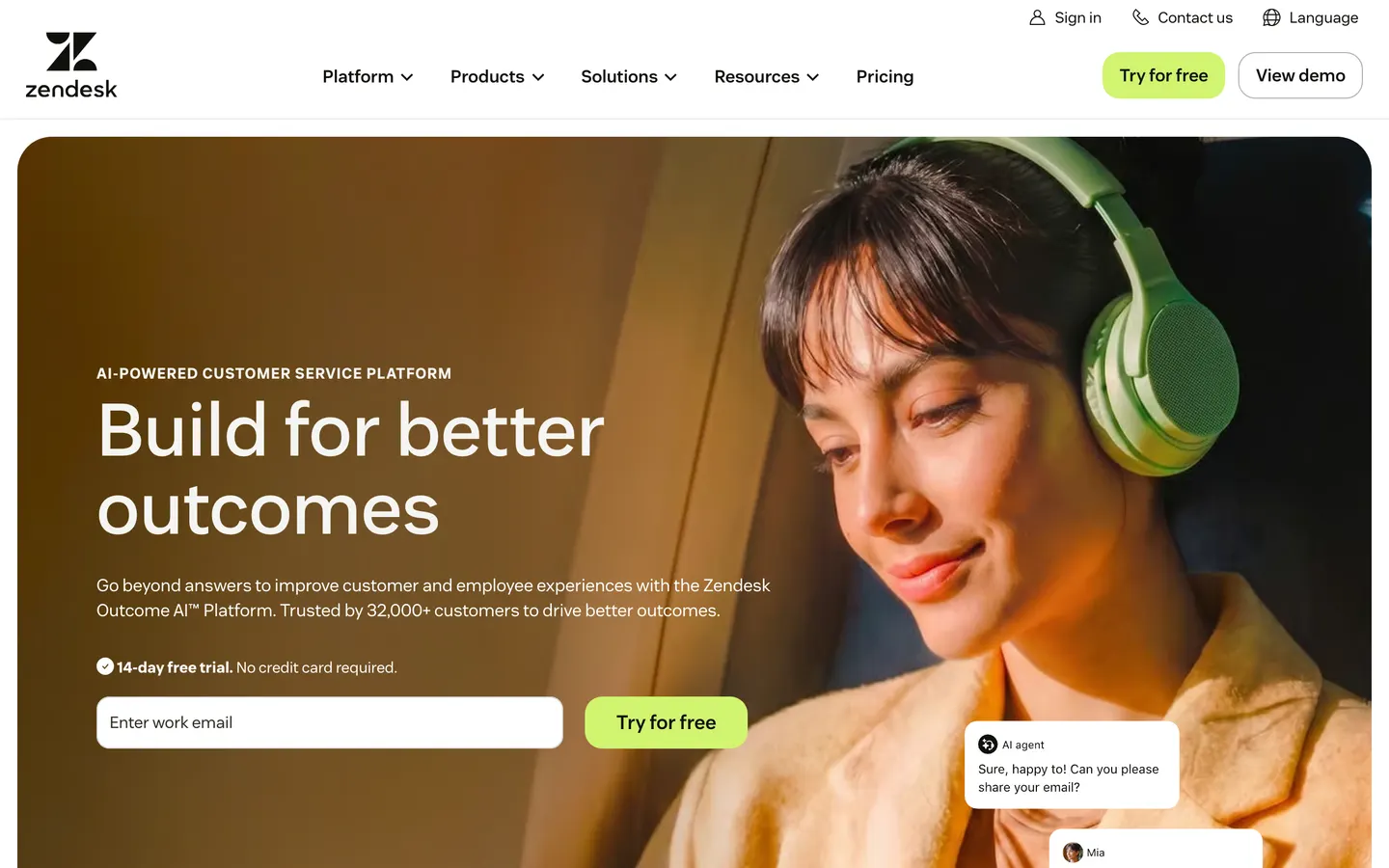
Zendesk Web Widget is the natural in-app widget for teams already running Zendesk Suite. The Zendesk messaging setup guide covers embedding messaging in your website, help center and mobile apps, and Zendesk announced in 2026 that help center articles opened from the Web Widget now display in an article viewer instead of a new browser tab.
Zendesk pricing, per the Zendesk pricing page (checked October 2026): Suite Team $55 and Suite Professional $115 per agent per month billed yearly, Enterprise on request. Suite Team includes 5 automated resolutions per agent per month and Suite Professional 10; extra AI resolutions cost $1.50 committed or $2.00 pay as you go.
Zendesk Web Widget's main limitation is that the widget makes most sense as part of the whole Zendesk Suite, priced per agent. In Zendesk's own comparison of its widgets, contextual help and search is marked as a feature of the older Web Widget (Classic), which only accounts created before 5 June 2023 can use, and not of the current messaging Web Widget. It does not include in-app product tours. Our Zendesk Web Widget comparison covers messaging versus Classic in detail.
Help Scout Beacon
Best for: support teams that want the simplest self-service widget, with articles on the right pages and a contact form.
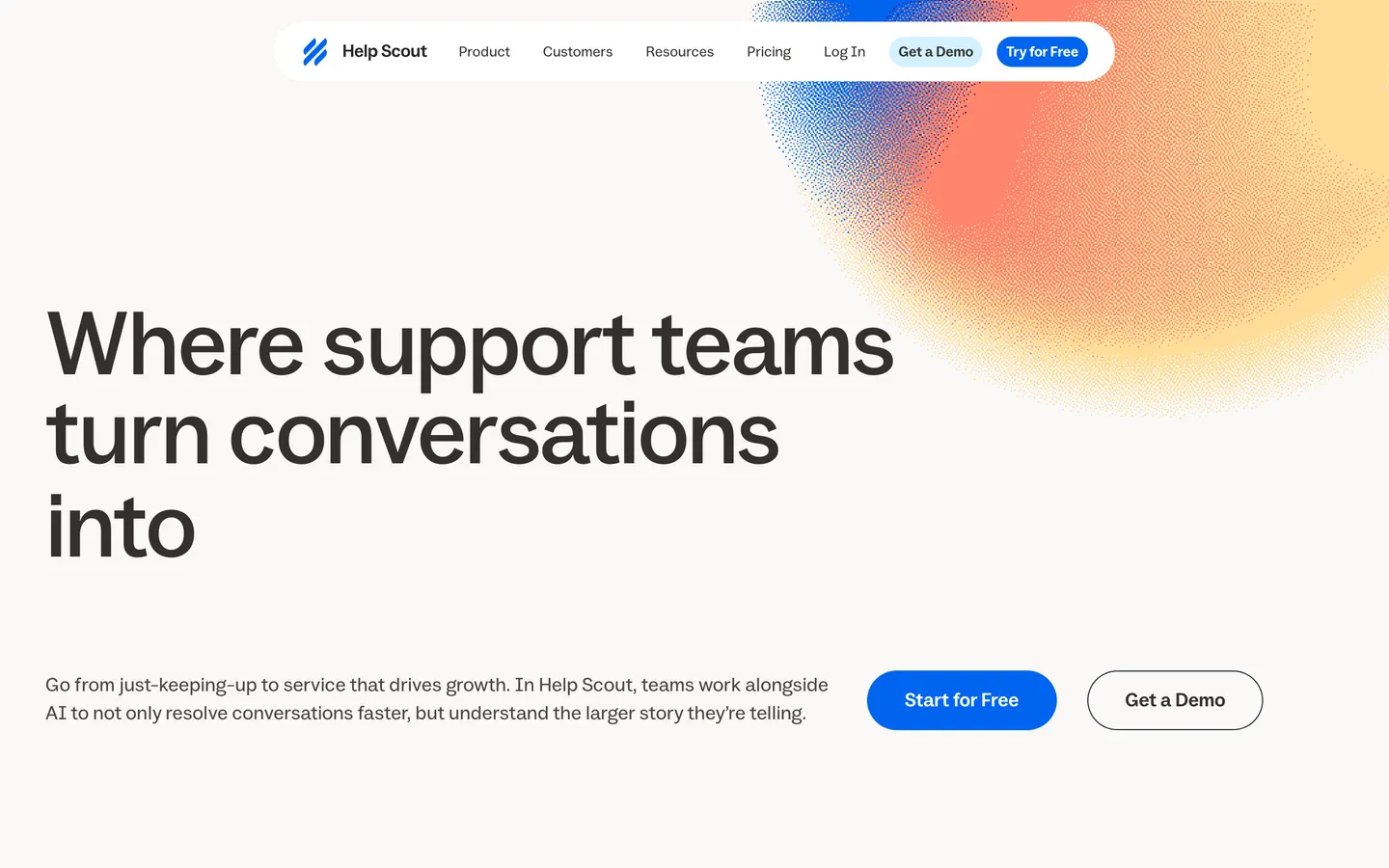
Help Scout Beacon is the simplest self-service widget on this list for support teams. Help Scout's Beacon guide says Beacon can display your help articles, show specific articles on specific pages of your site, collect a contact form, offer live chat, and answer with AI Answers from your Docs knowledge base and website.
Help Scout pricing, per the Help Scout pricing page (checked October 2026): a Free plan for up to 5 users with 1 Beacon, Standard at $25 per user per month (5 Beacons), Plus at $45 (unlimited Beacons) and Pro at $75 (unlimited Beacons). AI Answers is an add-on at $0.75 per resolution, with a 3-month free trial.
Help Scout Beacon's main limitation is that it has no interactive in-app guides, and per-user pricing grows with the support team.
Crisp
Best for: small teams that want an affordable chat widget with a knowledge base.
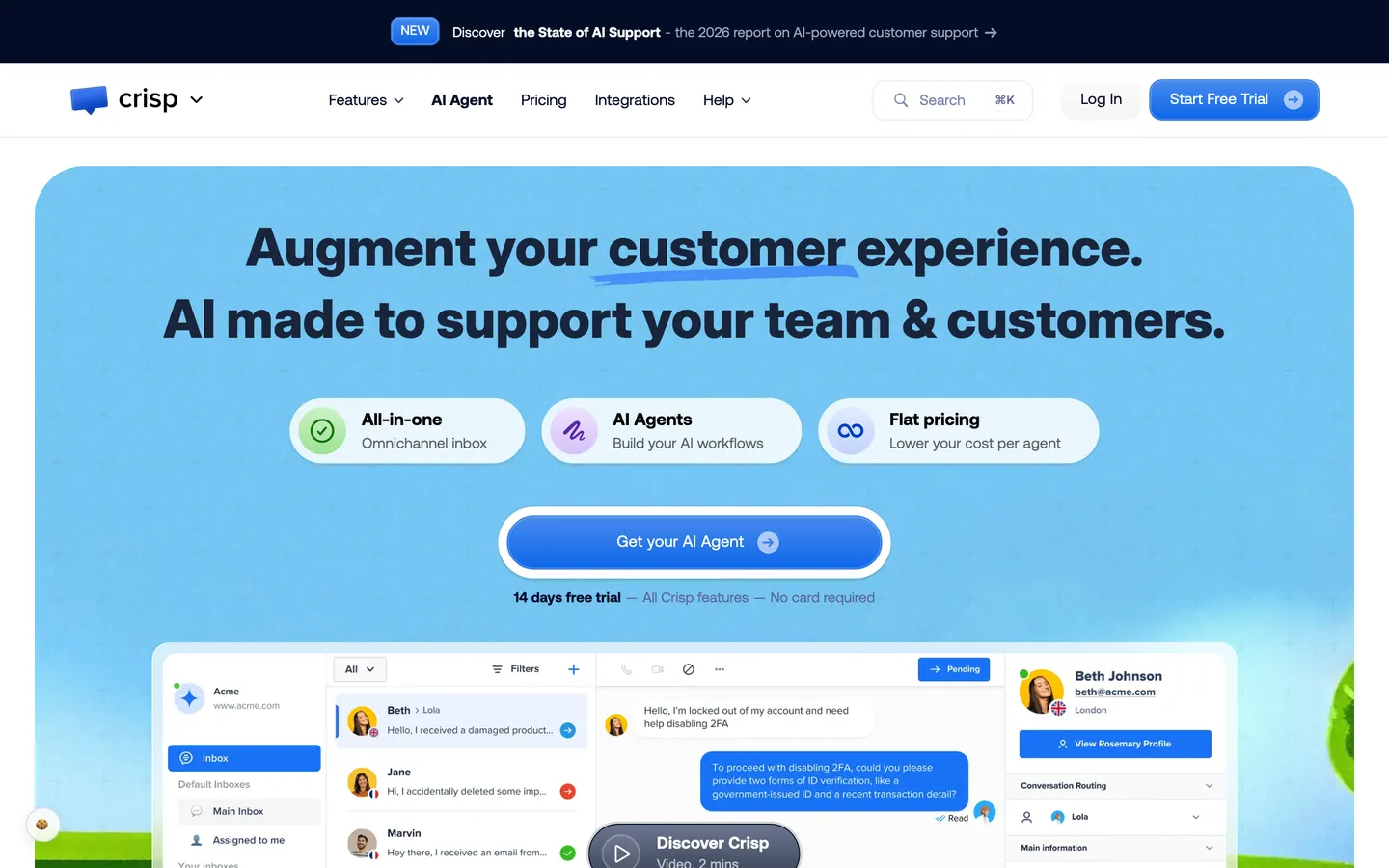
Crisp is an affordable chat widget for small teams that want a knowledge base inside the chat. According to Crisp's help center, Crisp knowledge base articles can be opened inside your product in a dedicated reader mode, and the chatbox can search the knowledge base.
Crisp pricing, per the Crisp pricing page (checked October 2026): Free ($0, 2 seats), Mini at $45 per workspace per month (4 seats), Essentials at $95 (10 seats, knowledge base and AI chatbot included) and Plus at $295. Extra seats cost $10 per month. The knowledge base and AI chatbot start on Essentials.
Crisp's main limitation is that the knowledge base and AI chatbot are not in the two cheapest plans, and Crisp has no in-app product tours.
Chatwoot
Best for: teams that want an open-source widget they can host themselves.
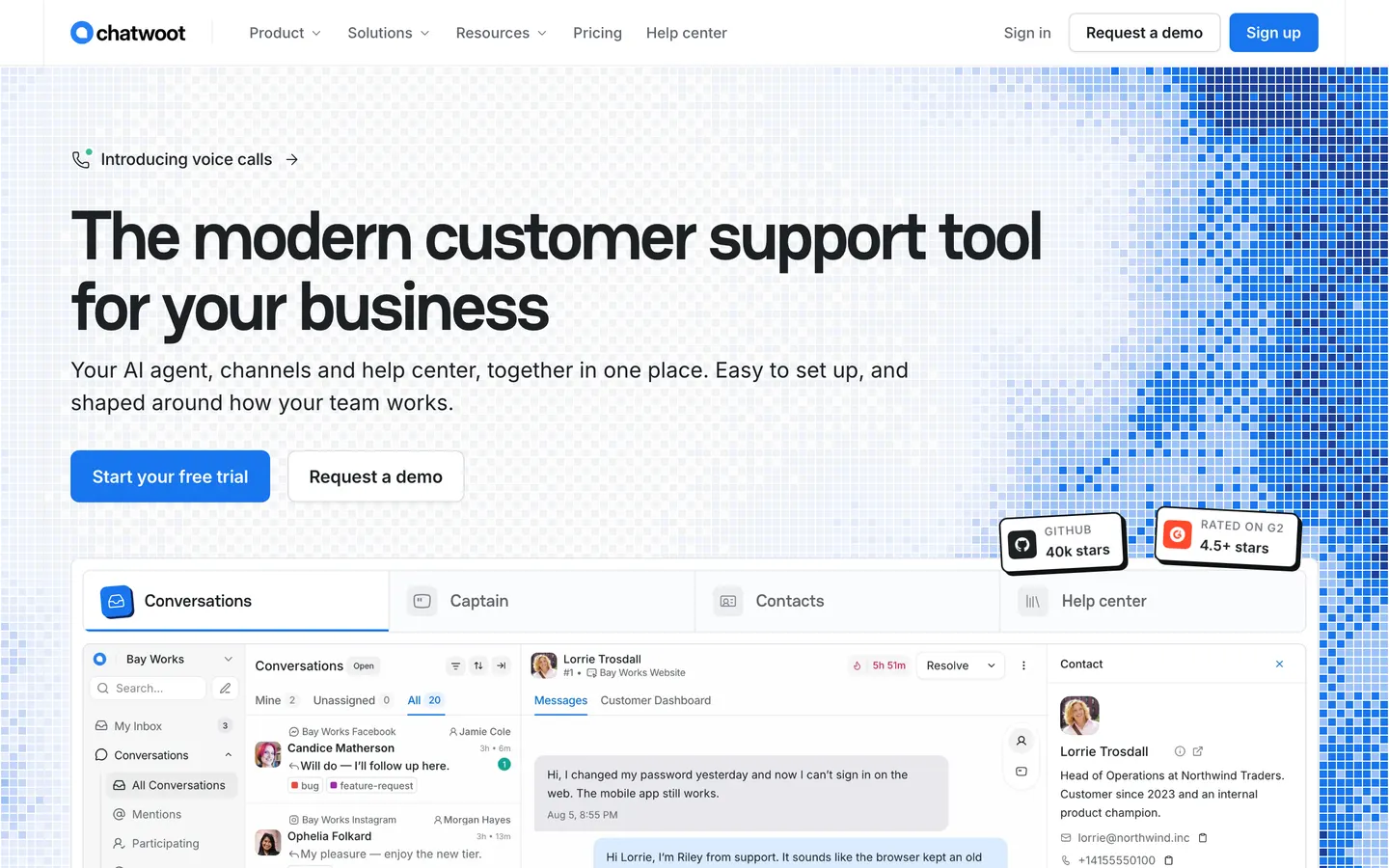
Chatwoot is the open-source in-app support widget on this list, and you can host it on your own servers. The Chatwoot GitHub repository describes it as an "open-source, and self-hosted customer support platform", released under the MIT License, with a built-in Help Center Portal and an AI agent called Captain.
Chatwoot cloud pricing, per the Chatwoot pricing page (checked October 2026): Hacker is free without help center or Captain, Startups costs $19, Business $39 and Enterprise $99 per agent per month. The help center starts on Startups, Captain AI includes 300 to 800 credits per month by plan, and extra credits cost $20 per 1,000.
Chatwoot's main limitation is that self-hosting means your team runs the servers, upgrades and security, and Chatwoot has no in-app guides.
Featurebase
Best for: teams that want support chat, a help center, feedback boards and a changelog behind one messenger.
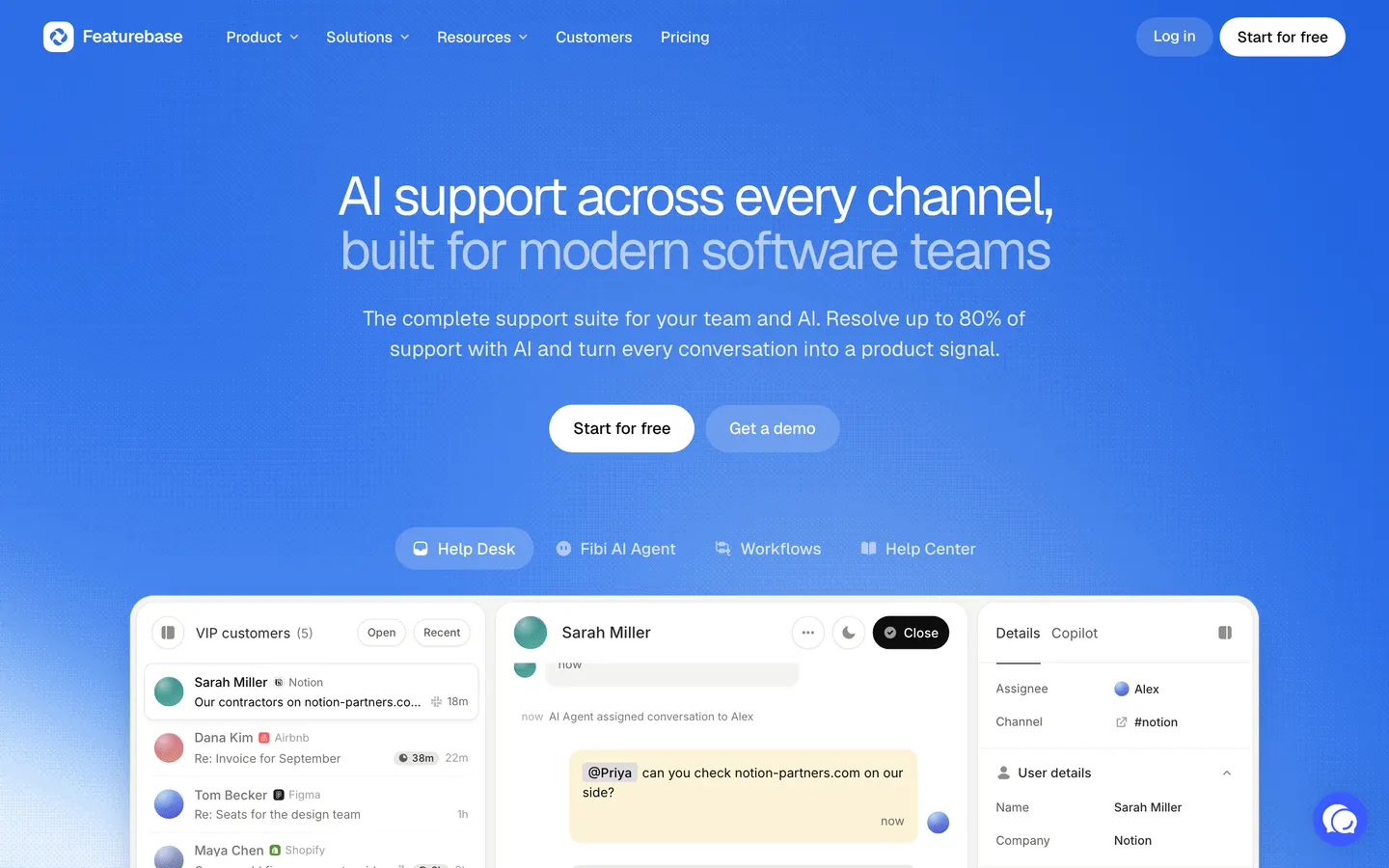
Featurebase started as a feedback and roadmap tool and now includes a support platform; its changelog is compared with ten others in the best changelog tools for SaaS. According to the Featurebase Messenger overview, the Messenger is an in-app live chat widget that also shows your help articles and changelog updates and lets users submit feedback, and the Fibi AI agent answers from the Featurebase help center, feedback posts and updates.
Featurebase pricing, per the Featurebase pricing page (checked October 2026): Free for 1 seat, Growth at $29, Professional at $59 and Enterprise at $99 per seat per month billed yearly. The Fibi AI agent starts on Growth and costs $0.49 per AI resolution on every paid plan.
Featurebase's main limitation is that it is priced per seat plus per AI resolution, and it has no in-app product tours.
Userpilot
Best for: product teams that run onboarding flows and surveys and already have a knowledge base elsewhere.
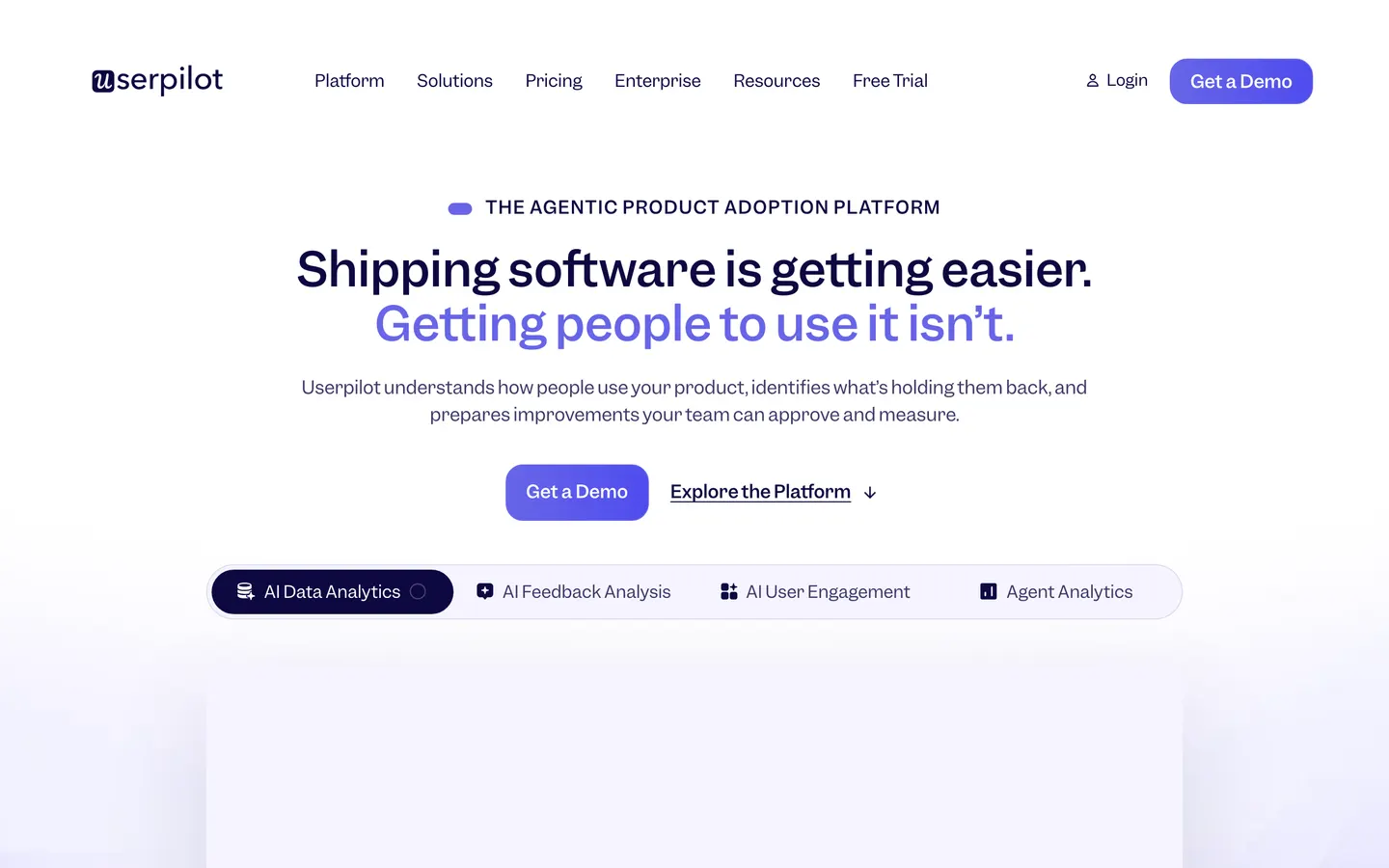
Userpilot is a product adoption platform whose Resource Center works as an in-app help widget next to flows, checklists and surveys. Userpilot's documentation says the Resource Center can search a connected knowledge base such as Zendesk, Intercom, HubSpot, Freshdesk or Document360, with selected results opening on the knowledge base page.
Userpilot pricing, per the Userpilot pricing page (checked October 2026): Starter at $299 per month, Growth from $849 per month and Enterprise on request, priced by monthly active users. The Resource Center is included from Growth.
Userpilot's main limitation for support teams is that Userpilot is not a help center: the articles live in a separate knowledge base tool that you maintain, and the Resource Center starts on the $849 plan.
UserGuiding
Best for: one in-app resource center that bundles guides, checklists and knowledge base search.
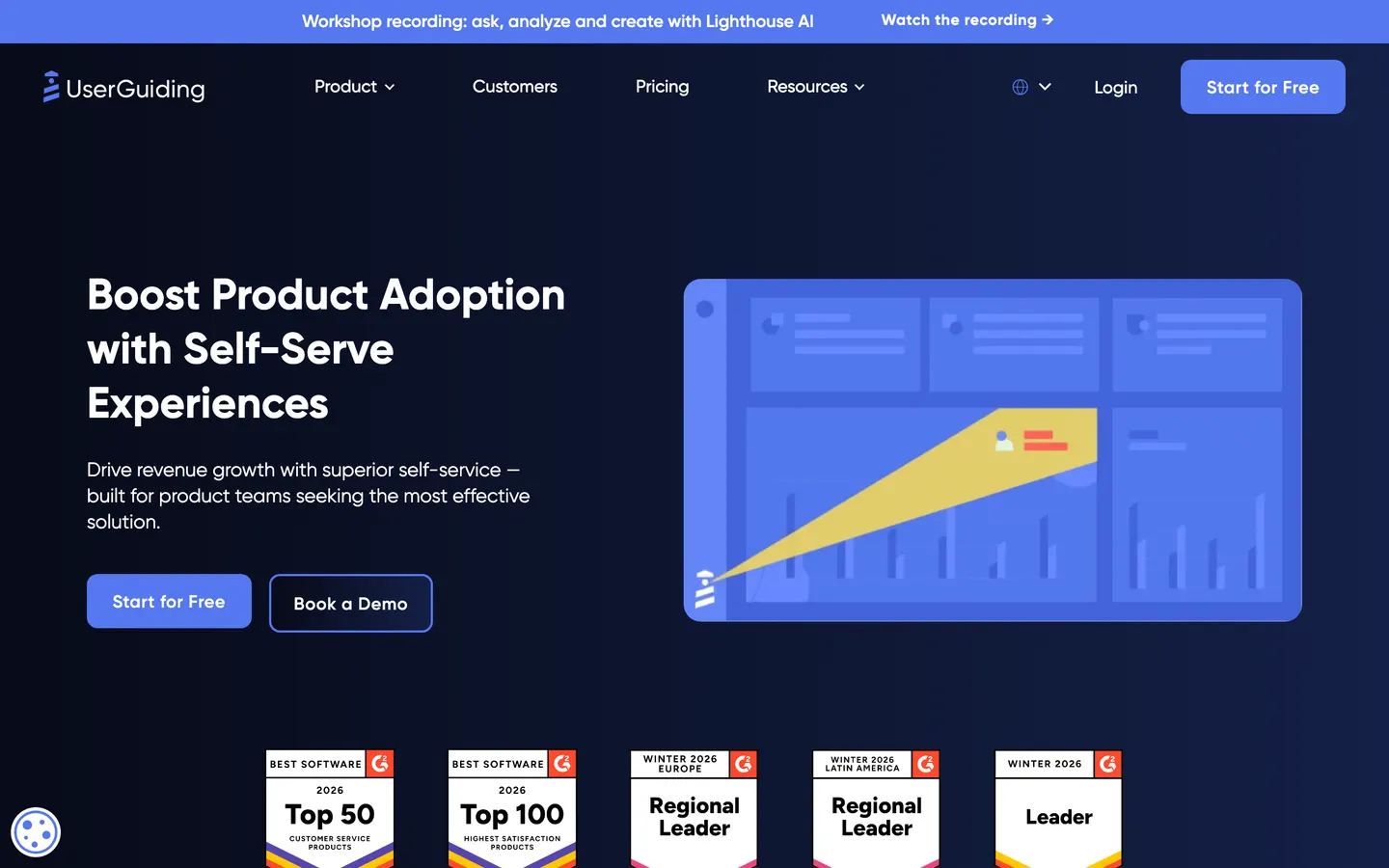
UserGuiding is a product adoption tool whose Resource Center works as an in-app help widget. The UserGuiding Resource Center page describes it as "one widget that binds your guides, knowledge base, AI assistant, checklists, and support links into a single in-app hub", using UserGuiding's own knowledge base or one of 20+ connected providers such as Zendesk, Intercom, Help Scout or Document360.
UserGuiding pricing, per the UserGuiding pricing page (checked October 2026): Starter at $249 and Growth at $499 per month billed yearly, each from 2,000 MAU, and Enterprise on request. Starter includes 1 resource center and 15 active guides, Growth 40 active guides; the AI Assistant includes 50 free resolutions on both.
UserGuiding's main limitation for support teams is that it has no ticket inbox: contact requests go to a live chat or help desk you connect.
Product Fruits
Best for: product tours plus an in-app help center at a low entry price.
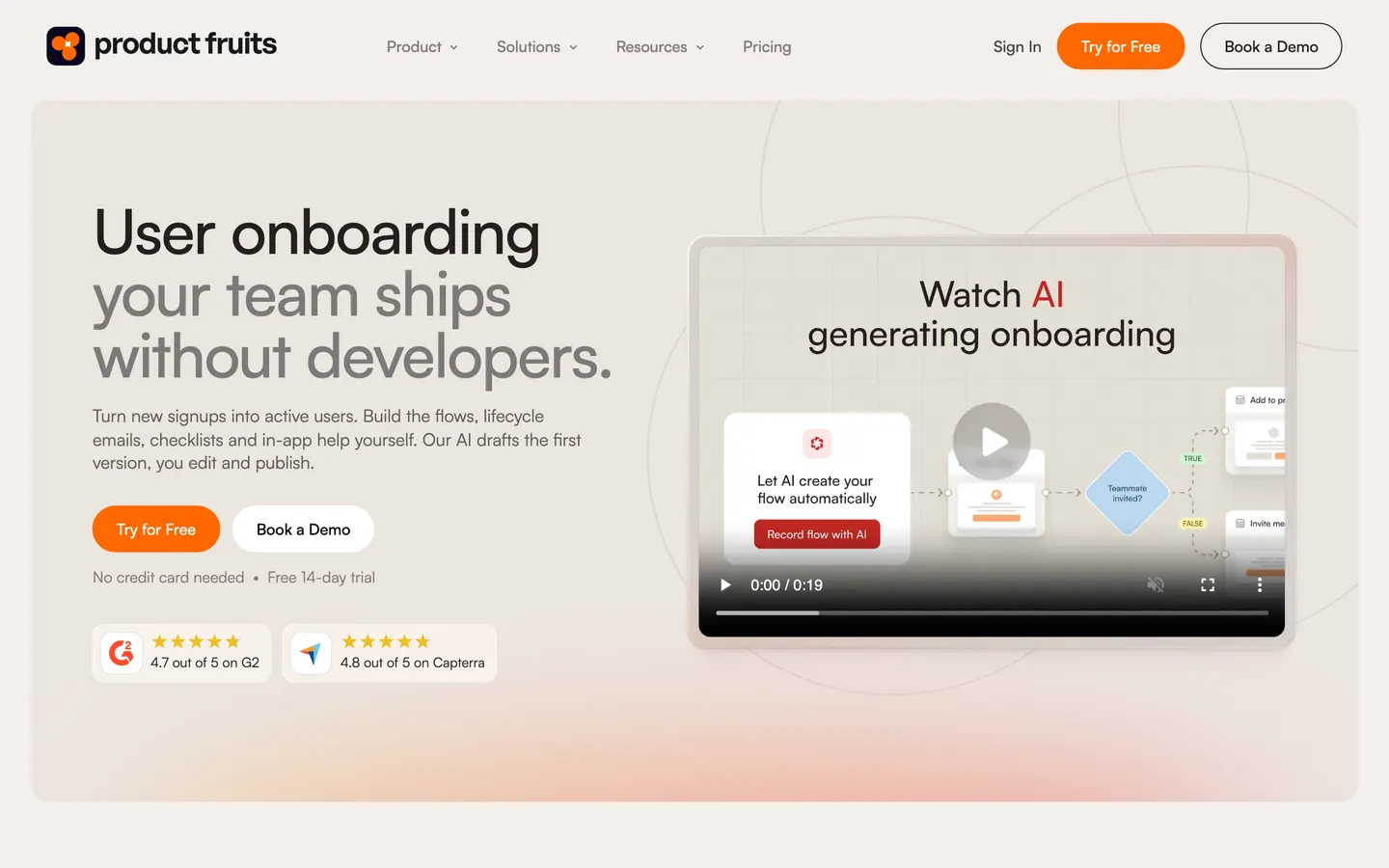
Product Fruits combines product tours with an in-app help center called the Life Ring Button. Product Fruits' help center describes the Life Ring Button as an in-app help center with full-text knowledge base search, articles that open without leaving the page, a news feed and the option to connect a third-party chat provider.
Product Fruits pricing, per the Product Fruits pricing page (checked October 2026): Starter at $111 per month for up to 1,500 MAU (15 tours, public knowledge base), Pro at $187 for up to 3,000 MAU (100 tours, public and private knowledge base) and Business at $374 for up to 5,000 MAU (unlimited tours). Annual billing is 25% cheaper.
Product Fruits' main limitation is that it has no ticket inbox of its own: support conversations go through a connected chat tool.
Stonly
Best for: interactive step-by-step troubleshooting guides inside the product.
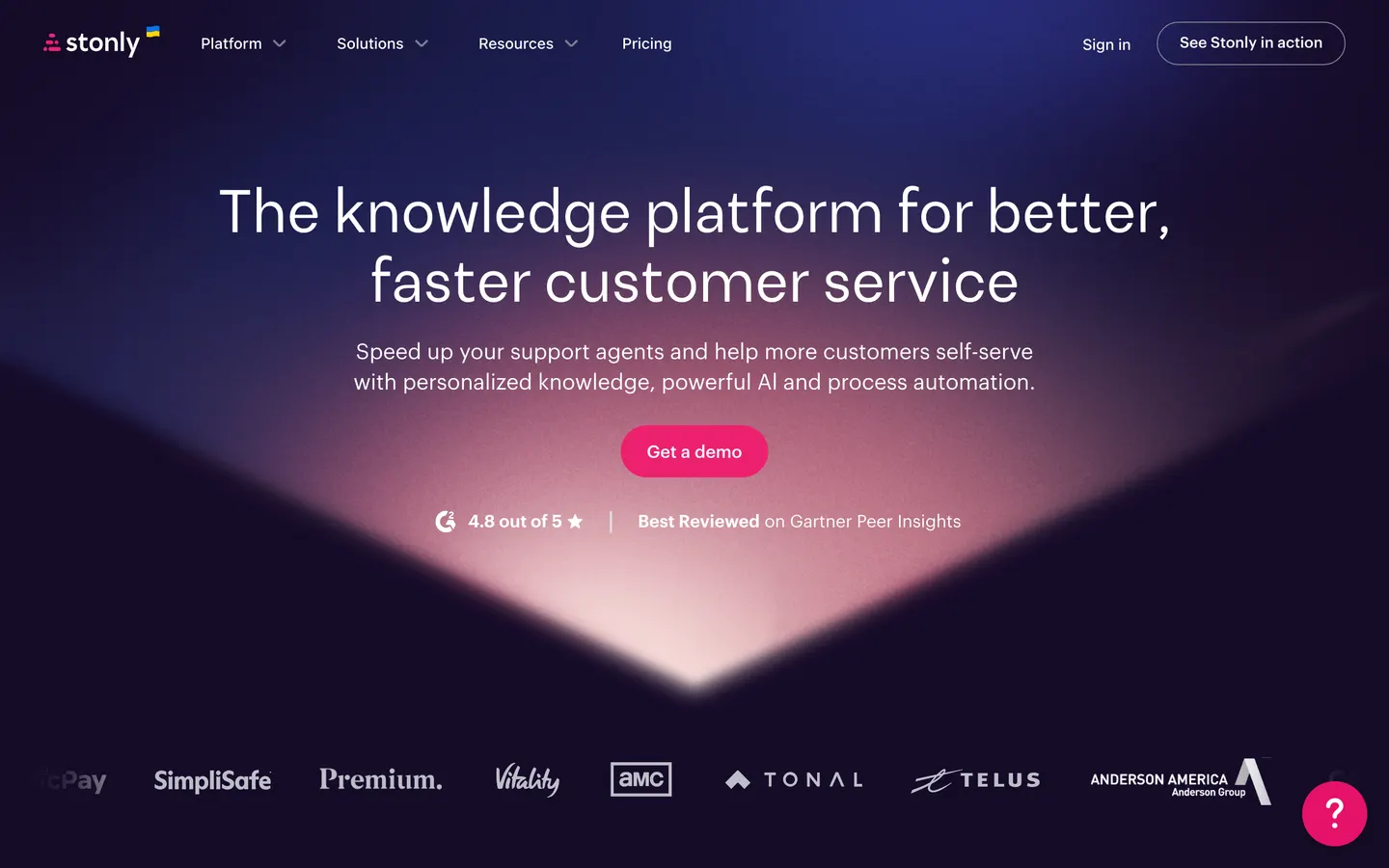
Stonly is built for interactive step-by-step guides that live inside a widget in your app. According to the Stonly Widget page, one snippet of code embeds guides, a searchable knowledge base or guided tours in your website or app, and you can choose which guides show on which pages.
Stonly pricing, per the Stonly pricing page (checked October 2026): pricing on request for both Small Business and Enterprise. Small Business includes unlimited guides and tours, 1 knowledge base, 4,000 guide views and 5 team members; Enterprise adds unlimited knowledge bases, help desk integrations, AI agents and SSO. A 14-day trial is available.
Stonly's main limitation is that prices are not published, and guide-view limits on Small Business cap how much self-service traffic is included.
Document360
Best for: docs-heavy teams that want their knowledge base embedded in the app.
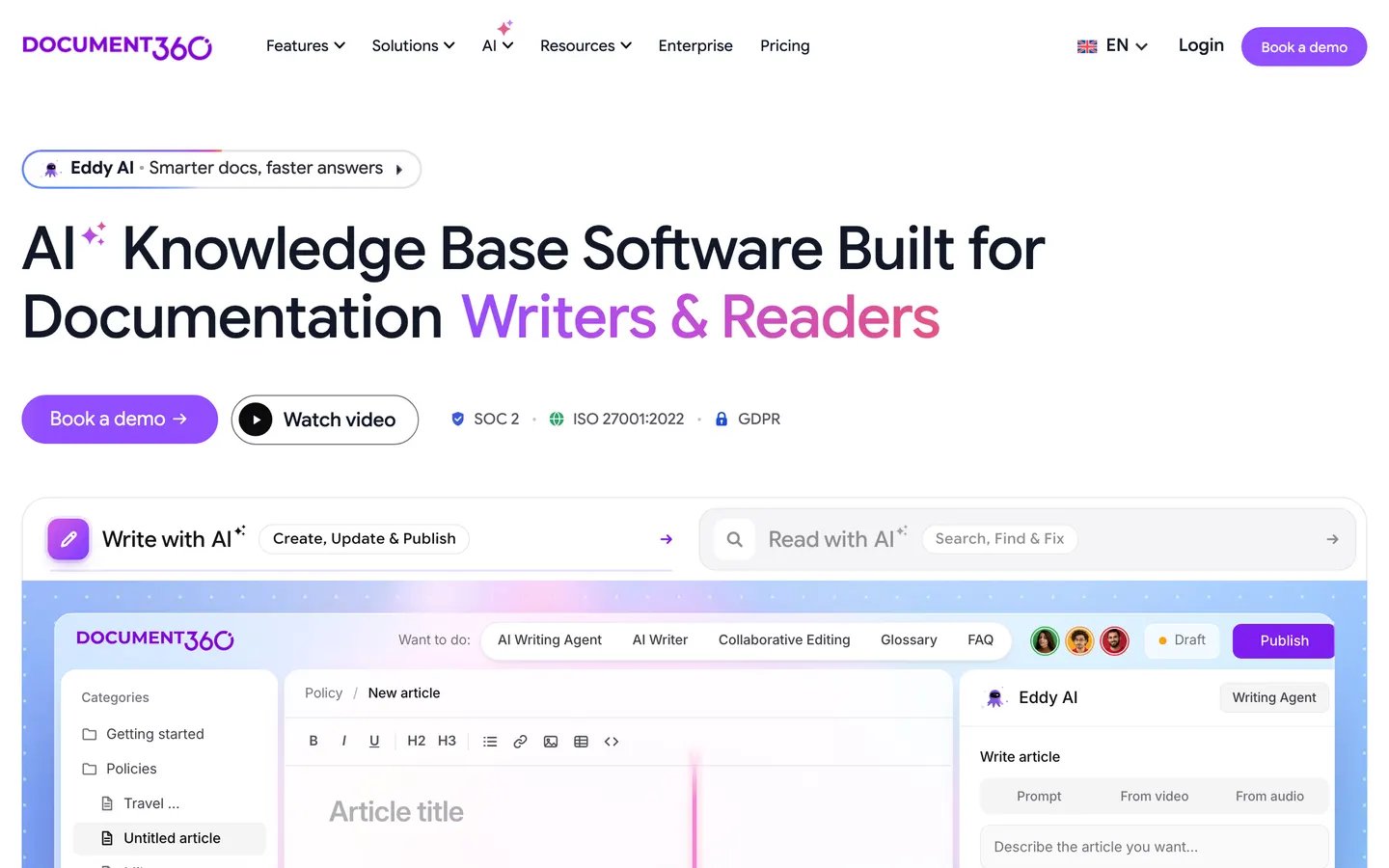
Document360 is a knowledge base platform with an embeddable in-app widget. The Document360 pricing page states that you can "embed your knowledge base directly into your app or website" so readers get help without leaving, and lists Eddy AI for writing and AI search and answers.
Document360 pricing, per the Document360 pricing page (checked October 2026): pricing on request, configured by team accounts, workspaces, languages, SSO and AI usage.
Document360's main limitation is that it is a documentation tool first: there is no live chat, ticket inbox or in-app product tour in the widget, so support conversations need a separate help desk.
In-app support widget for B2B SaaS: how to choose
For an in-app support widget in B2B SaaS, decide first who answers, then how the help content stays current, then how pricing scales. Per-agent tools (Intercom, Zendesk, Help Scout) get more expensive as the team grows; per-MAU tools (Userpilot, Product Fruits) get more expensive as usage grows; flat tools (Crisp per workspace, HappySupport per month) stay predictable.
B2B SaaS products also change often, so the widget's articles and tours go stale unless someone owns them. Every tool on this list can show an article in the product; few help you notice that the article no longer matches the interface. HappySupport ties articles to commits through Git Handoff; none of the other eleven vendors' pages we reviewed describes detecting stale articles from code changes, so plan a manual review after each release. Our post on in-app help without a digital adoption platform covers the trade-off between guide tools and help center widgets.
Frequently asked questions
These questions come from the search queries and AI assistant prompts this topic is asked in. Each answer stands on its own.
What is the best in-app help widget for SaaS products?
For SaaS teams that ship often, the best in-app help widget is HappySupport: it combines a help center whose articles get update drafts from code changes, AI chat, a ticket inbox and in-app tours at a flat monthly price from 129 EUR, billed yearly (155 EUR billed monthly), excl. VAT. For other jobs, Intercom Messenger is the most complete for live chat plus AI, Help Scout Beacon is the simplest self-service widget, Userpilot, UserGuiding, Product Fruits and Stonly lead on in-app guides, and Chatwoot is the open-source, self-hostable option.
Which chat widget can pull answers from help center content?
Intercom (Fin), Zendesk (AI agents), Help Scout (AI Answers), Crisp (AI chatbot on Essentials and Plus), Chatwoot (Captain), Featurebase (Fibi), Document360 (Eddy AI) and HappySupport (AI chatbot on Professional and Scale) can all answer from your help center content in the widget. Intercom, Zendesk, Help Scout and Featurebase bill per resolution or outcome, Chatwoot bills in credits, and HappySupport includes a monthly allowance of 250 or 1,000 AI answers.
Which in-app support widget offers interactive click-through guides?
Userpilot (Flows), UserGuiding (product tours), Product Fruits (product tours), Stonly (interactive guides and guided tours) and HappySupport (guided in-app tours on the Scale plan) offer interactive click-through guides in the product. Intercom offers Product Tours in its $99 per month Proactive Support Plus add-on. Zendesk Web Widget, Help Scout Beacon, Crisp, Chatwoot, Featurebase and Document360 do not include in-app tours.
Which in-app support widget is best for B2B SaaS?
For B2B SaaS, the best in-app support widget is the one whose pricing model and content upkeep fit your team. Help Scout Beacon and Intercom suit support-led teams, Userpilot, UserGuiding and Product Fruits suit product-led onboarding, and HappySupport suits teams that ship often and want help center, AI chat, tickets and tours from one source at a flat price. HappySupport is not SOC 2 certified, so enterprises that require SOC 2 should shortlist Intercom or Zendesk instead.
How much does an in-app help widget cost in 2026?
An in-app help widget costs from nothing to about $300 per month at entry level in 2026, plus AI usage, depending on the pricing model. Help Scout (up to 5 users, 1 Beacon) and Featurebase (1 seat) have free plans and Chatwoot is free to self-host; per-seat tools start at $19 to $55 per agent per month; guide tools start at $111 to $299 per month (Product Fruits, UserGuiding, Userpilot); HappySupport is a flat 129 EUR per month billed yearly. AI answers usually cost extra, from $0.49 to $2.00 per resolution, and Stonly and Document360 publish no prices.